Client console Error | Community
Skip to main content
This post is no longer active and is closed to new replies. Need help? Start a new post to ask your question.
Best answer by ParthaSarathy

Hi @alnavarg ,

Other campaign users of your instance also facing the same issue while login?

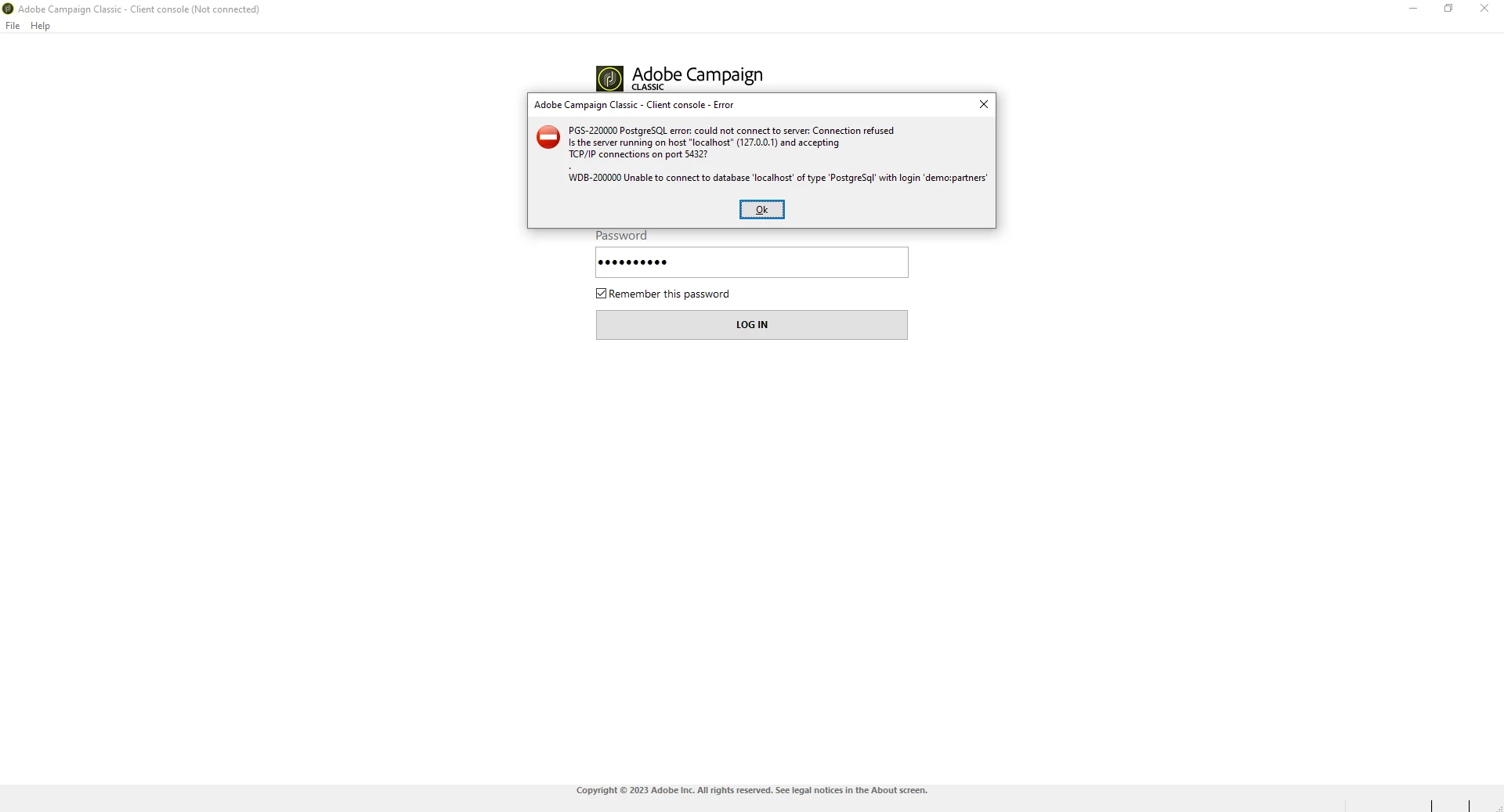
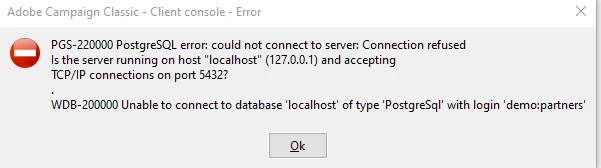
In general, User will get WDB-200000 error, When you try to use incorrect database password or your database is currently unavailable to take new requests.


Check with your database team or create an Adobe support ticket.

You can raise Adobe support ticket by sign in to https://adminconsole.adobe.com/ > Support > Support cases > Create case > provide all the details asked in case ticket.

If you don't have Adobe admin console access, contact your system administrator. 

5 replies

LakshmiPravallika
Community Advisor
Community Advisor
June 12, 2023

Hi @alnavarg ,


Please check whether your IP Address is whitelisted in Control Panel, if not please whitelist it and re-check again.


Regards,

Pravallika.

alnavarg
alnavargAuthor
June 13, 2023

We continue with the error and today is worst 


alnavarg
alnavargAuthor
June 13, 2023

We continue with the error and today is worst 


ParthaSarathy
Community Advisor
ParthaSarathyCommunity AdvisorAccepted solution
Community Advisor
June 14, 2023

Hi @alnavarg ,

Other campaign users of your instance also facing the same issue while login?

In general, User will get WDB-200000 error, When you try to use incorrect database password or your database is currently unavailable to take new requests.


Check with your database team or create an Adobe support ticket.

You can raise Adobe support ticket by sign in to https://adminconsole.adobe.com/ > Support > Support cases > Create case > provide all the details asked in case ticket.

If you don't have Adobe admin console access, contact your system administrator. 

 ~  ParthaSarathy S~  Click here to join ADOBE CAMPAIGN USER GROUP for Quarterly In-person | Hybrid | Virtual Meetups
alnavarg
alnavargAuthor
June 14, 2023

@parthasarathy 

The error happens to the whole team

adobechat
June 14, 2023

hi @alnavarg is this resolved? Was any build upgrade carried out? TBH lot of avenues to go through to debug this and community is not the right place, please raise it with your Adobe support as its related to your instance / client.

Thanks

Madhan

_Manoj_Kumar_
Community Advisor
Community Advisor
June 15, 2023

It looks like the credentials of the DB were changed. Where is this instance hosted? It is on a local machine or provisioned by Adobe?


If provisioned by Adobe, then create a support ticket.

If it is a self-hosted instance, then update the credentials in the config file.

     Manoj     Find me on LinkedIn