
Solved
Add custom delivery property
What steps are required to add a new property to the delivery properties - "general" tab within an email template?
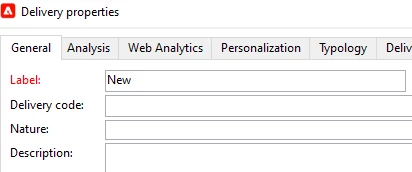
What steps are required to add a new property to the delivery properties - "general" tab within an email template?
Hi @campaignap ,
Yes that is possible. Steps to be followed.
1) Extend the out of the box "nms:delivery" schema. Define the new column in the extended schema.
2) Go to input Forms --> nms:delivery. Add your new column at highlighted place in the screenshot.
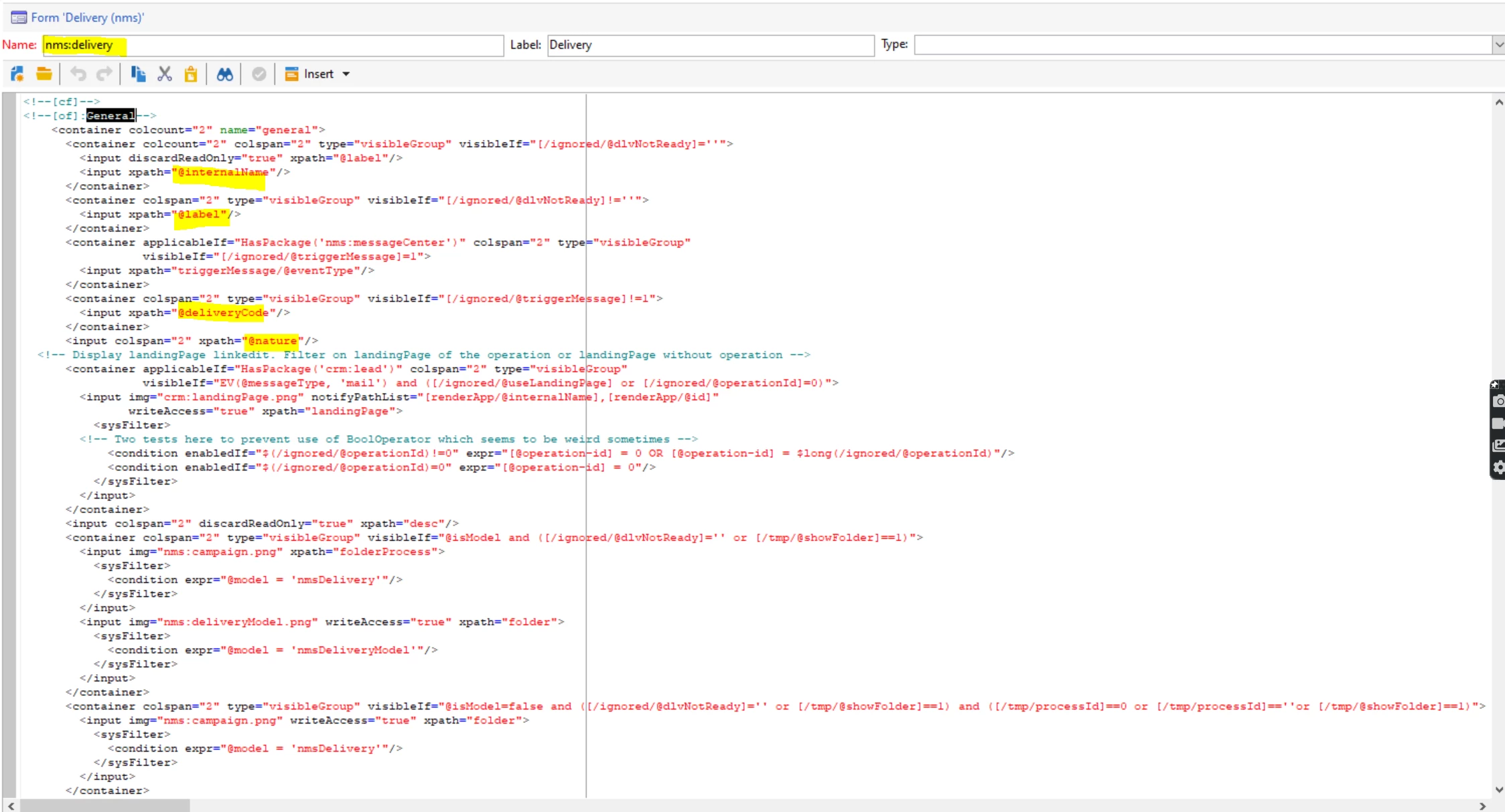
Decide where you want new column to be present.
Thanks,
Jyoti.
Enter your E-mail address. We'll send you an e-mail with instructions to reset your password.