Use of variable in continuous delivery, how to do ? | Community
Skip to main content
Level 2
June 12, 2017
Solved

Use of variable in continuous delivery, how to do ?

  • June 12, 2017
  • 20 replies
  • 17831 views

Hi all,

I'm using continuous delivery, and I would like to personalize data in the message with variables. My data are not linked to the recipient dimension. I tried to use variable defined in the delivery (delivery properties, variables tab) but I'm not able to assign a value to my delivery variable in my workflow. I don't find the syntax to use in the initialization script of my continuous delivery.

Could someone help me with this ?

Best regards,

Celine

This post is no longer active and is closed to new replies. Need help? Start a new post to ask your question.
Best answer by Marcel_Szimonisz

Hello,

The error is okey

but make sure you are using the right instance variable and actually it is better to use alert activity instead of delivery.

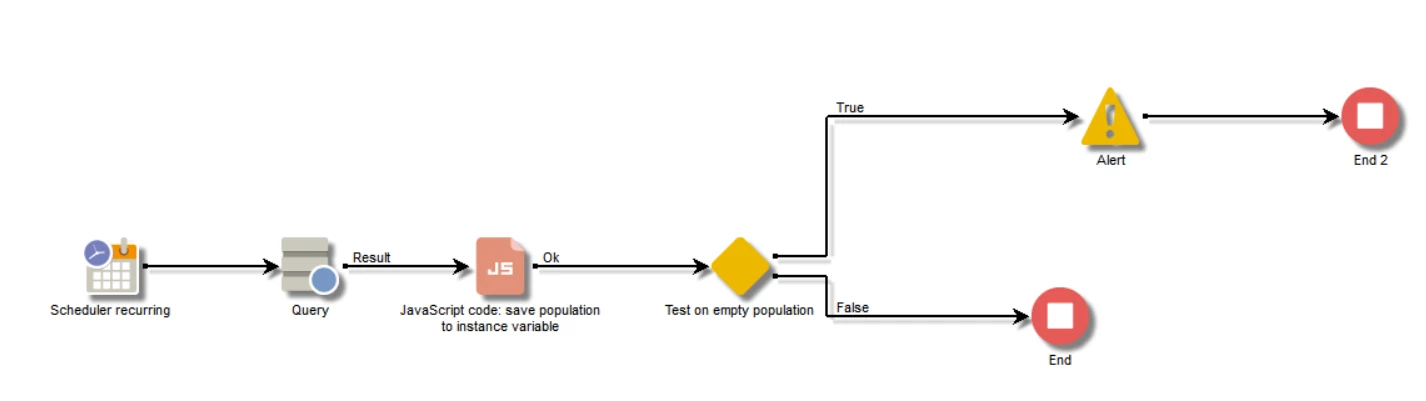
The workflow can look like the one below:

where:

- query population you want report on

- java script activity where you save population from query to the instance variable

  • also you can write this code into the initialization script of the alert activity instead of having JS activity in the workflow

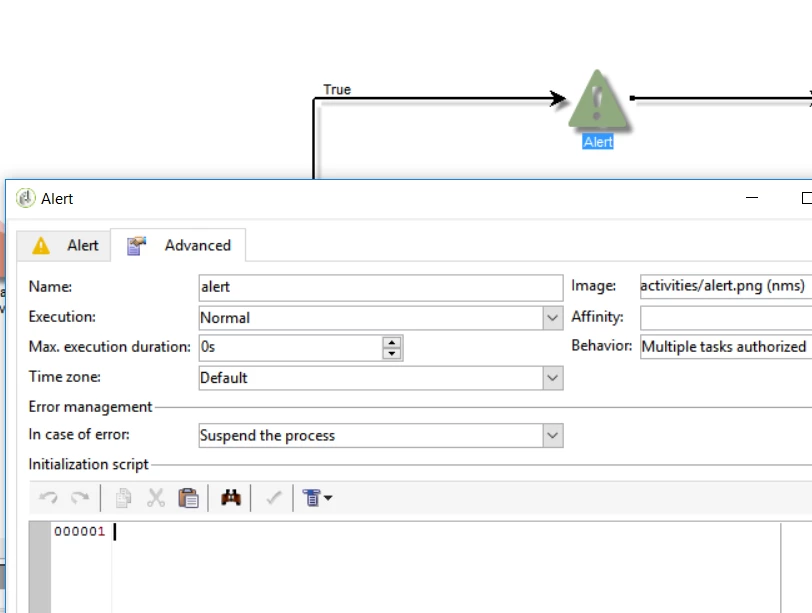
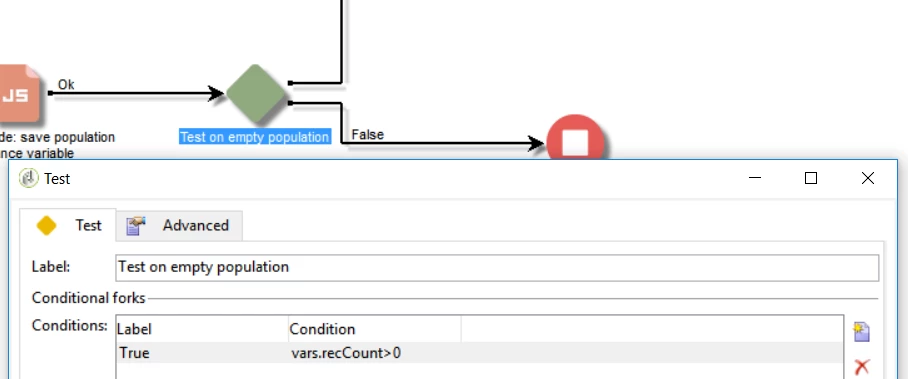
- test activity is checking population count > 0 in which case it will send alert message to any operator or group

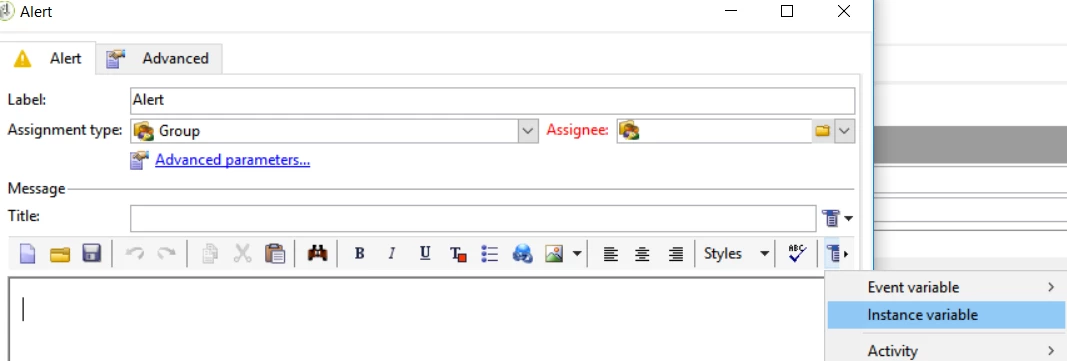
- alert where you loop over the population and make e.g table from it, which will be send alert to operator

Marcel

20 replies

Marcel_Szimonisz
Community Advisor
Community Advisor
June 12, 2017

Hello Celine,

you need to use enrichment to add any additional data to the recipient table and then use it as you would normally use it in the delivery. If the data are not linked you can use reconciliation tab for adding data to the pipeline.

BR,

Marcel

Level 2
June 12, 2017

Hello Marcel,

Thanks for your answer, but it won't work for me. My targeting workflow works on a dimension wich is not the dimension used for the delivery, and I've no fields on which I can do a reconciliation. I would like to send an email to a particular operator with data concerning recipients that I've collected in the workflow. That's why I want to use variables and not target data.

Any idea to do that ?

(sorry for my english...)

Céline

Marcel_Szimonisz
Community Advisor
Community Advisor
June 12, 2017

Hello Celine,

so you have output from workflow and you want send the information in the pipeline to some operator, right?

If this is the case (hope so) you need to collect data stored in the pipeline and display them in the delivery (alert to operator).

It can be easily done by:

Either adding java script code in the activity before the delivery or you can actually paste JS code right into the alert or delivery itself.

1)

Add JS activity before delivery and check name of activity before.

var query = xtk.queryDef.create(

    <queryDef schema="query" operation="select">

      <select>

       <node expr="fields_from_select1"/>

       <node expr="fields_from_select2"/>

      </select>

     </queryDef>

  );

  instance.vars.items = query.ExecuteQuery();

EDIT:

 <queryDef schema="temp:query".....

it should be temp:activity_name

2) Add JS code to the delivery activity

you need to loop data saved in instance.vars.items  and display them in the email contents:

<% for each (var item in instance.vars.items){ %>

  <%=  item.field_from_select1 %>

  <%=  item.field_from_select2 %>

  <%=  item.field_from_select3 %>

<%}%>

Write JS code in the source mode

<% %>        for JS code

<%= %>        for writing JS code to the output

You can create e.g. table to display the data.

All put together

BR,

Marcel

Level 2
June 12, 2017

Hello Marcel,

Thanks a lot for your answer. It will be very useful for me.

I've just one problem with it : when I run my workflow, I've a message in my delivery which says :

'Erreur lors de l'évaluation du script 'contenu htmlContent' ligne 4 : instance is not defined'

My delivery is based on a template/model, so maybe it's why it doesn't work properly. I will try with an email delivery without model and see.

Best regards,

Céline

Marcel_Szimonisz
Community Advisor
Marcel_SzimoniszCommunity AdvisorAccepted solution
Community Advisor
June 12, 2017

Hello,

The error is okey

but make sure you are using the right instance variable and actually it is better to use alert activity instead of delivery.

The workflow can look like the one below:

where:

- query population you want report on

- java script activity where you save population from query to the instance variable

  • also you can write this code into the initialization script of the alert activity instead of having JS activity in the workflow

- test activity is checking population count > 0 in which case it will send alert message to any operator or group

- alert where you loop over the population and make e.g table from it, which will be send alert to operator

Marcel

Level 2
June 14, 2017

Hello Marcel.

I had a problem with the instance variable, wich appeared to be considered as a String and not as an XML element.

I just add a lign in the script and it's OK :

Thank you very much for your help,

Céline

davidh2892249
Level 5
July 4, 2017

Hi Marcel marcel.gent.86

Can you just share some screengrabs of the Query configuration?

I assume the data that we want to loop in the delivery template needs to be added in the query, using "Add data" and then referencing the output column alias's in javascript code activity and the for loop in the Alert activity.

Sorry for the spoonfeeding, but a full example which each activity configured and real output field references in the subsequent code would be great.

Thanks

David

Marcel_Szimonisz
Community Advisor
Community Advisor
July 13, 2017

Hello David,

you do not have to use "Add data" because the data you are querying are there but under the target element that means you need to query e.g. not @label but [target/@label] or @internalName but [target/@internalName]

To get idea what you can bring to the alert pause the alert activity and look at the target in it by right click on the pipeline.

But if you add additional data of the same filtering dimension you will not have to use this target prefix

Alert activity could look like this:

<!DOCTYPE HTML PUBLIC "-//W3C//DTD HTML 4.0 Transitional//EN">

<HTML><HEAD>

</HEAD>

<BODY>

<P>

<%

var query = xtk.queryDef.create(

<queryDef

schema="temp:queryToPick" operation="select">        

  <select>        

    <node expr="[target/@label]"/>       

    <node expr="[target/@internalName]"/> 

    <node expr="[target/operation/@internalName]"/>

    <node expr="[target/operation/@label]"/>

</select>                            

</queryDef>

);

var items = query.ExecuteQuery();

%>

<P>List of failed workflows in the last 30minutes </P>

<TABLE>

  <THEAD>

  <TR>

    <TD>Workflow</TD>

    <TD>Internal Name</TD></TR></THEAD>

  <TBODY>

<% for each (var item in items){%>

  <TR>

    <TD><%= item.target.@label %> ( <%= item.target.operation.@label %> )</TD>

    <TD><%= item.target.operation.@label %> ( <%= item.target.operation.@internalName %>

    )</TD></TR>

<% } %>

</TBODY>

</TABLE>

</BODY>

</HTML>

Hope this helps.

Marcel

Amit_Kumar
Level 10
July 14, 2017

Thanks Marcel for this very illustrative explanation. It's really great that you have covered everything.

David, simple suggestion use alias in you query additional data to get rid of the target. It will be easy to use that column in your alert activity with alias names.

Regards,

Amit

davidh2892249
Level 5
July 14, 2017

marcel.gent.86

Thank you so much for the reply Marcel, this is really great!