
Solved
Restricting access to a folder
Hi all,
I'm relatively new to Campaign so potentially I'm missing a piece of configuration on this. I'm trying to lock down access of a user to a particular folder - at the moment I'm testing on a sample user and folder but hoping to replicate this with real users.
I have gone into the operator profile, into Access Rights, checked the "Restriction to folder" checkbox and selecting my sample folder - it's a folder containing a new input form for some of our users.
When the sample user logs in again they only see that folder, which is great but when they click on it an error message pops up. 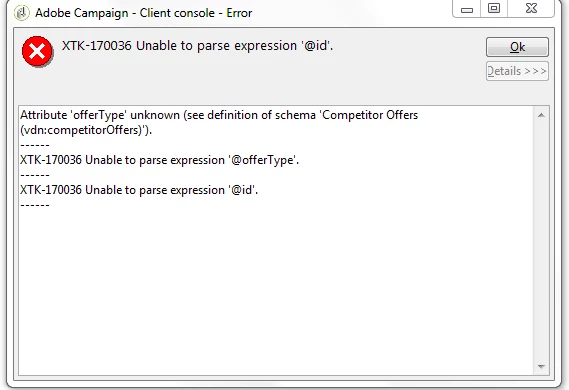
The folder and form can be accessed with no errors by other users so I'm guessing it's something to do with the restricted access.
.png)