How to use profile substitutions in a recurring email? | Adobe Higher Education
Skip to main content
Level 2
November 25, 2020
해결됨

How to use profile substitutions in a recurring email?

  • November 25, 2020
  • 2 답변들
  • 1785 조회

Hi,


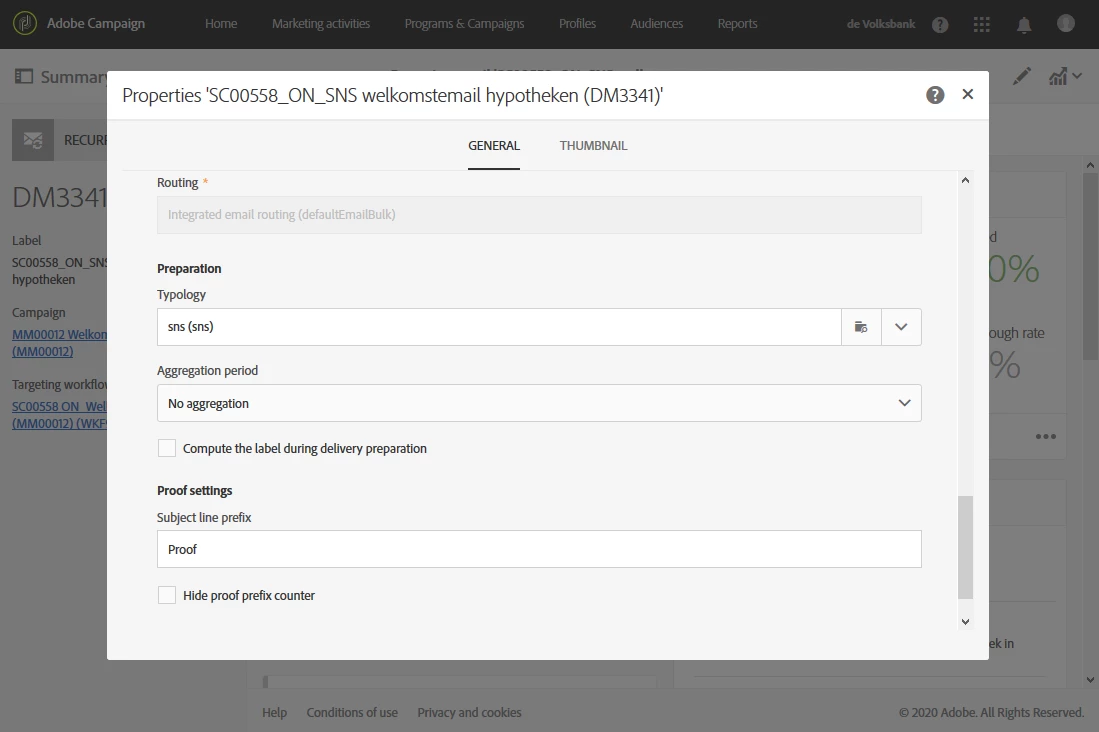
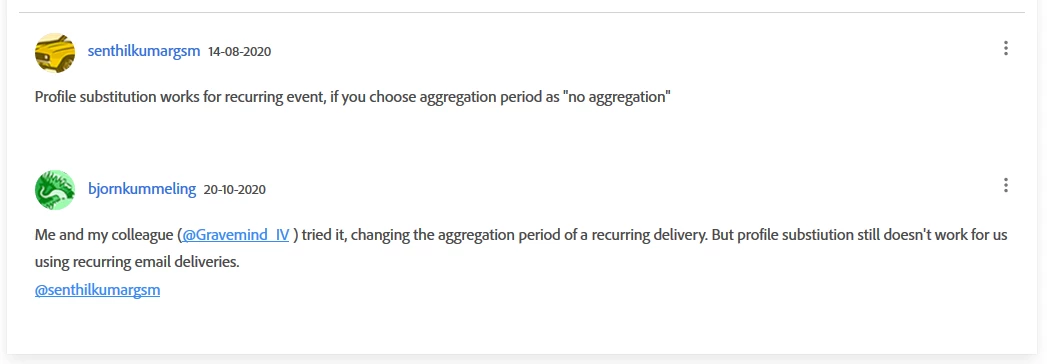
I've read in a comment on this topic (profile-substitution-for-proofing) that profile substitutions in ACS should work in a recurring email when using 'no aggregation period'.

We've tried that multiple times at de Volksbank, but it doesn't work for us.


Do you know if this option is available for recurring emails and which steps we have to take?

I'm a little confused, that's why I'm checking it with Adobe professional @sukrity_wadhwa 


Kind regards,

Björn Kummeling


Settings
 

Message
Topic
이 주제는 답변이 닫혔습니다.
최고의 답변: mmbb110

@bjornkummeling , Profile substitution is not directly available in the parent delivery. once you set up the workflow and the re-occurring email using no aggregation, at the schedule of your email delivery select request confirmation before send.

Then use the below steps,

start the workflow

it should show as sending started.

then click on the three horizontal dots in the corner

from the execution list select the delivery

in this delivery you can add profile substitution via Audience and test the delivery proof.

2 답변

DavidKangni
Community Advisor
Community Advisor
November 26, 2020

Hi Bjorn,


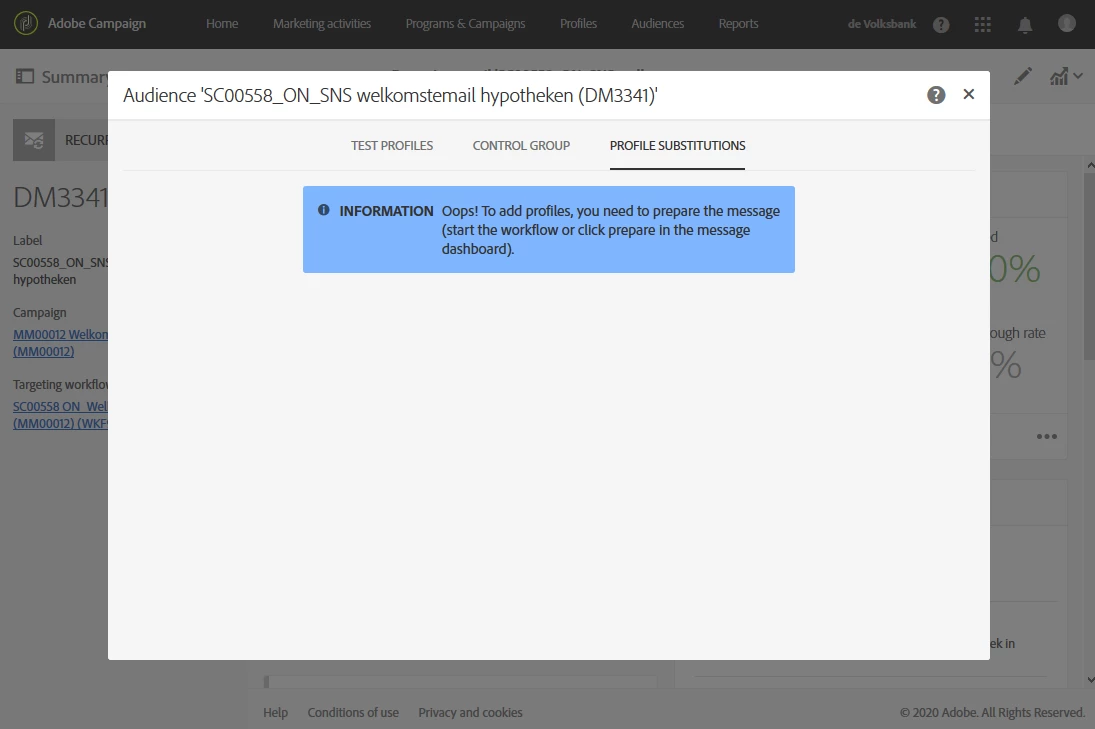
I think you need to prepare your delivery first to be able to add profile substitution.


Thanks,

David

David Kangni
mmbb110답변
Level 9
November 28, 2020

@bjornkummeling , Profile substitution is not directly available in the parent delivery. once you set up the workflow and the re-occurring email using no aggregation, at the schedule of your email delivery select request confirmation before send.

Then use the below steps,

start the workflow

it should show as sending started.

then click on the three horizontal dots in the corner

from the execution list select the delivery

in this delivery you can add profile substitution via Audience and test the delivery proof.

Level 2
December 1, 2020
The visual indication that you can edit the schedule in an recurring delivery is missing. I didn't notice that the 'request confirmation' also was available here. Also a great hint that you have to click the three horizontal dots to choose a delivery to confirm. Thanks!