
Beantwoord
Reference Public Resource (Image) from a Delivery
Hello, I'd like to know how to reference an image I uploaded in Public Resources in a Delivery
Hello, I'd like to know how to reference an image I uploaded in Public Resources in a Delivery
Hi @CampaignerForLife ,
Go to public resource > select the image > preview tab > you can copy the URL
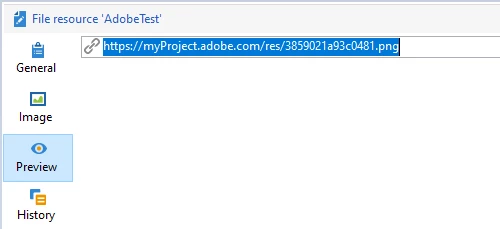
Now when configuring delivery HTML body > source tab >
<p><img border="0" src="<paste the copied URL here>"></p>
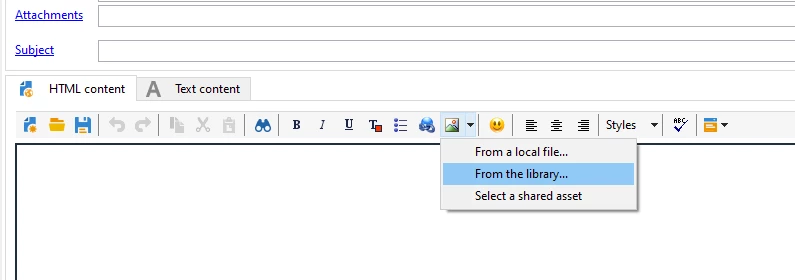
or another way is to, Select 'from the library' in HTML
Enter your E-mail address. We'll send you an e-mail with instructions to reset your password.