Hi @vani97
You could use as :-
xtk.session.DeleteCollection(
    "nms:recipient",
    <where>
        <condition expr="[@id] = '+vars.ID+'"/>
    </where>,
    false
    )
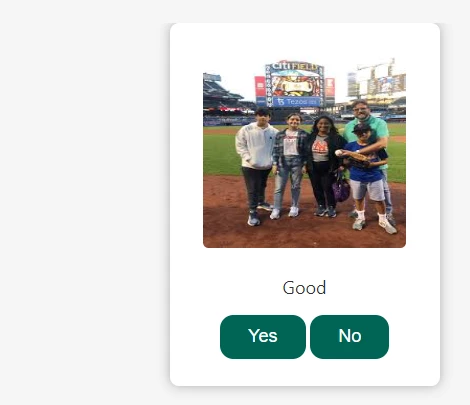
May I ask if the the provision to delete is just once or upon selecting 'NO" the WebApp will show next image?.
If only once then you can define a variable ti store that ID and use the XML in JS code to delete. If multiple you could define a dynamic array and use it for looping in the JS code.
You could also try the approach of creating a loop within the 2 activities, ie, Page and JS activity. For instance, we a cust selects "No" a flagVariable will be update to 1 and go to JS activity, where it will delete the single record using XML code. After this a test activity can check the flagVariable, if it's equal to 1 then the transition will land back to the page activity hence reloading the page with different image and so on.
Just few suggestion, you can absolutely modify it according to your use case.
Thanks
Akshay