This post is no longer active and is closed to new replies. Need help? Start a new post to ask your question.
AkshayAnand
AkshayAnandAccepted solution
Community Advisor
August 31, 2023

Hi @heku_ 


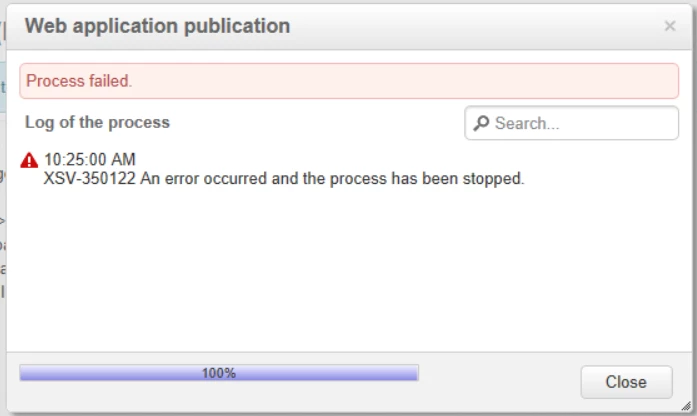
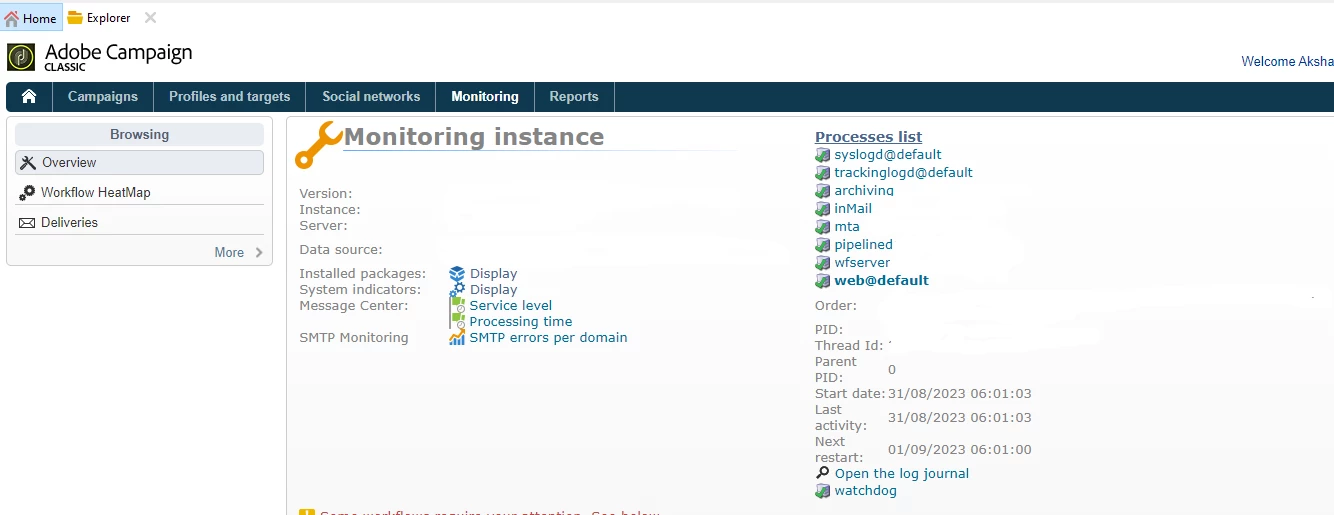
Could you please look into the logs for the exact error under Home >> Monitoring >> Web@Default >> Open Log Journal.


Regards

Akshay

3 replies

AkshayAnand
Community Advisor
AkshayAnandCommunity AdvisorAccepted solution
Community Advisor
August 31, 2023

Hi @heku_ 


Could you please look into the logs for the exact error under Home >> Monitoring >> Web@Default >> Open Log Journal.


Regards

Akshay

Translate
Heku_
Heku_Author
Level 5
August 31, 2023

Looking at those logs i've seen a message that said that i needed permission to the User dictionary folder. Thank you!

Translate
Adobe Employee
August 31, 2023

Hi @heku_ ,

Please check if that custom operator has the "WebApp" namedRights.

Check doc - https://experienceleague.adobe.com/docs/campaign-classic/using/getting-started/permissions/access-management-named-rights.html?lang=en 

After that provide that custom operator with access rights to the parent folder where the webApp's folder exists. You can locate the directory by right-click on the parent folder > Properties > Security. In this, you can either add the operator or the operatorGroup who has the webApp namedRights so they can access the folder and work on your webApps.


I hope this help 🙂


Regards,

Kunal

Translate