ACC technical monitoring error page | Community
Skip to main content
Luca_Lattarini
Level 9
November 24, 2021
Solved

ACC technical monitoring error page

  • November 24, 2021
  • 1 reply
  • 1283 views

Hello guys,

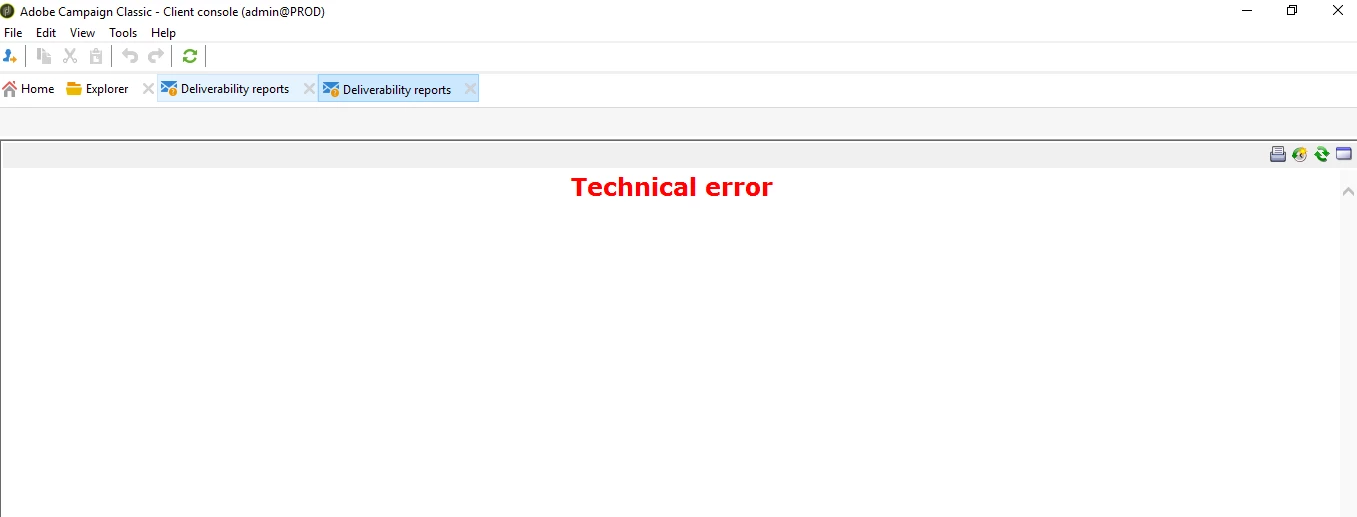
Anyone knows how to fix the Technical Monitoring page? When I click on Technical monitoring page I have the screen below

Thanks


This post is no longer active and is closed to new replies. Need help? Start a new post to ask your question.
Best answer by david--garcia

That's an error with the MTA (Mail Transfer Agent) for email deliverability, if you have a hybrid solution, the MTAs will be on the Adobe cloud solution, so that is perhaps why is not configured on your on-premise marketing, try setting the following


config-<instancename>.xml

<mta autoStart="true" statServerAddress="localhost:7777">

If xoesnt work then try the adobe instance url

<instance>.<id>.<region>.rds.amazonaws.com


1 reply

david--garcia
Level 10
November 24, 2021

Can you check the web log and see what error is being logged and share it with us.

Luca_Lattarini
Level 9
November 26, 2021

Hello David,

I think the issue is caused from the error below. For Your information, this is an hybrid solution with Marketing instance on premise.

Thanks


david--garcia
david--garciaAccepted solution
Level 10
November 26, 2021

That's an error with the MTA (Mail Transfer Agent) for email deliverability, if you have a hybrid solution, the MTAs will be on the Adobe cloud solution, so that is perhaps why is not configured on your on-premise marketing, try setting the following


config-<instancename>.xml

<mta autoStart="true" statServerAddress="localhost:7777">

If xoesnt work then try the adobe instance url

<instance>.<id>.<region>.rds.amazonaws.com