User Document Default Sharing Permissions | Community
Skip to main content
Level 4
October 1, 2020
Question

User Document Default Sharing Permissions

  • October 1, 2020
  • 2 replies
  • 670 views

Hey Everyone, Happy Thursday!

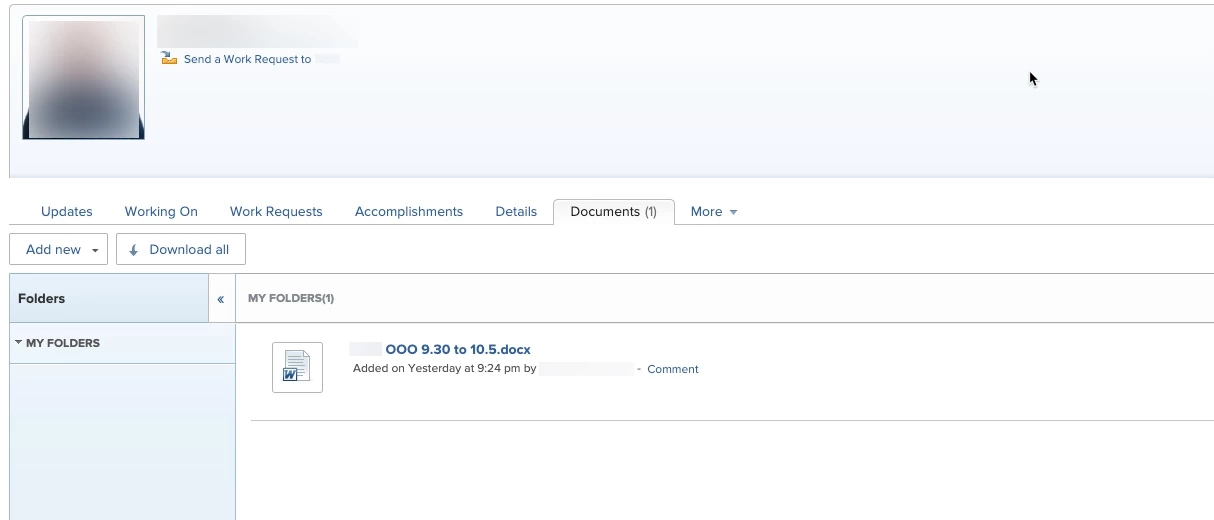
We are using users profiles and specifically the document section to house OOO notes. This helps everyone on their team see their notes when they are OOO to help ensure everyone has access and have eyes on the information vs it living in someone's email (and keep users in workfront).

The problem is, when people upload their document into their user document section, it defaults to private and no one else has access to it. I would REALLY like to avoid asking users to upload the document and then rely on them to share it.

Is there a setting anywhere that I (the admin) can set the documents to default to share with certain groups?
Thanks!

Erica

This post is no longer active and is closed to new replies. Need help? Start a new post to ask your question.

2 replies

Level 6
October 1, 2020

HI Erica,

I would recommend setting up a project (or projects) for these notes to live. When documents are added to projects, they are automatically shared with the same group the project is shared with. If you create one project, you can create document folders for each person. If you create projects for each person, you can add a project report to the team's dashboard in order for them to easily access these.

Additionally, the document function on users is no longer available in NWE so when you migrate over, this will no longer be an option:

Hope that helps!

Level 7
October 5, 2020

I agree. You could even organize them by department/working group by using document folders.

Community Advisor
October 6, 2020

Not sure if those documents you are uploading are formal time-off request forms or not, but we track our team's time of using the User > Time off feature, then add a time-off calendar & report to a shared dashboard. You only have to share the dashboard once, then as long as the time off is entered for the user, you're all set.