How is Autoprovisioning intended to work after Admin Console migration?
I posted previously about issues our organization has been having with console migration. Unfortunately, those issues are still far from resolution. In the meantime (while we continue to try to work out the other issues), I anticipate another hurdle with autoprovisioning. We use autoprovisioning heavily in our instance and depend on it to allow requesters - people coming to Workfront for the first time who have no training in it - to be able to get in and fill out request forms.
One post from another customer describes the functionality of autoprovisioning as working but less than ideal because of a new user having to navigate through several links to get to a request form (and can presumably get lost along the way).
However, last week, we were told by the rep assigned to our console migration that "autoprovisioning is not supposed to work". Does this mean that autoprovisioning is not supported once we've migrating (until Adobe rolls out some new feature called "zero touch" that the rep mentions in the messages here:?
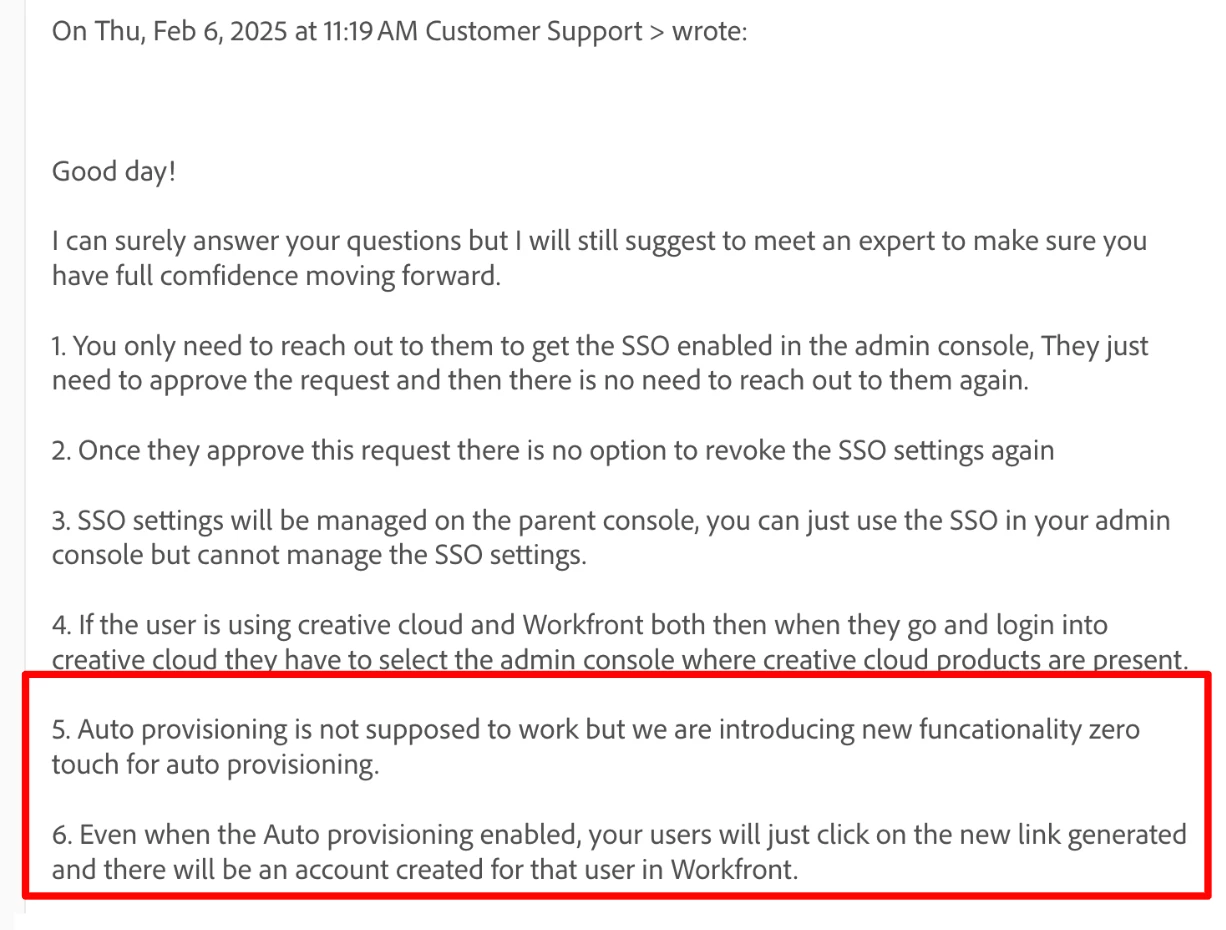
We are now confused as to what is the expected behavior of autoprovisioning post-migration. If we were to migrate tomorrow with our SSO intact (another issue unrelated to this post) and a new requester were to click a link directly to a request form, what - by design - should the user experience exactly?
With so many issues to discuss with our migration, it's hard to get answers on this topic via our migration ticket, so I am turning to the Community, especially to those who have already migrated and depend on auto-provisioning to help provide clarity on expected behavior.
At this point, if it's possible for anyone to provide a video of the actual user experience of a user attempting to get Autoprovisioned for Workfront on an instance already migrated to the console, that would be so helpful in allowing us to set our own users' expectations and train them properly. Thank you.