
AtAppDemo Tags Report | Community
Skip to main content
Doug_Den_Hoed_AtAppStore
Community Advisor
Community Advisor
October 8, 2023
Question

AtAppDemo Tags Report

  • October 8, 2023
  • 2 replies
  • 1175 views


Hi Folks,


A couple of days ago, @randyroberts and I worked out native report that returns only Notes that were tagged to either the currently logged in user or a team of which they are a member. Realizing it would cover some interesting territory (e.g. snooping the API, figuring out multiple EXISTS clauses, adding a Report chart, setting Report prompts, etc.), we decided to record our session; and the whole thing turned out so well I decided to publish the video AND make the resulting report available as an AtAppStore Package for anyone reading this who'd like to deploy it to their own environment.


Have fun, and for those who try it out, we look forward to hearing how it works for you and your teams!


Regards,

Doug


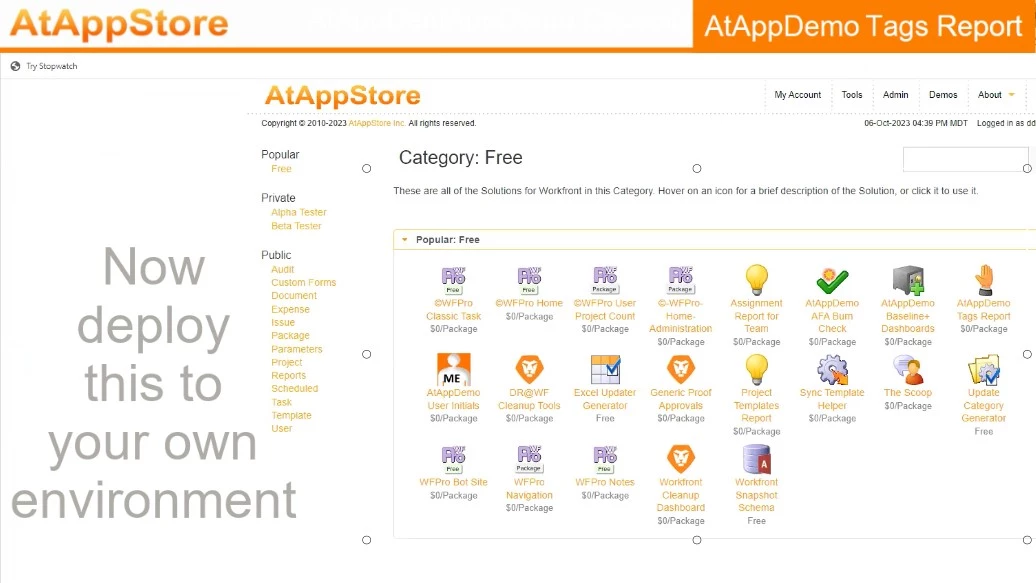
You can watch the video here


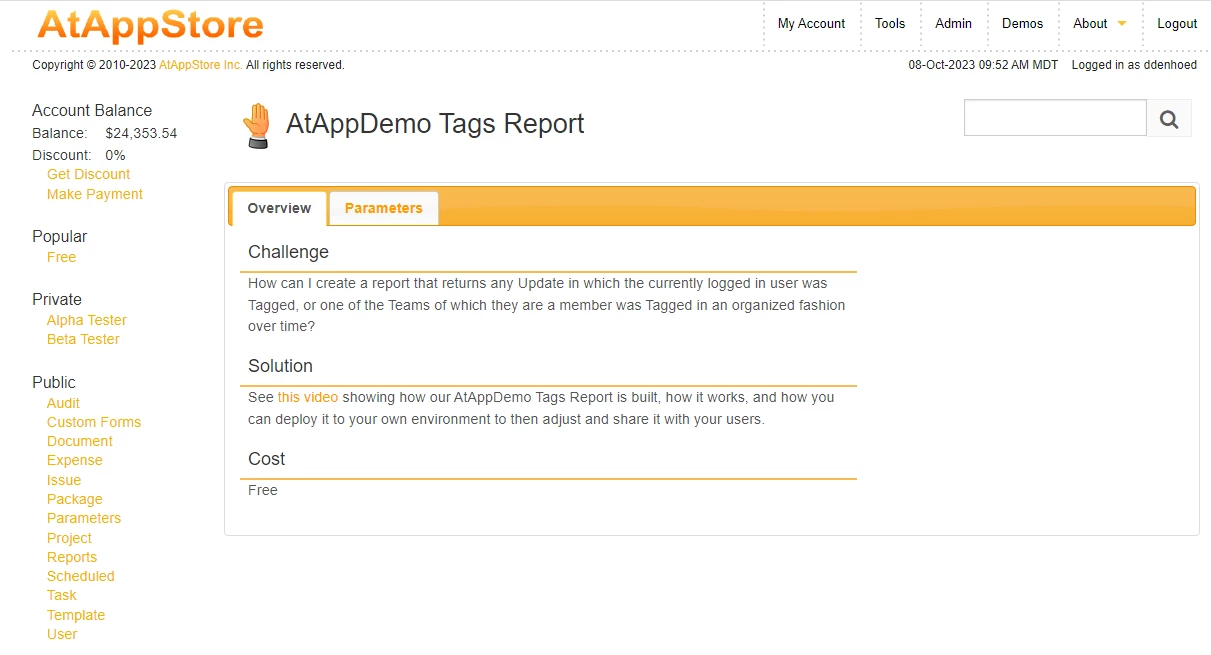
You can deploy if from here
 

This post is no longer active and is closed to new replies. Need help? Start a new post to ask your question.

2 replies

RandyRoberts
Community Advisor
Community Advisor
October 9, 2023

Thanks Doug, that was a lot of fun actually… at least for a couple 'o nerds!

This endevour was in response to Madelyne's post HERE.

Madalyn_Destafney
Community Advisor
Community Advisor
October 9, 2023

You guys are rockstars! I'm trying to replicate this and running into a couple issues. Note I'm revising what I had, can't go the import route from AAS. The report pulls in updates but the Tagged row is blank.

I have I believe exact same code but I get no results. Where am I off? Column text mode:
displayname=Tagged
listdelimiter=<br>
listmethod=nested(tags).lists
textmode=true
type=iterate
valueexpression=CONCAT({user}.{name}.{team}.{name})
valueformat=HTML

I also have just pulling past 5 days, but I'm getting anytime I've been tagged. Where am I off? Does EXISTS need to be added before the entry date rows?
EXISTS:a:$$EXISTSMOD=EXISTS
EXISTS:a:$$OBJCODE=NTAG
EXISTS:a:noteID=FIELD:ID
EXISTS:a:teamID=$$USER.teamIDs
EXISTS:a:teamID_Mod=contains
OR:1:EXISTS:a:$$EXISTSMOD=EXISTS
OR:1:EXISTS:a:$$OBJCODE=NTAG
OR:1:EXISTS:a:noteID=FIELD:ID
OR:1:EXISTS:a:userID=$$USER.ID
entryDate=$$NOW
entryDate_Mod=between
entryDate_Range=$$NOW-5d

Thanks again!

If this helped you, please mark correct to help others : )
RandyRoberts
Community Advisor
Community Advisor
October 9, 2023

The entryDate part isn't cumulative so you have to add the OR for the entry date too.

The Tags column should read


displayname=Tags listdelimiter=<br> listmethod=nested(tags).lists textmode=true type=iterate valueexpression=CONCAT({user}.{name},{team}.{name}) valueformat=HTML


I think you have a period instead of a comma between the two concats {name},{team}

RandyRoberts
Community Advisor
Community Advisor
October 9, 2023

I added "Past Year" to the filter so it wouldn't be so overwhelming.

EXISTS:a:$$EXISTSMOD=EXISTS EXISTS:a:$$OBJCODE=NTAG EXISTS:a:noteID=FIELD:ID EXISTS:a:teamID=$$USER.teamIDs EXISTS:a:teamID_Mod=contains OR:1:EXISTS:a:$$EXISTSMOD=EXISTS OR:1:EXISTS:a:$$OBJCODE=NTAG OR:1:EXISTS:a:noteID=FIELD:ID OR:1:EXISTS:a:userID=$$USER.ID OR:1:entryDate=$$TODAY-1y OR:1:entryDate_Mod=between OR:1:entryDate_Range=$$TODAY entryDate=$$TODAY-1y entryDate_Mod=between entryDate_Range=$$TODAY