
AI Assistant Button For System Admin | Community
Skip to main content
Eric_D_Miller
Level 5
March 25, 2025
Solved

AI Assistant Button For System Admin

  • March 25, 2025
  • 1 reply
  • 663 views

Hello,

I am trying to access the AI assistant but the button is missing. I have the System Administrator access level on my profile.


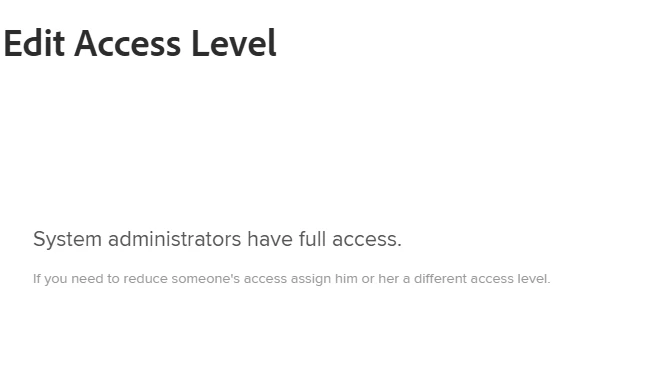
I am aware it can be turned on/off in the Access Levels and I see that option there, but the System Administrator Access Level cannot be edited so how can I enable it for that Access Level?
Thank you!

This post is no longer active and is closed to new replies. Need help? Start a new post to ask your question.
Best answer by KellieGardner

You will want to verify all these apply for your instance to have access:


To enable AI Assistant for your organization, all of the following must apply:

  • Your organization must have migrated to Adobe IMS (Identity Management System)

  • The Adobe Unified Experience must be enabled

  • Your organization must have a Select, Prime, or Ultimate Workfront plan

  • Adobe must have a signed Adobe Gen AI agreement on file

1 reply

KellieGardner
Community Advisor
Community Advisor
March 25, 2025

You need to have it enabled for your system first. 


Eric_D_Miller
Level 5
March 25, 2025

I am not seeing that option, is there any reason I wouldn't have that section?


KellieGardner
Community Advisor
KellieGardnerCommunity AdvisorAccepted solution
Community Advisor
March 26, 2025

You will want to verify all these apply for your instance to have access:


To enable AI Assistant for your organization, all of the following must apply:

  • Your organization must have migrated to Adobe IMS (Identity Management System)

  • The Adobe Unified Experience must be enabled

  • Your organization must have a Select, Prime, or Ultimate Workfront plan

  • Adobe must have a signed Adobe Gen AI agreement on file