Email Editor 3.0: Hidden Gems in Marketo Engage
Marketo's Email Editor 3.0 offers a modern, modular experience for building responsive and personalized emails. Many users are familiar with its drag-and-drop interface and improved usability. However there are some of the hidden gems worth exploring:
1) Advanced Use of Modules - This advanced feature allow users to re-use the pre-built blocks across multiple emails. However, there are a few advanced tricks:
Lockable Modules: Prevent editing of design elements by locking them.
Nested Modules: Group commonly used combinations or designs like (e.g., image + text), (Text + text), (image + image) and save time on layout.
2) Light & Dark Mode Challenges - While dark mode improves user experience, it poses challenges for email renderability:
No HTML Access: Email Editor 3.0 restricts head-level CSS.
Dark Mode Media Queries: Inline @media (prefers-color-scheme: dark) inside the email body won’t work.
Solution:
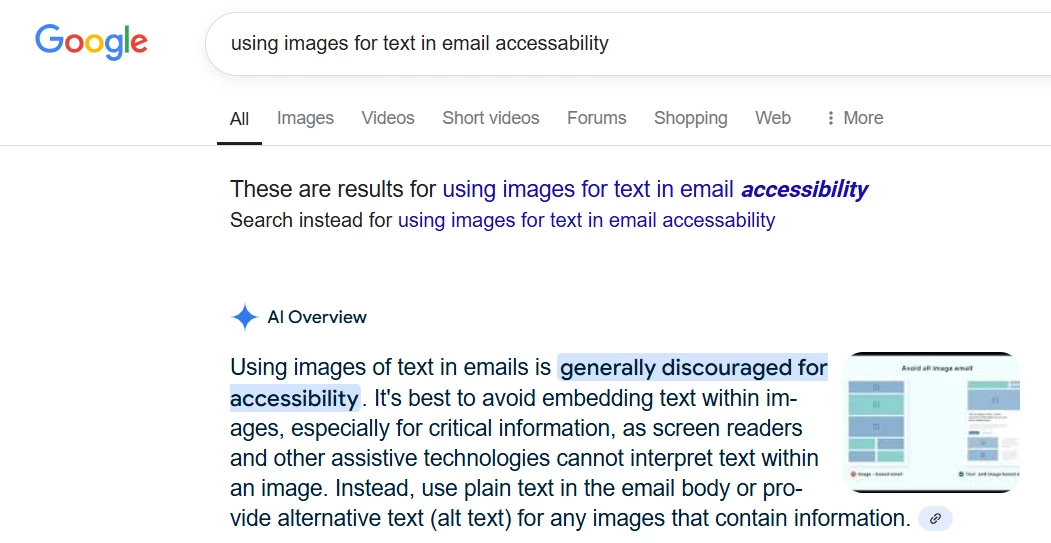
Use image-based text for critical branding headers.
Use high contrast backgrounds (avoid pure white or pure black).
3) Personalization Tokens in Email Editor 3.0 - Editor 3.0 supports dynamic personalization using tokens, but with some quirks:
Limitations: No live preview of token values inside the editor.
Workaround: Send yourself a test email with specific lead or program data.
Email Editor 3.0 is powerful when used strategically. With modules, snippets, personalization tokens, and a thoughtful approach to dark mode and A/B testing, you can drive better engagement and brand consistency.