Custom design of Radio Button in Adobe Designer | Community
Skip to main content
Level 3
November 29, 2023
Solved

Custom design of Radio Button in Adobe Designer

  • November 29, 2023
  • 1 reply
  • 959 views

I am working on a PDF project in Adobe Designer and wondering if there's a way to use a custom design for radio buttons. I know I can use different style for the radio button (star, diamond, cross, etc.). 
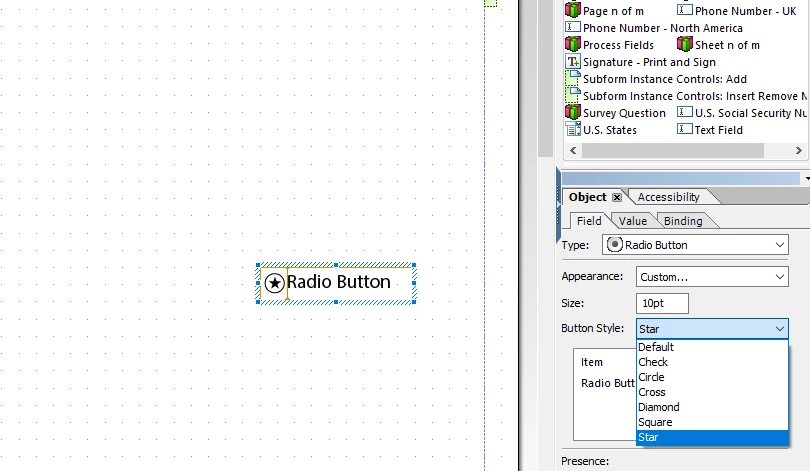


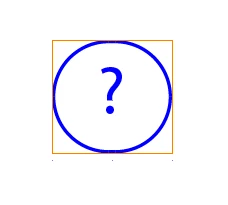
However, I'm thinking of putting a '?' inside a circle or square (instead of star). Plus, when clicked, I want it to pop up a message box.
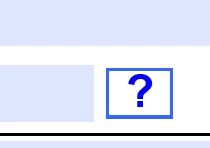


Any ideas or tips on how to do this?
This post is no longer active and is closed to new replies. Need help? Start a new post to ask your question.
Best answer by koolForms

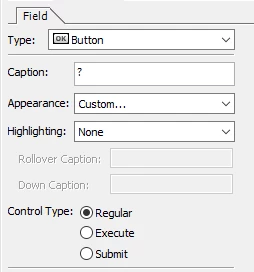
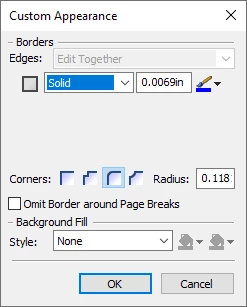
I would not use a radio button. I would use a regular button. 


Then put the code you need for the message in the click event of the button.

1 reply

koolFormsAccepted solution
Level 3
November 29, 2023

I would not use a radio button. I would use a regular button. 


Then put the code you need for the message in the click event of the button.

Level 3
November 29, 2023

@koolforms thanks that works