How to download Asset Folders from AEM Assets 6.1 | Community
Skip to main content
Level 3
February 4, 2019
Solved

How to download Asset Folders from AEM Assets 6.1

  • February 4, 2019
  • 15 replies
  • 8585 views

Hi All,


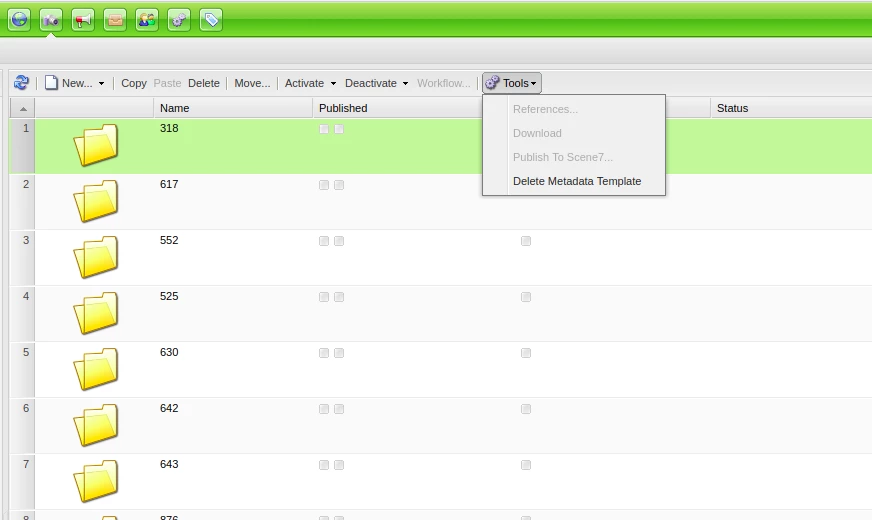
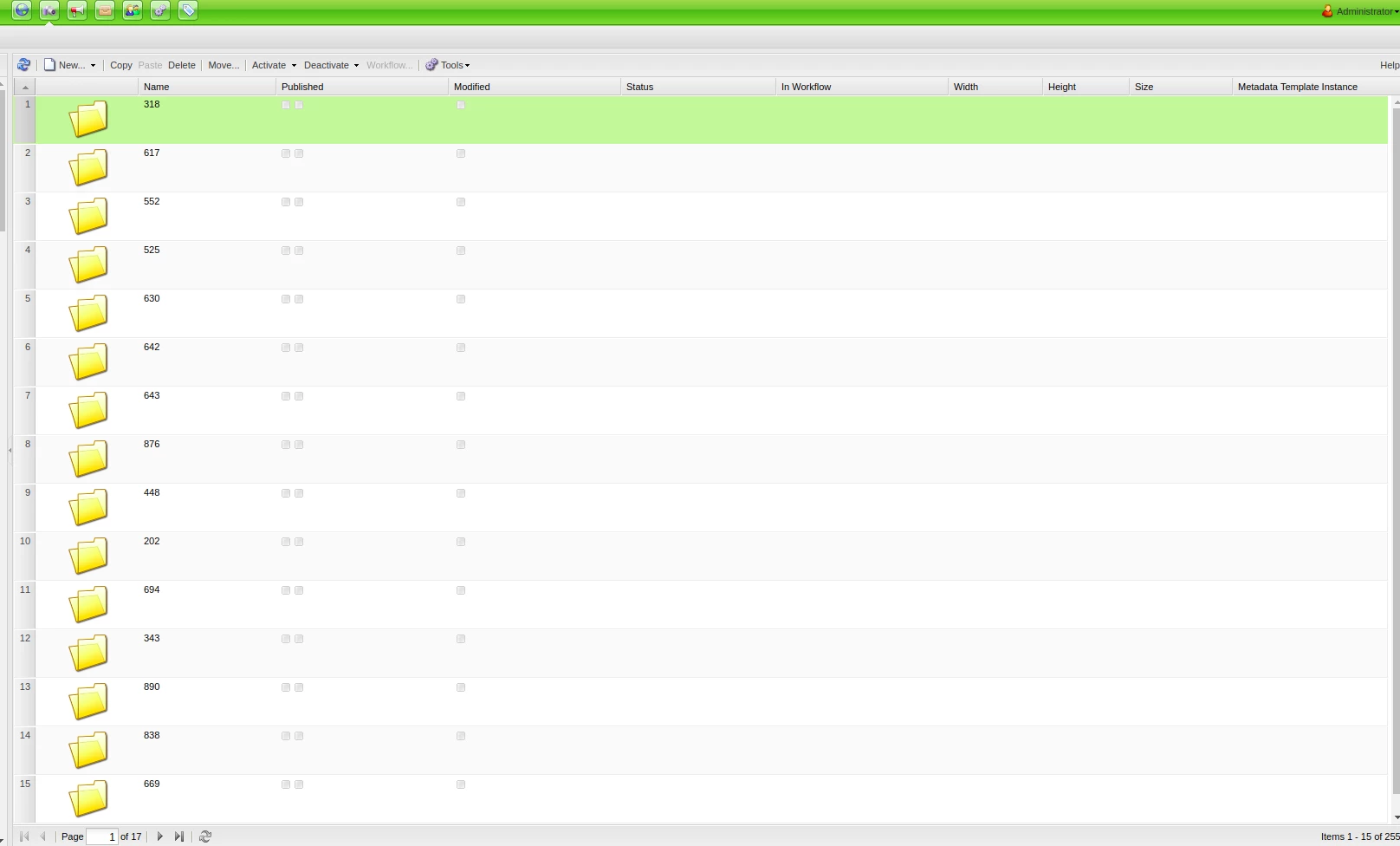
I'm new to AEM. I need to extract/download all folders under /content/dam/ . How can I do this using AEM 6.1 ? I am accessing this via damadmin and have the admin credentials.Download button is not available when I highlight a folder. I'm accessing AEM Asset using web (chrome).  Please help. Thank you!
This post is no longer active and is closed to new replies. Need help? Start a new post to ask your question.
Best answer by smacdonald2008

15 replies

Level 3
February 4, 2019

smacdonald2008​ can you help me with this? thank you!

Adobe Employee
February 4, 2019

One of the options could be to navigate to /crx/packmgr and create package with your filter and download zip file. Thanks

Level 3
February 4, 2019

Hi ,


Can you guide me the right path? I am totally new to AEM. how can I create package? Sorry for a noob question. Thank you

Adobe Employee
February 4, 2019
Level 3
February 5, 2019

Hi ,


I can't download  the files. I added the rule /content/dam/folder(/.*)  . Am I doing it right? Thank you

Level 3
February 6, 2019

Hi Jörg Hoh​, can you help me with this one too? Thank you

joerghoh
Adobe Employee
Adobe Employee
February 7, 2019

When you have added the rule to the package definition, you need to rebuild and then download it.

smacdonald2008
Level 10
February 7, 2019

I will post a video in a few mins.

smacdonald2008
smacdonald2008Accepted solution
Level 10
February 7, 2019

Level 3
February 11, 2019

Hi smacdonald2008​, this is what I looking for. We have managed to build atleast one of our folders and its content. Thank you!