How to download Asset Folders from AEM Assets 6.1 | Community
Skip to main content
Level 3
February 4, 2019
Solved

How to download Asset Folders from AEM Assets 6.1

  • February 4, 2019
  • 15 replies
  • 8585 views

Hi All,


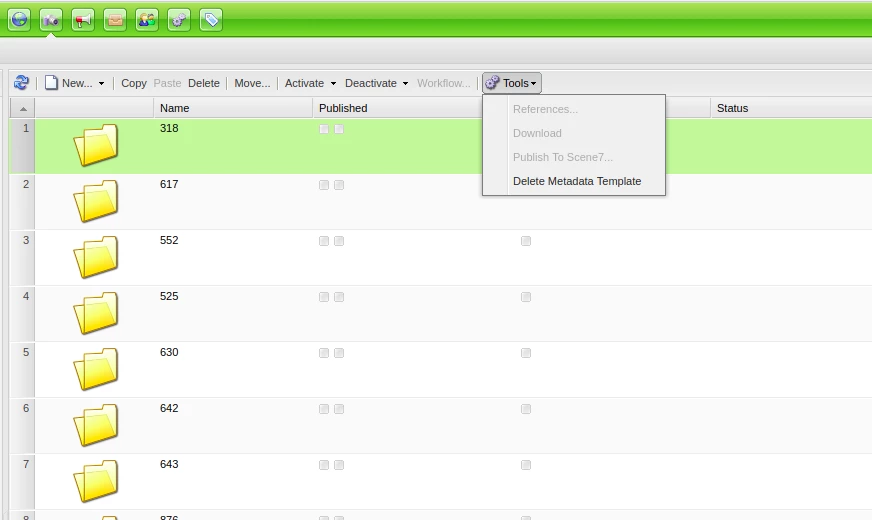
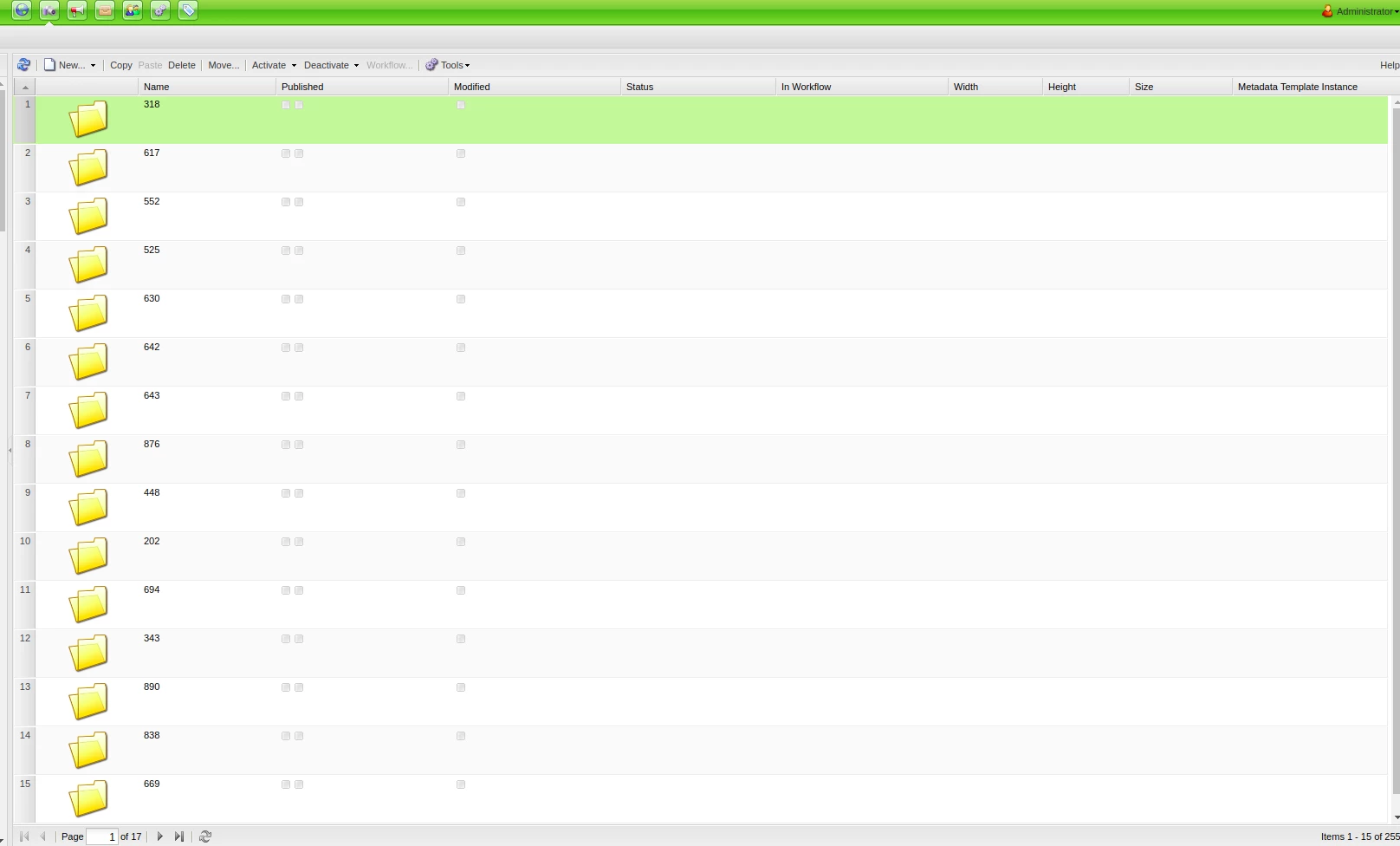
I'm new to AEM. I need to extract/download all folders under /content/dam/ . How can I do this using AEM 6.1 ? I am accessing this via damadmin and have the admin credentials.Download button is not available when I highlight a folder. I'm accessing AEM Asset using web (chrome).  Please help. Thank you!
This post is no longer active and is closed to new replies. Need help? Start a new post to ask your question.
Best answer by smacdonald2008

15 replies

Level 3
February 12, 2019

Hi smacdonald2008​ , just want to ask if there is any other way to download the build folder rather than downloading it via web? The file size of the build folder is too huge to download it via browser. Thank you

joerghoh
Adobe Employee
Adobe Employee
February 12, 2019

Build smaller packages? Download it from the server directly (where bandwidth shouldn't be a problem). I am not aware of a function "download as file on the server".

Jörg

Level 3
February 13, 2019

Download from the server directly seems the best option. I have the ssh key but where can I locate the build packages? Thank you

Level 3
February 13, 2019

Hi Jorg,

I have manage to download package from server using curl command:

curl -u admin:admin http://localhost:4505/etc/packages/export/name_of_package.zip > name of local package file

Just want to ask if how can I access the package from my local machine?

Level 3
February 13, 2019

ahh I managed to find the file where I executed the curl command. Thank you