Unsub link Personalisation | Community
Skip to main content
Winston_2022
Level 2
January 16, 2025
Solved

Unsub link Personalisation

  • January 16, 2025
  • 2 replies
  • 790 views

Hello,

Hope someone can assist.

I'm trying to create an unsubscribe link in the email template in AJO. I'm getting a syntax error when trying to access the below field

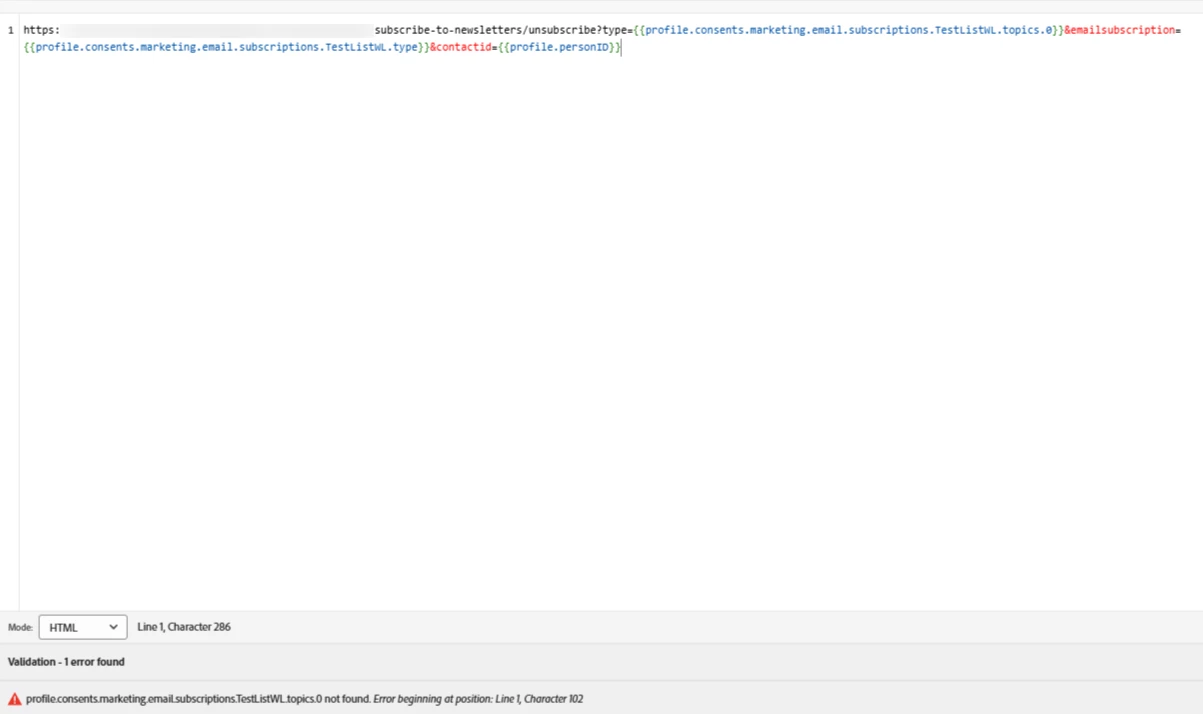
What would be the proper syntax to access the value in consents.marketing.email.subscriptions.TestListWL.topics.0?

Any feedback is welcome.

Cheers.

Best answer by Winston_2022

Managed to solve it with the below. 

{% let subtopics = head(get(profile.consents.marketing.email.subscriptions, "xxxx").topics) %} {% let subtype = get(profile.consents.marketing.email.subscriptions, "xxxx").type %} https://www.test.com/subscribe-to-newsletters/unsubscribe?type={{subtopics}}&emailsubscription={{subtype}}


2 replies

January 17, 2025

Hi @winston_2022 , may be that attribute is not enabled yet, you can navigate to configurations option under administration menu and enable the attribute in the data source. 

If this is already done, there could be other reason for the issue.

Winston_2022
Level 2
January 19, 2025

Thank you for the response. Data source settings are as expected. I don't believe that's what's causing the error.

vraghav
Adobe Employee
Adobe Employee
January 19, 2025

@winston_2022 I got it to work inside the subject line and also anywhere inside the email body using this formula

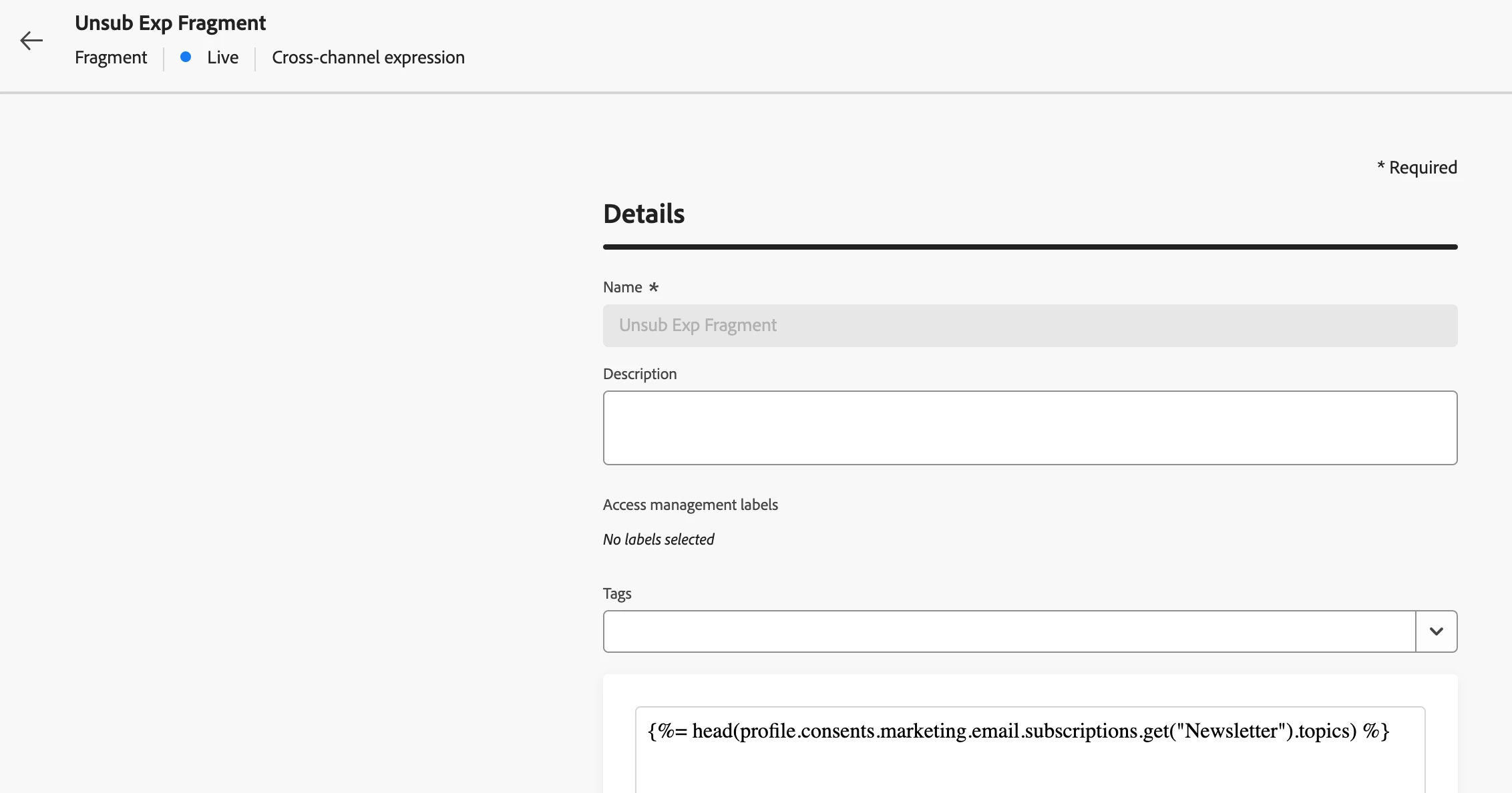
{%= head(profile.consents.marketing.email.subscriptions.get("Newsletter").topics)

However, there is something with the URL personalisation piece as it is not allowing me to use the helper functions.


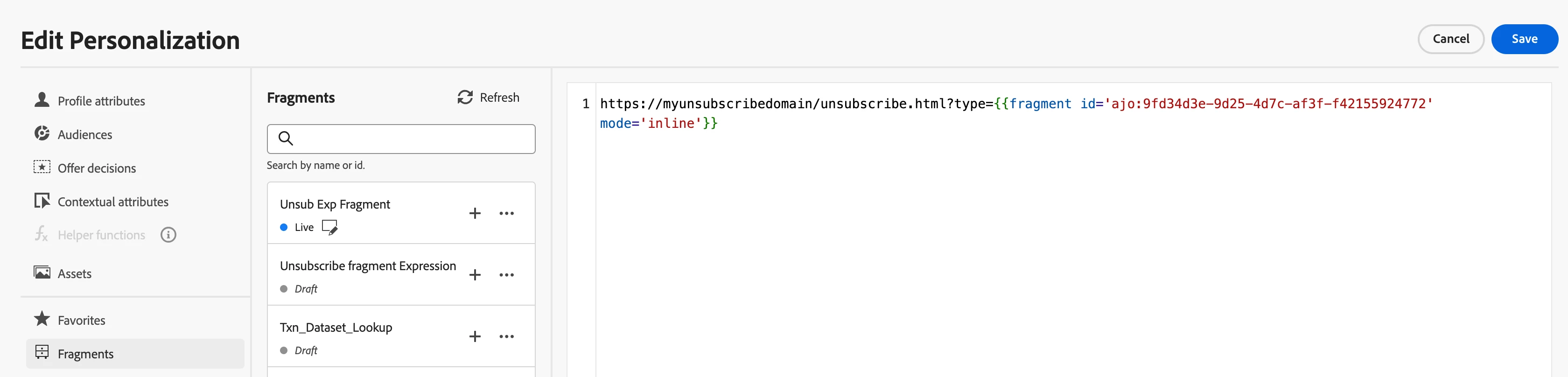
I've even tried using an expression fragment 

and it contains the same formula

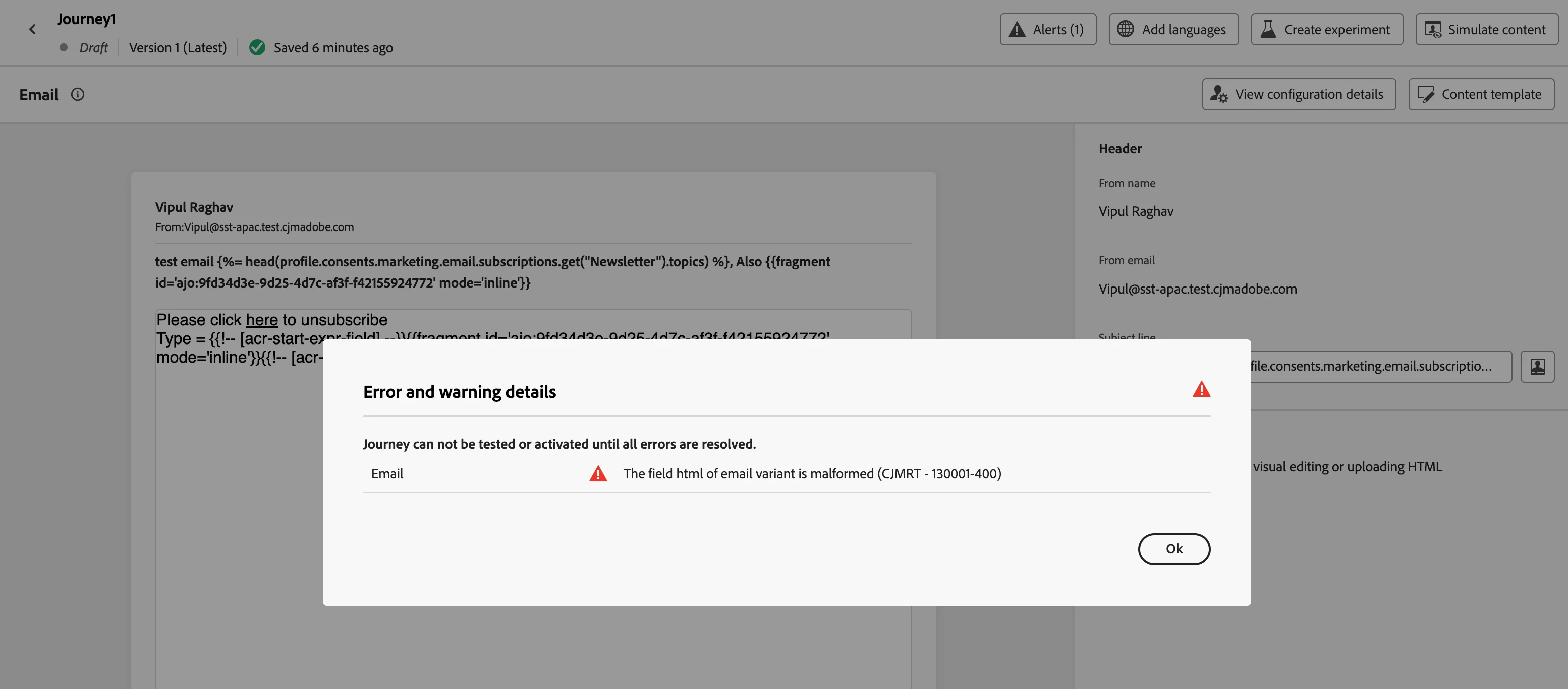
but when I use it inside the URL, while the UI accepts it, I do get an error on the delivery


Winston_2022
Level 2
January 19, 2025

Hi, Thank you for the response. It's the same behviour for me. Whilst the syntax appears to be vaild. However the output is an error.