Solved
Landing Page URL not working in AJO
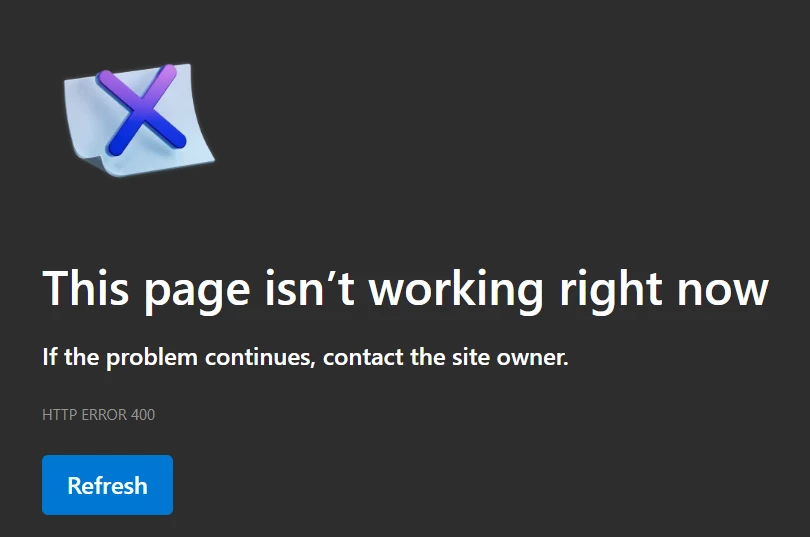
I have created a simple landing page and published it but when I try to hit the URL in browser, page isn’t working.
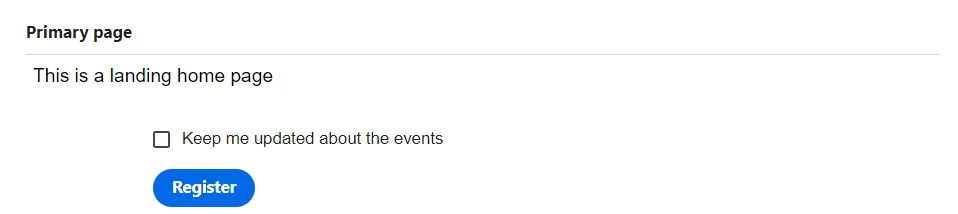
This is simple page I have designed
I have created a simple landing page and published it but when I try to hit the URL in browser, page isn’t working.
This is simple page I have designed
yes and it's not only one profile from 1 schema I have tried creating multiple schemas and added profile test details field group to add test profile attribute and set it to boolean true when inserting data. Is there anything that I have missed?
Have you check that the profile have the correct attributes updated?
Follow this steps and you should be able to send a proof to test the landing page
https://experienceleague.adobe.com/en/docs/journey-optimizer/using/test/preview-test/test-profiles
https://experienceleague.adobe.com/en/docs/journey-optimizer/using/test/preview-test/preview
https://experienceleague.adobe.com/en/docs/journey-optimizer/using/test/preview-test/proofs
Enter your E-mail address. We'll send you an e-mail with instructions to reset your password.