View and edit conditional content in code mode when editing email content
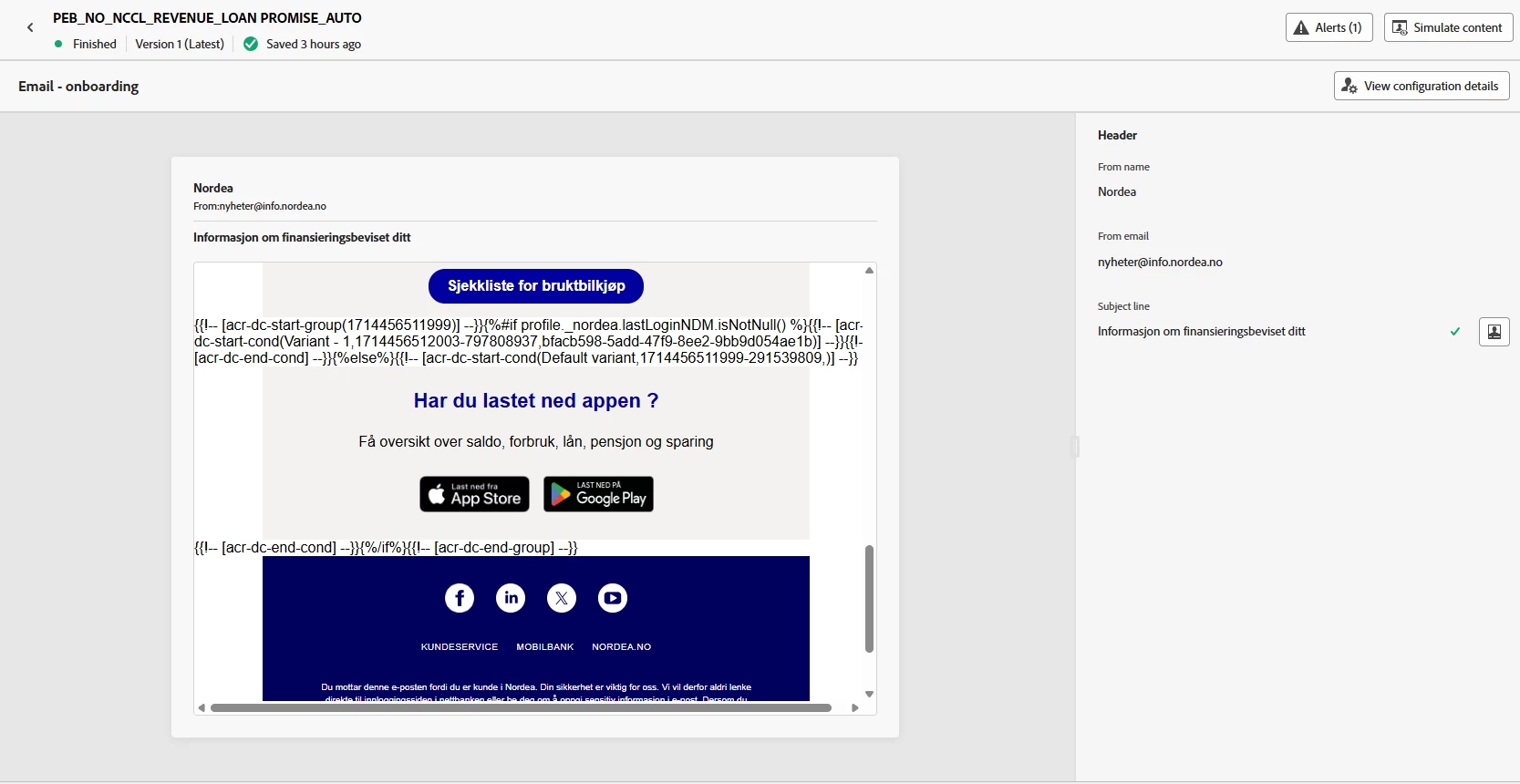
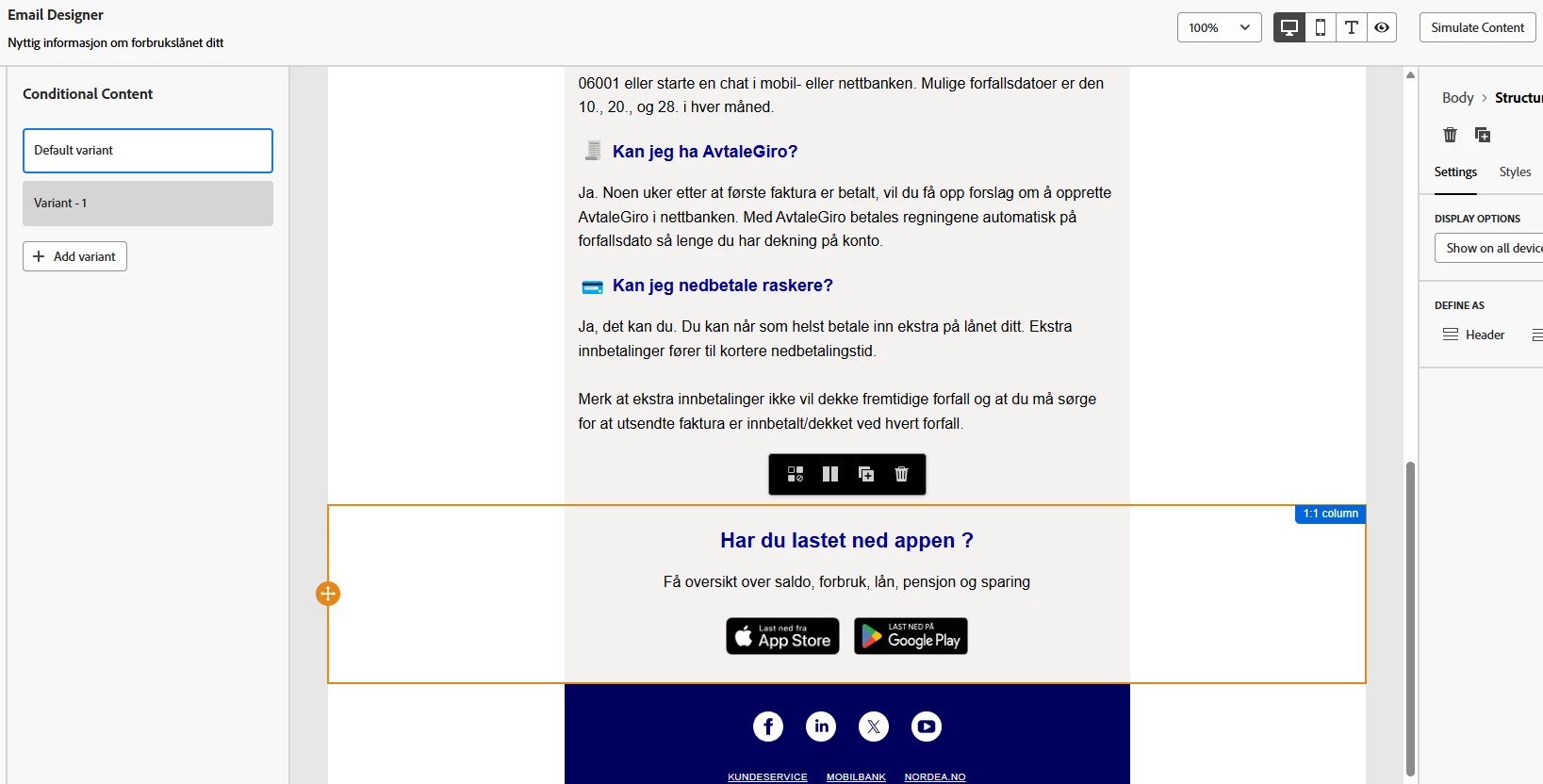
The conditional content feature is a strong and must wanted feature in the email designer. But it has some limitations when it comes to usability. We would like to be able to see the actual conditional code somewhere - like a button when you have the open the inline menu with the conditional content choice. The only way to see and access that code "wrapped" around a email module is to close the template, go back, open it - and in the preview before editing you can actual see the code. This code should have been possible to se, even edit in an advanced mode like with expressions, in a own window when working with the content inside an open template.
This is especially important if you want to place your logic inside the HTML code, inside the email module you self, and not on the whole block. The you might need to code this your self.