New
Show witch folder a templates is stored in (extra column in the total templates overview)
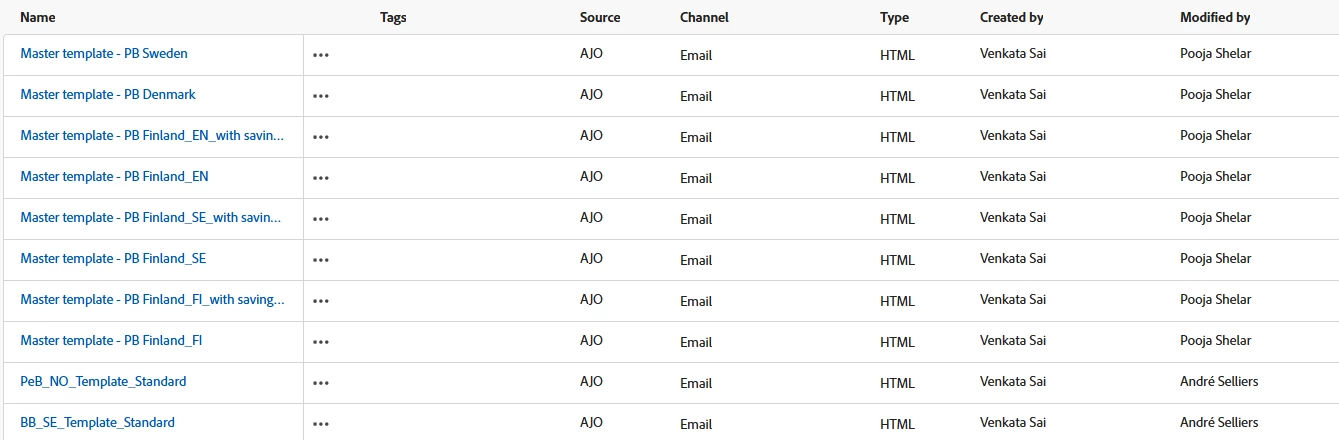
Today we can see if the templates are organized or not when viewing the root folder or "view all" feature. But if we "fast and easy" want to check if the templates is organized in thee right folder, we need to check all folders and see what is inside. A typical use case is when you need to reorganize the structure - witch you need to do from time to time.
If we from the "view all page" could have a column with folder name, where the template i stored, we could fast and easy just browse the list and see if the templates is organized in the right folder. It could be a config, that you can turn on/of in the table view in the GUI. Like you can do with other columns in other parts of AJO.