
Leveraging repoless approach for crosswalk projects | Community
Skip to main content
josephambrose
Level 3
November 26, 2024
Solved

Leveraging repoless approach for crosswalk projects

  • November 26, 2024
  • 1 reply
  • 1575 views
 

I want to leverage the repo less approach for my new EDS cross walk project, where four developers will be working collaboratively. Each developer will create their own feature branch in GitHub. Before merging their changes into the dev branch, they need to test their individual features separately.

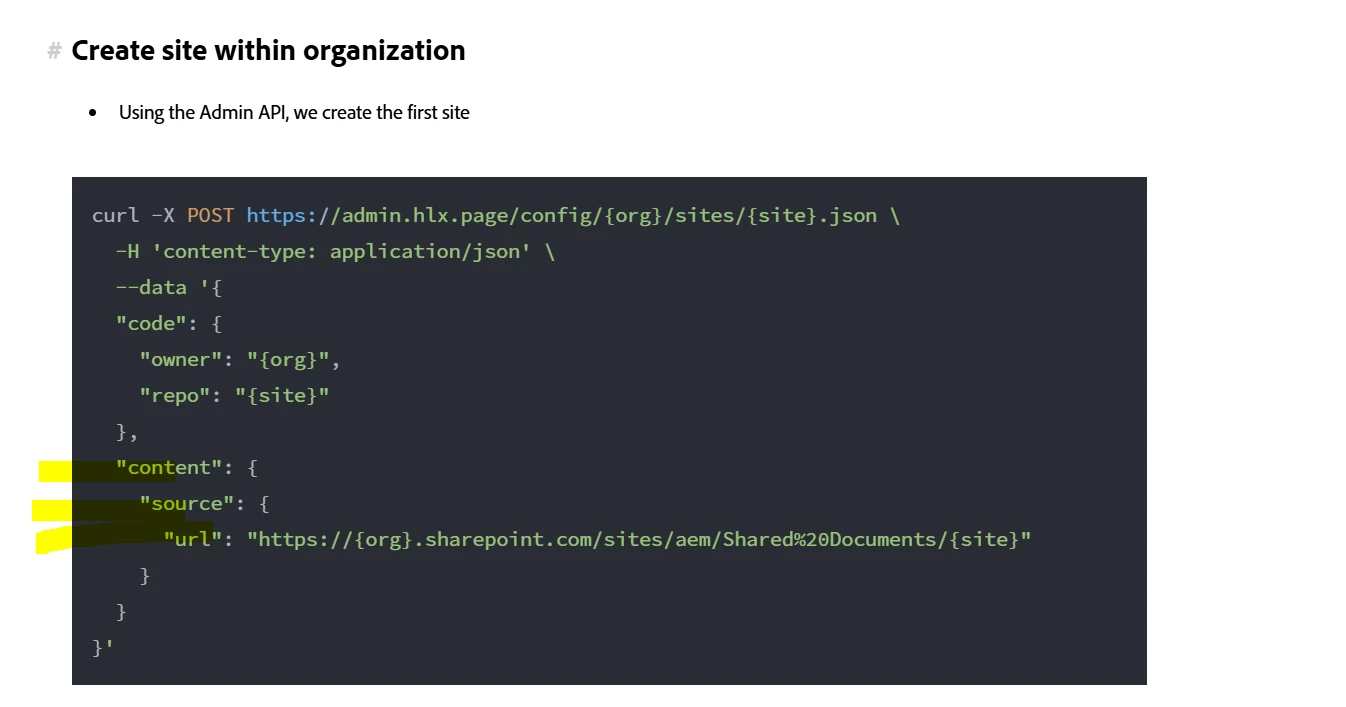
In the repo less documentation, Adobe mentions that it is possible to create multiple sites within a single repository. If we want to create a site for our cross walk project, what should be specified in the Content Source URL?

Additionally, how can we configure the setup to allow each developer to test their features independently on their respective branches?


This post is no longer active and is closed to new replies. Need help? Start a new post to ask your question.
Best answer by ShaileshBassi

Hi @josephambrose 

The source url for this would be 

"content": { "source": { "url": "{{author_host}}/bin/franklin.delivery/{org}/{site}/main", "type": "markup", "suffix": ".html" } }

Reference - https://www.aem.live/docs/admin.html#tag/siteConfig/operation/createSiteSite


Hope this helps!

Thanks

1 reply

ShaileshBassi
Community Advisor
ShaileshBassiCommunity AdvisorAccepted solution
Community Advisor
November 27, 2024

Hi @josephambrose 

The source url for this would be 

"content": { "source": { "url": "{{author_host}}/bin/franklin.delivery/{org}/{site}/main", "type": "markup", "suffix": ".html" } }

Reference - https://www.aem.live/docs/admin.html#tag/siteConfig/operation/createSiteSite


Hope this helps!

Thanks

josephambrose
Level 3
November 28, 2024

Thanks @shaileshbassi I'll try this solution. But before that, as per the documentation, we have to create the organization first. I have downloaded the Admin API postman collection and configured it. Authorization part is little confusing here.


I have logged in using https://admin.hlx.page/auth/adobe url and got the auth_token from cookie.. But I am getting 401-unauthorized when i hit the create organization API. Here is the screenshot : 


Am I missing anything? 

ShaileshBassi
Community Advisor
Community Advisor
November 28, 2024

Hi @josephambrose 

You can hit the url https://admin.hlx.page/auth/adobe and from here it will ask your credentials. Once done it will show you sometime like 

Now navigate to chrome tools -> application. From the cookie you will be able to get the authorization token.

Hope this helps!

Thanks.