Hi -
Here's what I do to find a selector:
1. go to the page with the thing you want to track - Seriously Ill Patitents Deserve Quality of Life | HCP | VITAS in this case
2. right click on the thing you want to track (the blue Refer Online button) and select Inspect (see yellow arrow in the screen shot below)
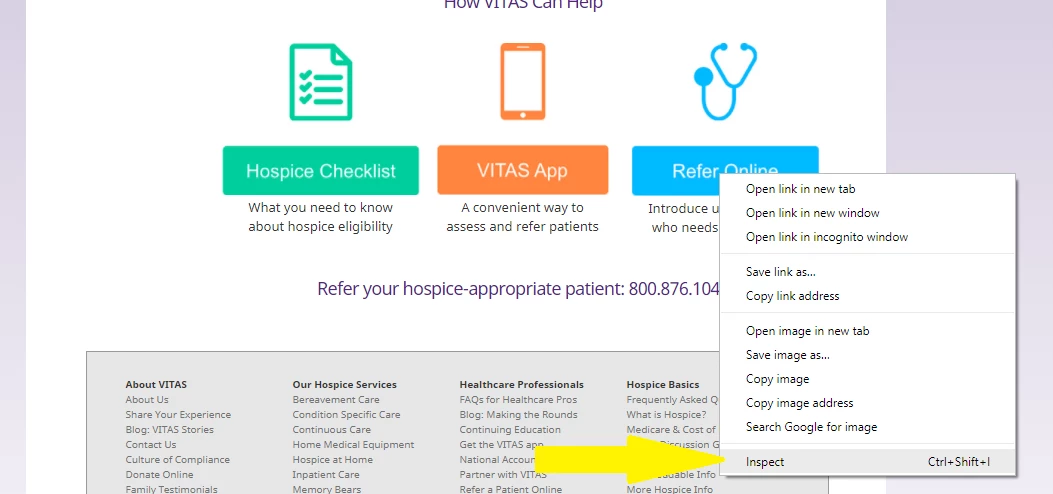
3. The Developers' Tools will open to the Elements tab. The item will be highlighted in blue. Here you can see what selectors you have to work with.
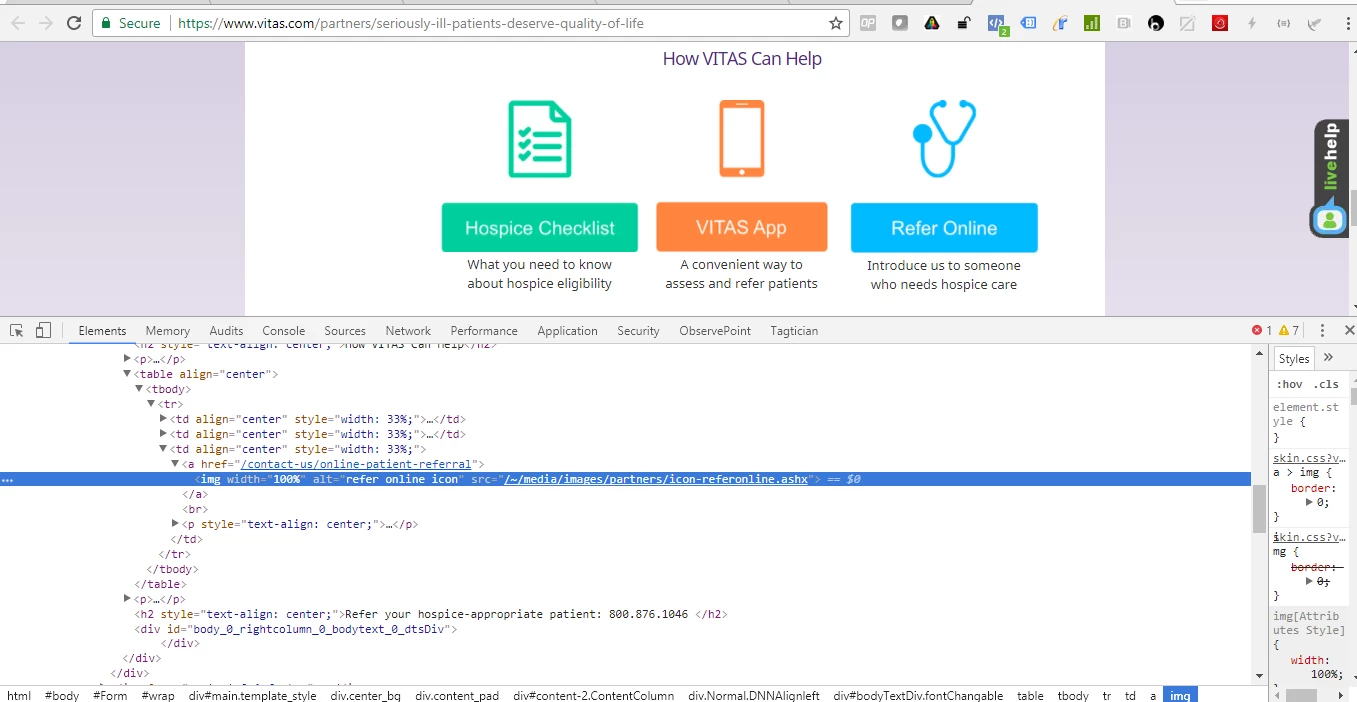
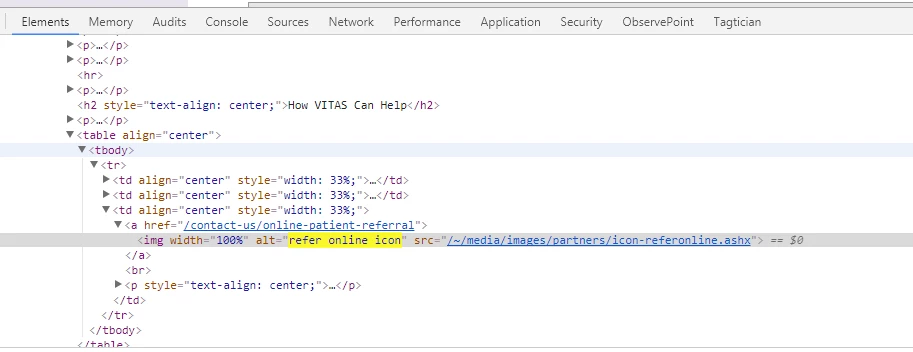
4. In this case, there is an alt tag that you can use to uniquely identify the button
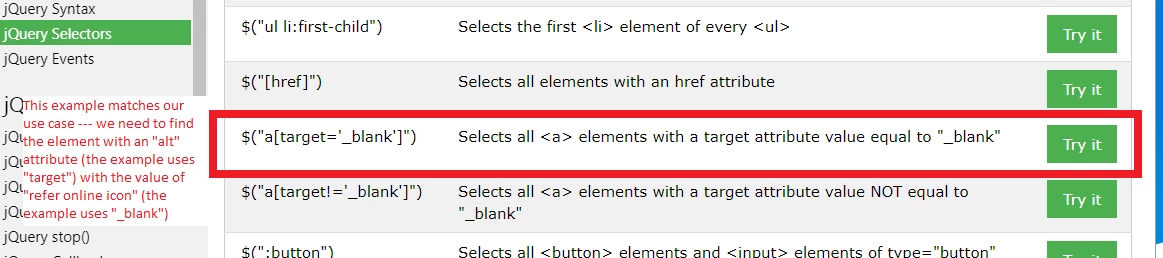
5. Go to the handy dandy jquery selector article mentioned earlier - jQuery Selectors - to see how to write the jquery to find a specific alt value.The example that matches our use case is the one with the red box around in in the screen shot below.
6. Go to the Console tab and type in your jquery. In this case, we want to type $("[alt='refer online icon']");
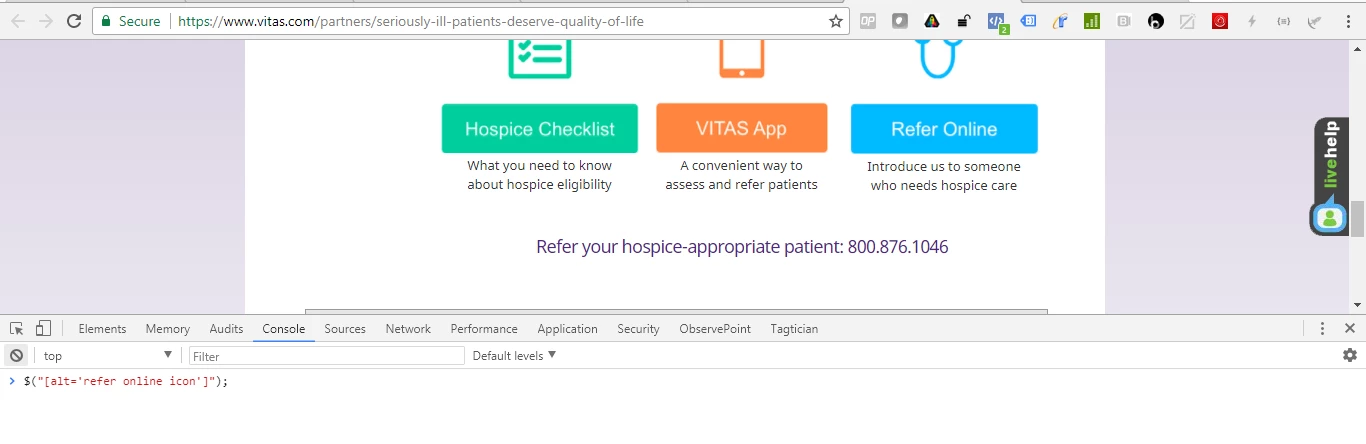
7. When you click enter, you will get a result show directly underneath your line of code in the Console Tab. Click on the black arrow to show the details. You want to see "length : 1" (see yellow highlighting in the screen shot below). This denotes that your jquery returned 1 item (if it returned 0 then we need to re-write the jquery)
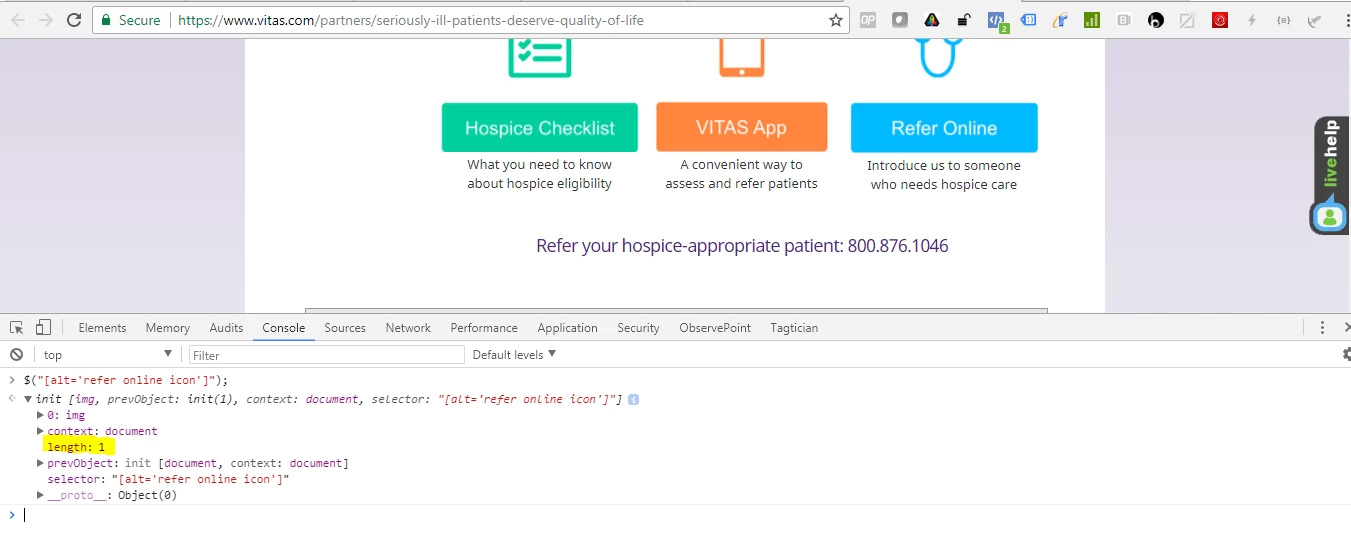
8. Now, I really, really want to make sure that this jquery will work before putting it in DTM, so I do one more test of the jquery. I do this by entering this code into the Console tab and hitting the enter key. The below code translates to this: "when the Refer Online button is clicked, show an alert that says 'This should only show when the Refer Online button is clicked.' "
$("[alt='refer online icon']").click(function () {
alert("This should only show when the Refer Online button is clicked");
});
9. Now go back up into the web page. When you click on the Refer Online button, you should get the alert
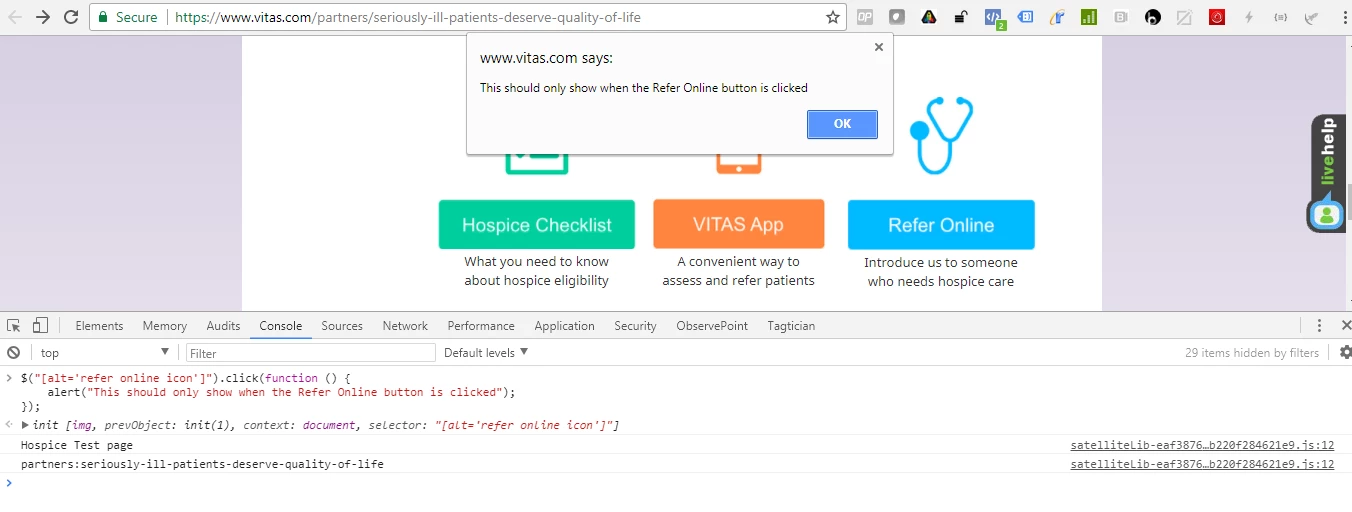
10. When you click "okay" on the alert, you are taken to the Online Referral page.
11. Now, click the back button to return back to the page we were originally on. Put that same piece of code in the Console tab again and hit enter
$("[alt='refer online icon']").click(function () {
alert("This should only show when the Refer Online button is clicked");
});
12. Now scroll down and click on the "Refer a Patient Online" link under the Healthcare Professionals section in the gray box. Even though this link goes to the same place as the blue button, this link does not have an alt tag with the value of 'refer online icon' so the alert box won't be triggered. (Note: you can click on other things to, such as the orange VITAS App button, to ensure that the jquery is only triggered when the Refer Online blue button is clicked).
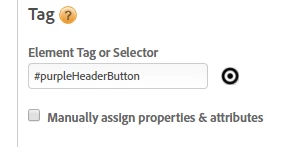
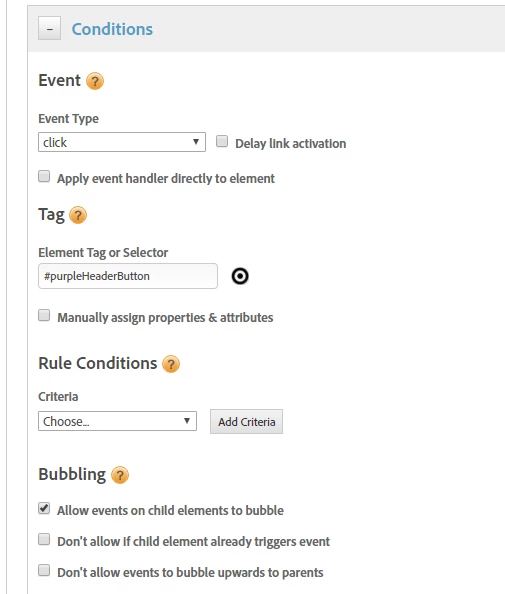
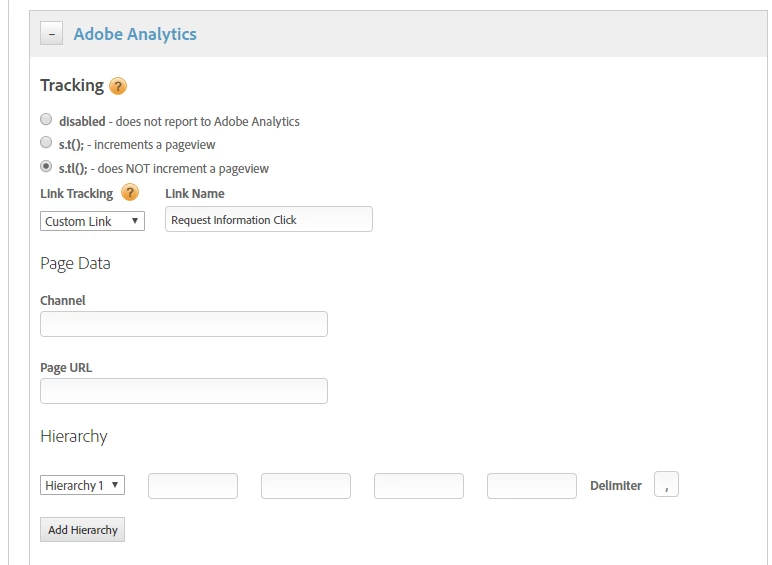
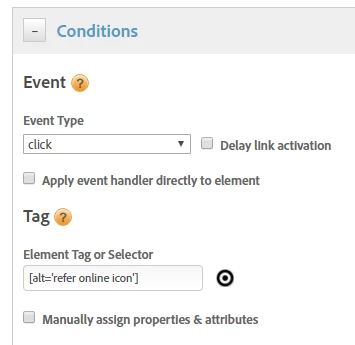
13 Since we feel confident in our jquery, please go to your Event based rule in DTM. In the "Element Tag or Selector" text box put this value [alt='refer online icon'] (see screen shot below for a visual).
Hope this helps!
Sarah