QA Targeting between stage and production | Community
Skip to main content
Level 3
March 1, 2024
Solved

QA Targeting between stage and production

  • March 1, 2024
  • 1 reply
  • 1224 views

I have two servers, a stage.example.com and example.com (a production site).

When testing an experience on stage, is it possible for the content to appear on production?

Here's the setup scenario.

Activity Location: stage.example.com

or any page where /sub-folder/, /purchase/

and url is not https://stage.example.com/sub-folder 

and url is not https://stage.example.com/purchase 


(no trailing slash intentional)

HOW is it possible when experience is live on stage that it can be seen on production?


This post is no longer active and is closed to new replies. Need help? Start a new post to ask your question.
Best answer by evidana

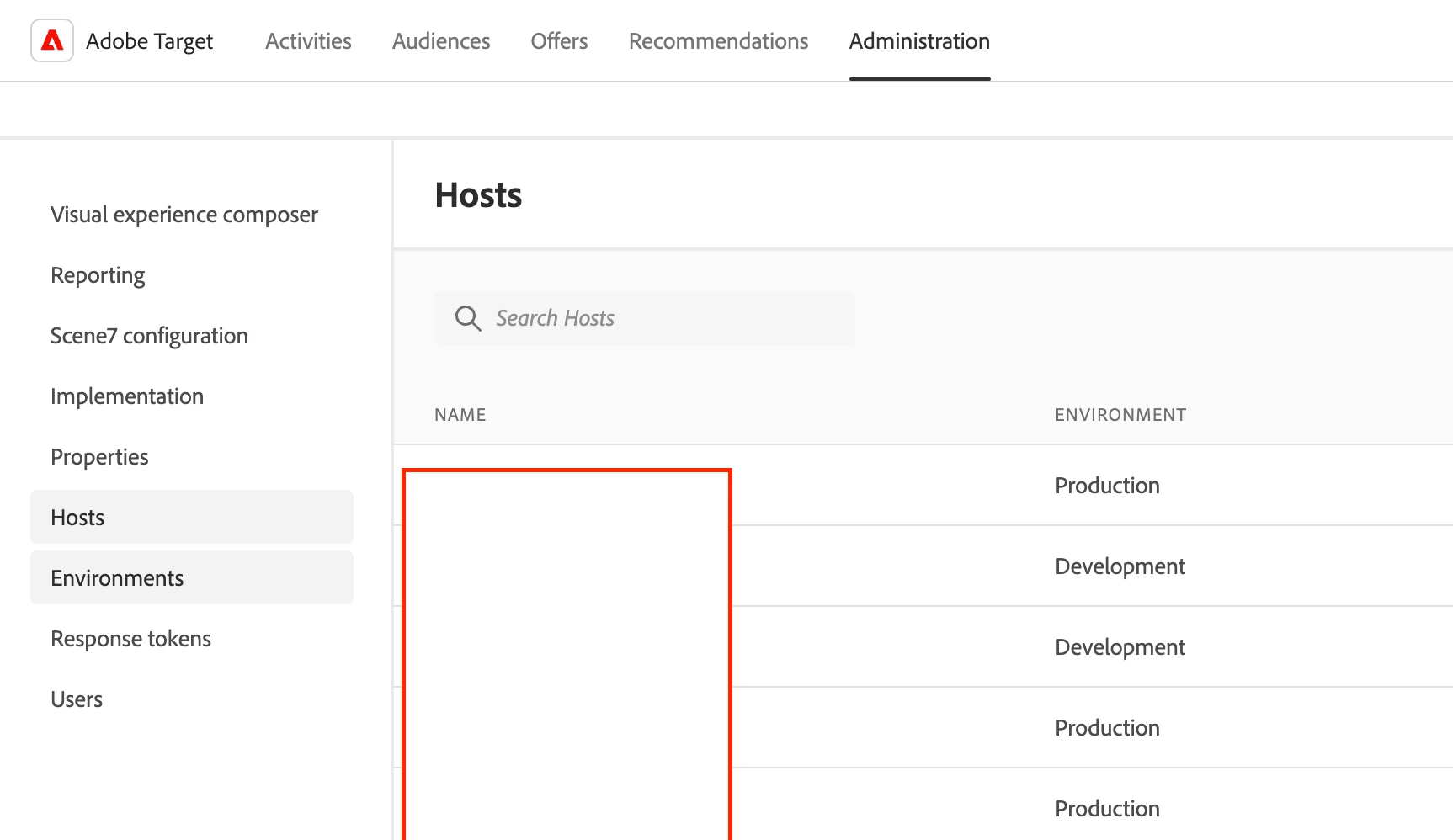
It sounds like you need to go through the Administration Panel and set up Environments / Hosts. By default, all hosts will qualify for the production environment unless you go in and configure them for an alternate environment. So in your example, I would set up stage for Development and then it should stop showing in your production environment. This feature allows for activities to be in the inactive state and still be visible in your non-prod environments. 

1 reply

Gaureshk_Kodag
Adobe Employee
Adobe Employee
March 4, 2024

Hi @jpfiber 

If you have same launch script added on the stage and prod, it is possible that activity created on stage would get delivered on prod as well.

As per below conditions 

Activity Location: stage.example.com

or any page where /sub-folder/, /purchase/

and url is not https://stage.example.com/sub-folder 

and url is not https://stage.example.com/purchase


activity is getting delivered on all the pages irrespective of stage or prod if it contains /sub-folder/, /purchase/

JPFiberAuthor
Level 3
March 7, 2024

Hi @gaureshk_kodag - can you give me guidance on where to locate the launch script?   I'm guessing they should be different for each environment?

evidanaCommunity AdvisorAccepted solution
Community Advisor
June 3, 2024

It sounds like you need to go through the Administration Panel and set up Environments / Hosts. By default, all hosts will qualify for the production environment unless you go in and configure them for an alternate environment. So in your example, I would set up stage for Development and then it should stop showing in your production environment. This feature allows for activities to be in the inactive state and still be visible in your non-prod environments.