(mbox) Page Parameters not getting set for target server calls | Community
Skip to main content
JyotiSharmaV
Community Advisor
Community Advisor
May 23, 2023
Solved

(mbox) Page Parameters not getting set for target server calls

  • May 23, 2023
  • 1 reply
  • 2056 views

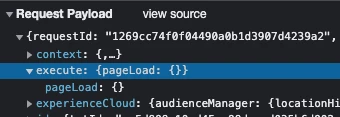
I am trying to push mbox parameter for page load requests as per below doc but I am unable to

 see them in Network tab of the developer console. Any suggestions on why this is happening?


https://experienceleague.adobe.com/docs/platform-learn/implement-in-websites/implement-solutions/target.html?lang=en#request-(mbox)-parameters

This post is no longer active and is closed to new replies. Need help? Start a new post to ask your question.
Best answer by JyotiSharmaV

Hi @perrin_ennen sorry for replying late. But I am still having issues:

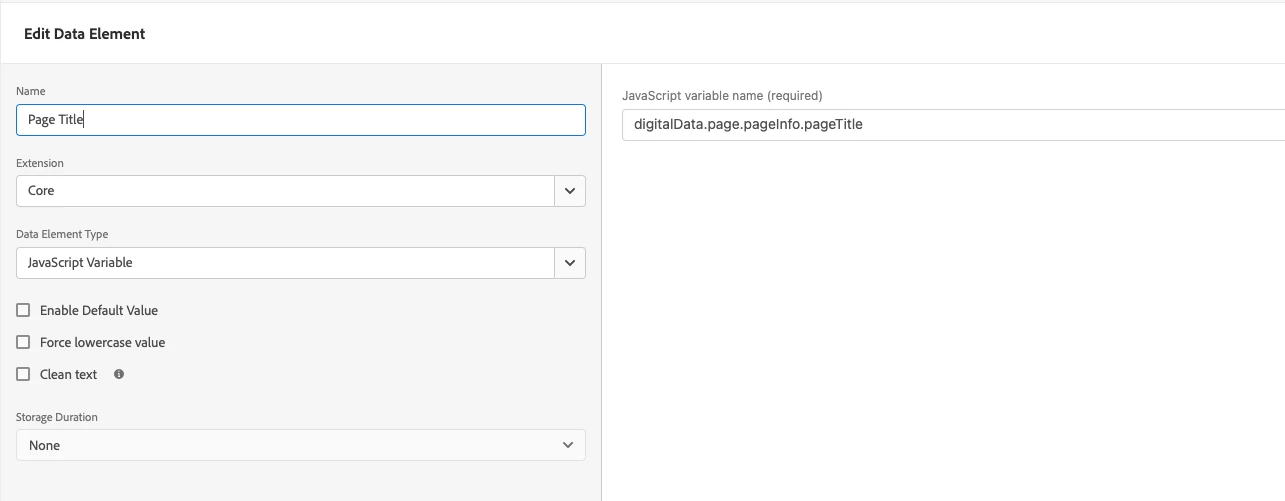
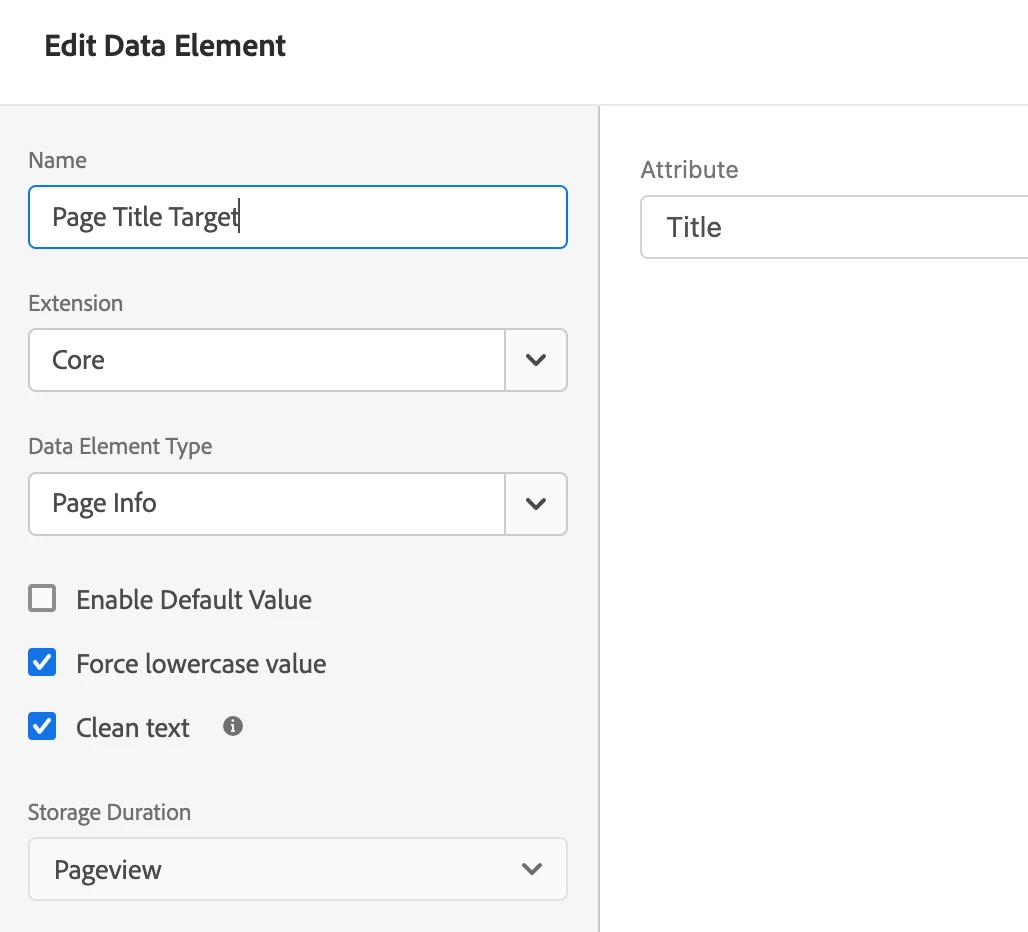
Here is the screenshot for the data element you asked for. This data element is working perfectly okay for all my other rules of analytics so no worry about this.
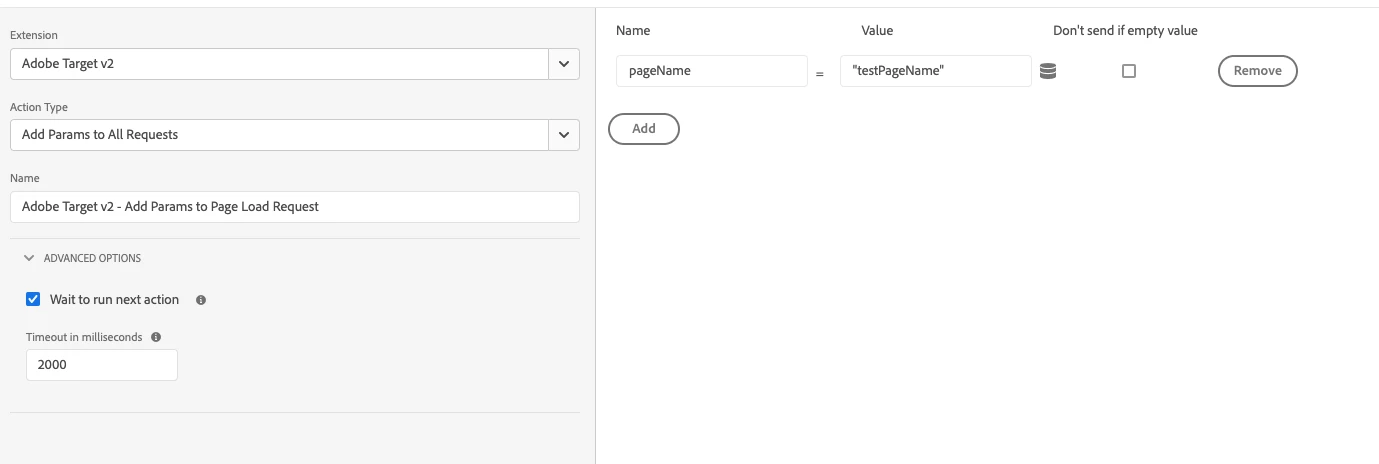
However, I also tried your way of passing hardcoded value in both action types as you suggested. But nothing is coming up in Request Payload 


Creating a data element using a javascript variable didn't work for me so I tried changing it to below & it some how worked for me. Rest stays the same. I just mapped my page variable to this data element it gets attached in target calls 
 

1 reply

Perrin_Ennen
Community Advisor
Community Advisor
May 24, 2023

HI @jyotisharmav,


if you use the targetPageParams function accordingly (before the initialisation of adobe target) - then you still have to activate the desired profile parameters under Administration > Response tokens - so that it is also visible in the requests in the dev tools.

JyotiSharmaV
Community Advisor
Community Advisor
May 25, 2023

Thanks @perrin_ennen in my target library load rule as below screenshot1, I am trying to pass dummy page param like secreenshot2

screenshot2

Does this parameter name need to be activated like below screenshot3:

Thanks


Perrin_Ennen
Community Advisor
Community Advisor
May 26, 2023

Hi @jyotisharmav,
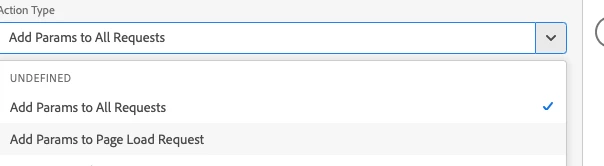
do you have another screenshot of the data element? You can also enter "testPageName" at value for testing - to see if this works then. If this still doesn't work - I would recommend to change the Action Type and also use Add Params to All Requests - if this is currently your problem.