How to track clicks using web sdk | Community
Skip to main content
Level 2
May 23, 2024
Solved

How to track clicks using web sdk

  • May 23, 2024
  • 1 reply
  • 4353 views

I am trying to manually track clicks on a website using adobe Target via Web SDK, Im used to use getOffer/Apply offer for custom click tracking, Im aware this does not work anymore on web SDK, but looking up for the documentation, it says that you can use adobe.target.sendNotifications() but is not working either, it throws an error saying that sendNotifications is not defined. How can I send a custom event then?

This post is no longer active and is closed to new replies. Need help? Start a new post to ask your question.
Best answer by alexbishop

Following with mi last question, I tried to configure an activity based on the custom mbox like this:
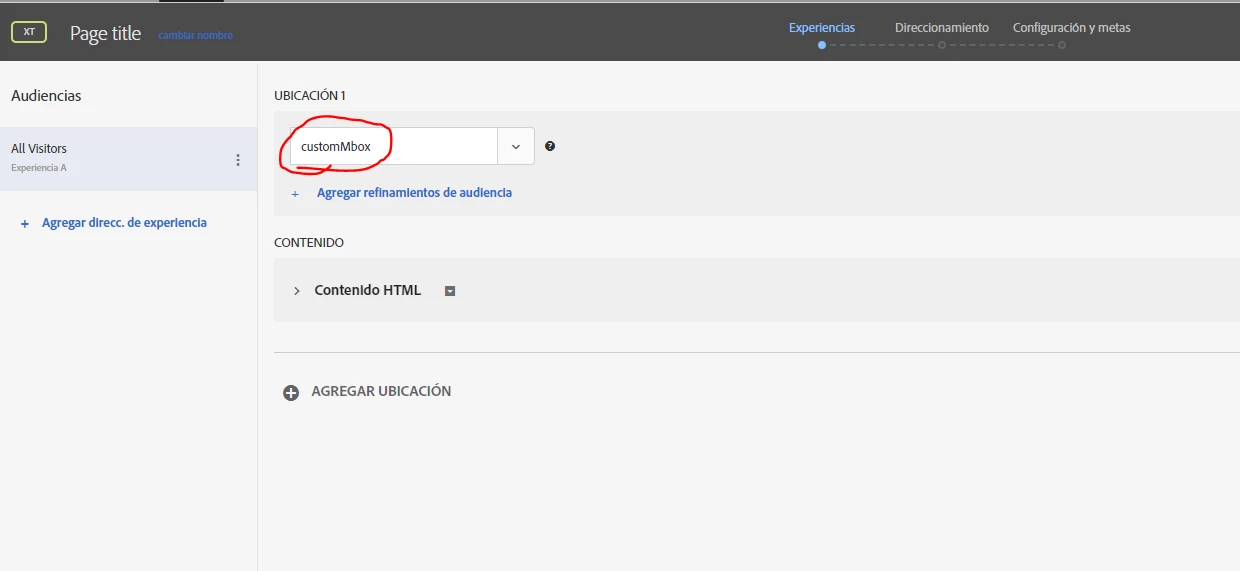
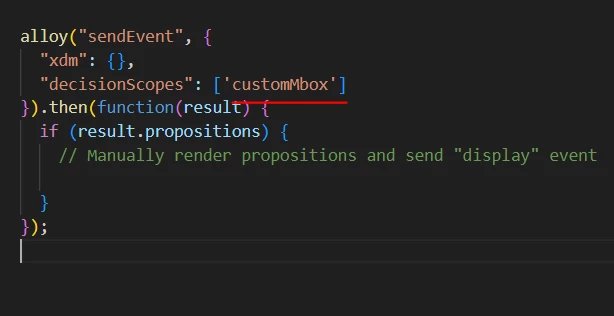
and then, executing the code you provided on console:
Even when the preview on console is showing the activity and its code, no code is being executed on the page, am I doing something wrong?
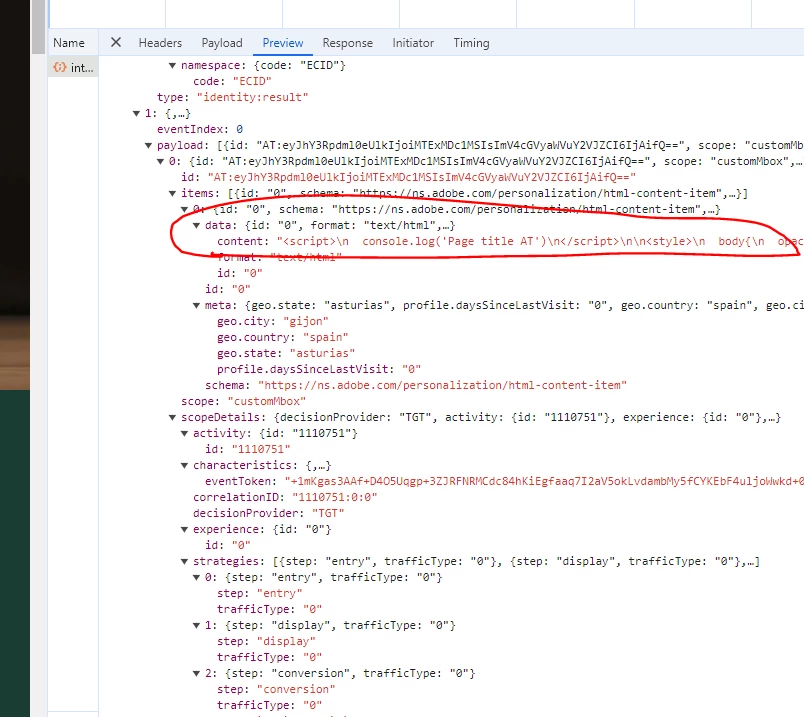
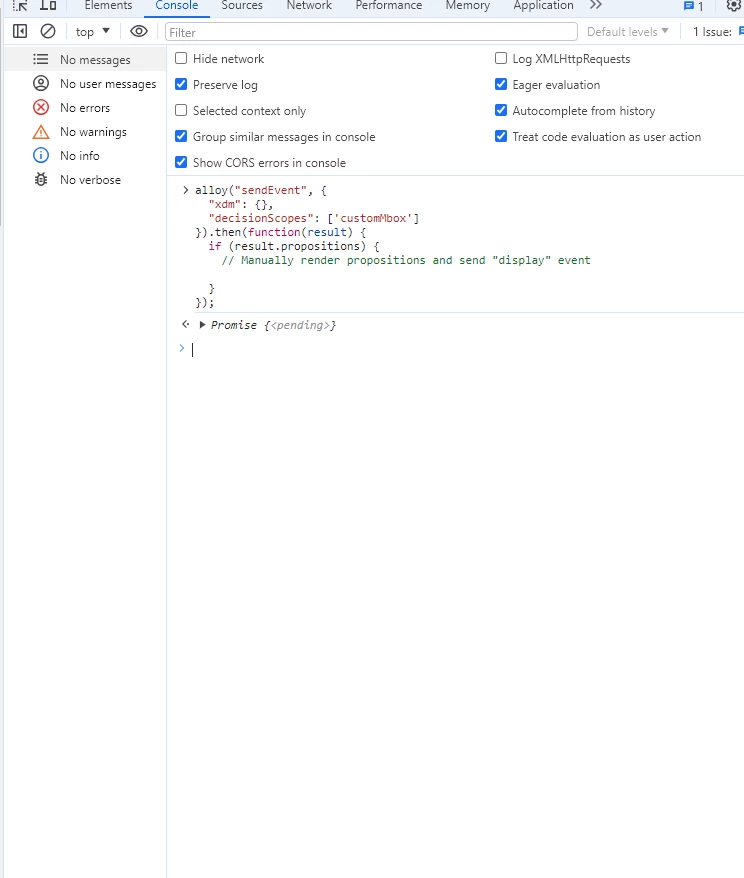
 

Thank you for your help


Yes, in the code I provided the if statement is empty: 

if (result.propositions) { // Manually render propositions and send "display" event }


So if you change it to the following then you'd see the response from Target output to console

if (result.propositions) { console.log(result.propositions) }

 
The idea with this custom mbox approach is that you write code that handles everything in the result.propositions response i.e., parse through the response and render the offer content in the appropriate location. If you don't want to do any of this manual work then you could use the default '__view__'  mbox and set up your activity via the Visual Editor Composer; the Web SDK would then take care of automatically rendering the response from Target 

1 reply

alexbishop
Adobe Employee
Adobe Employee
May 23, 2024

This document gives a good overview of how at.js functionality translates to Web SDK, including event tracking

jmgxAuthor
Level 2
May 24, 2024

Thank you @alexbishop  
I assume, the correct way would be using the alloy sendevent function, but how the goal of 'View an mbox' from Adobe Target can be fullfilled with the sendevent funtion, woul this be correct?

alloy ( "sendEvent" , {
  renderDecisions : true,
  data : {
    __adobe : {
      target : {      
        "track": {
          "scopes": "mbox-custom-name",
          "type": "click"
        }
      }
    }
  }
} ) ;
alexbishop
Adobe Employee
Adobe Employee
May 27, 2024

Hi @alexbishop 

We are using xdm on the implementation, so with the code you provided, it would work as 'view an mbox' metric on targer (xdmClick)??


Yes, exactly, the Metric configuration would look like this