Experience Fragment (contains React component) exported to target lost its initial html | Community
Skip to main content
Level 2
March 15, 2023
Solved

Experience Fragment (contains React component) exported to target lost its initial html

  • March 15, 2023
  • 2 replies
  • 3051 views

Dear community,


I'd like to use AT A/B test on my SPA page by replacing experience fragment. But after replacing content with experience fragment exported to AT Offer. The block goes blank since the html of XF offer has become the <head> content instead of its original html. Does anyone know how to deal with this issue?

Thanks in advance!
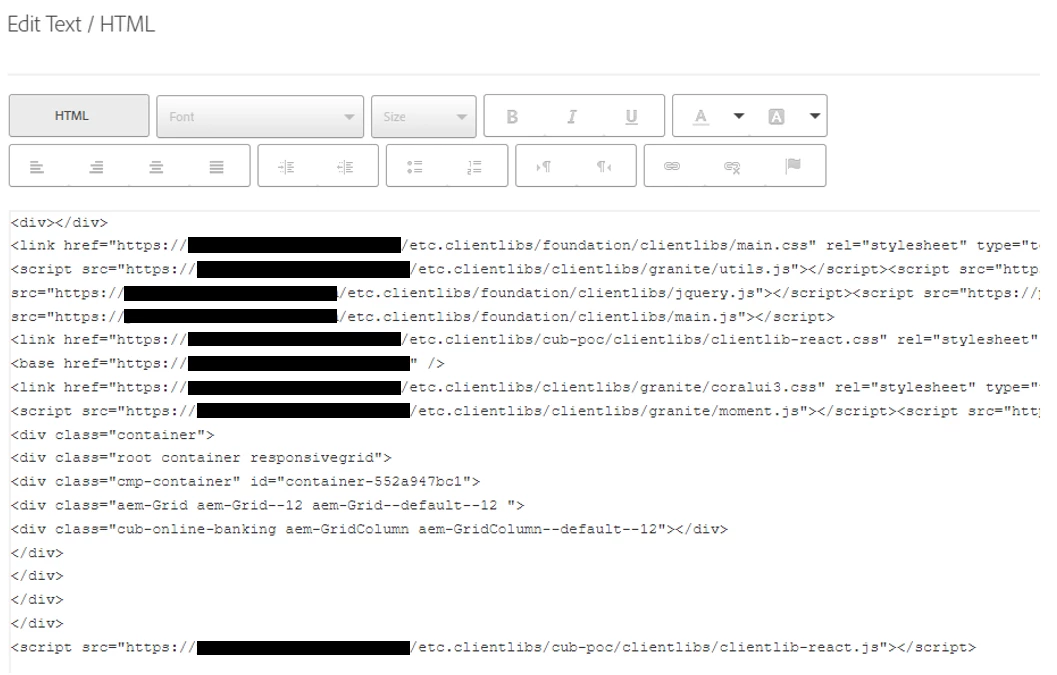
 

Here are the things I've done.

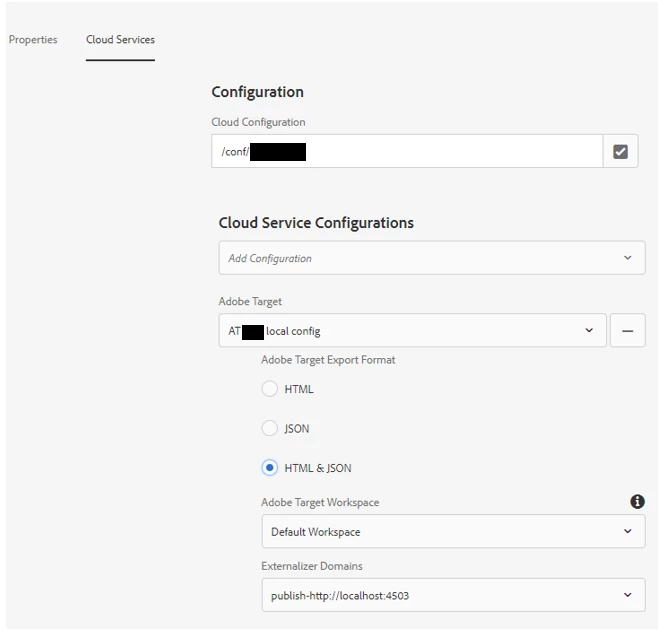
1. Set XF cloud service property
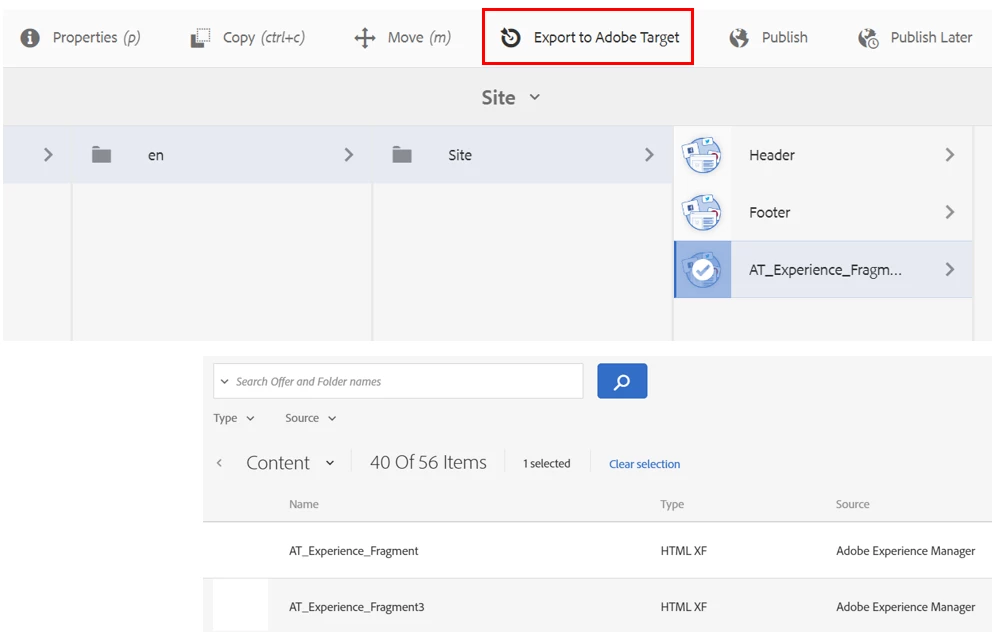
2. Export them onto AT Offers
3. Replace content with XF
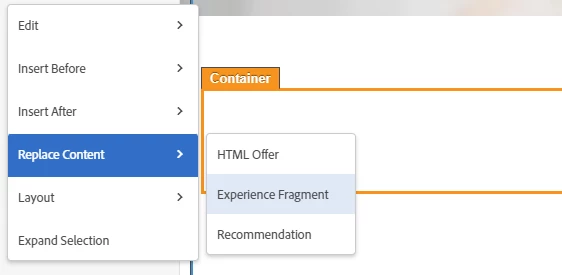
Then I got a blank block since the html is not the content I put in XF.


This post is no longer active and is closed to new replies. Need help? Start a new post to ask your question.
Best answer by nnakirikanti

If you go to your XF under Offers and open the link of the View Offer Content path? Is the code still in there in the source code? In the link, you may need to replace http://localhost:4503 with the corresponding domain.


@perrin_ennen  @yusheng910 here you need to understand server side rendering vs client side rendering.

Server side traditional AEM with Sightly/JSP : while exporting the fragment server side rendered code is exported to target (think like a view source of Experience Fragment page aka html delivered from server).

React based AEM implementation: while exporting the fragment in this case would export server side render code which will html, head, body, wrapper containers (to confirm check view source of Experience Fragment page and you will find the same markup).

I fear that this will not work: thinking .....  becoz AEM SPA loads components( markup using page json) on client side based on AEM Page model json structure and Adobe target load/replace this as a html markup to be rendered on client side. React framework no way to know the URL , load json and  trigger render.


This may be feature to be enhanced, reach Adobe

2 replies

Level 2
March 15, 2023

Issue update:

I've check if I put pure core component (text) into XF, it works fine, but if I put react component (generated in ui.frontend) the issue come up again.

I've tried imported @61380/target-react-component in my react component and enclosed the html with <Target> , the issue remains...

Perrin_Ennen
Community Advisor
Community Advisor
March 16, 2023

Hi @yusheng910,
you could create a form based activity in the Target UI - and select the XF in the content accordingly. That will show you a preview of the code here. Here it would be interesting to know if the corresponding code part is still in there or already missing.

Level 2
March 16, 2023

Thanks for the input,

I checked it and the html is already missing in the content, it should have been enclosed by the div in line24. 


Perrin_Ennen
Community Advisor
Community Advisor
March 16, 2023

If you go to your XF under Offers and open the link of the View Offer Content path? Is the code still in there in the source code? In the link, you may need to replace http://localhost:4503 with the corresponding domain.