Adobe Target VEC error | Community
Skip to main content
September 16, 2019

Adobe Target VEC error

  • September 16, 2019
  • 5 replies
  • 24243 views

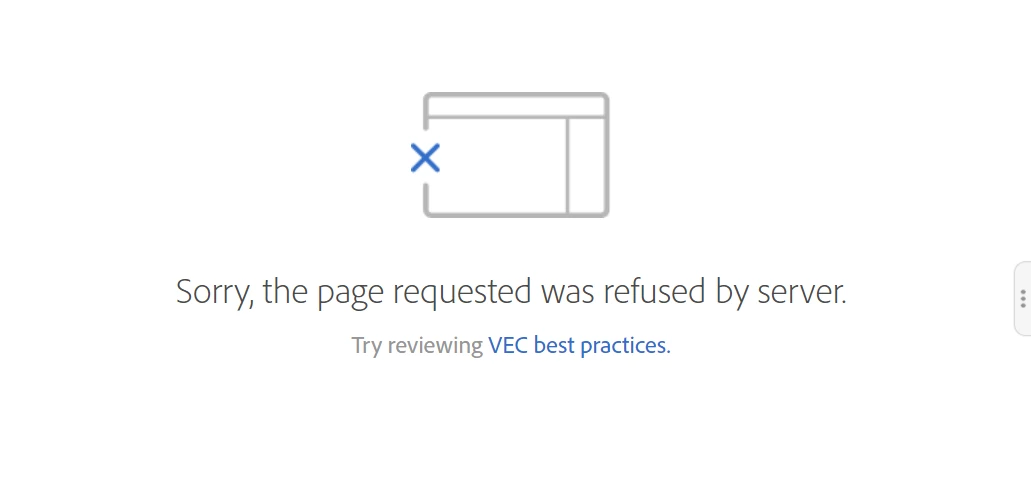
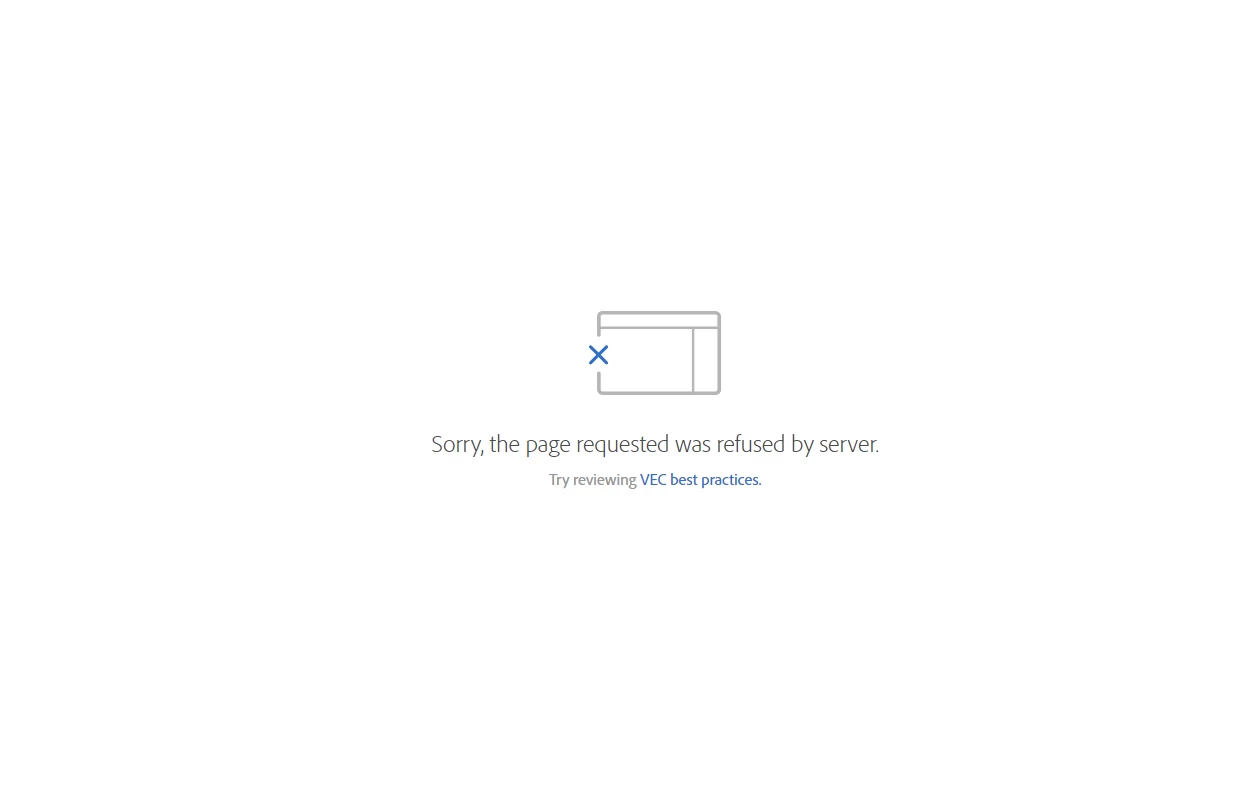
In Chrome, I'm receiving a VEC error when creating an activity saying the page was refused by the server. I'm able to create activities with no issues in Firefox and Edge. See attached screenshot.
This post is no longer active and is closed to new replies. Need help? Start a new post to ask your question.

5 replies

surebee
Adobe Employee
Adobe Employee
September 17, 2019

Hi jasond23496956​,

What version of Chrome are you using? Note that per Supported browsers ​: you will need to use the latest or the latest-1 version of Chrome to create activities.

You could also always email us at clientcare@adobe.com with your account details and the page URL and we can take a look.

JasonDa4Author
September 17, 2019

It looks like the version I have on my machine is 75.0.3770.80 . My browser is managed and updates are disabled by my administrator

Adobe Employee
September 18, 2019

jasond23496956​ Do you mind sharing the url of the page that you are trying to load in the VEC so that we can check if we can reproduce the issue on our end?

MihneaD
Adobe Employee
Adobe Employee
September 18, 2019

jasond23496956

I would agree with your assessment since it's only happening in that specific browser probably some security feature/setting.

Mihnea Docea | Technical Support Consultant | Customer Experience | Adobe | (:: 1 (800) 497-0335

JasonDa4Author
September 19, 2019

Is there anything you'd recommend I change in settings? Unfortunately my Chrome browser is managed by my organization so that can make it difficult for certain tasks and updating/changing settings.

surebee
Adobe Employee
Adobe Employee
September 25, 2019

Hi jasond23496956​, sorry to hear that you are still experiencing the issue. Could you shoot us an email at clientcare@adobe.com and we could set up a screenshare to take a look?

Gaureshk_Kodag
Adobe Employee
Adobe Employee
September 19, 2019

We are also facing the same issue and sometimes when I load any page in VEC it redirects me to adobe experience cloud login page URL (www.mywebsitedomain.experiencecloud.adobe.com/exc-content/login.html) inside VEC with a blank gray screen

August 28, 2020

Have the same issue. I checked and I am on the latest version of Chrome.

As of today, I am on Chrome version 

Version 85.0.4183.83 (Official Build) (64-bit)


I can create new Activities in Firefox and Edge.

September 1, 2022

I am getting the same error on Chrome, Edge, and Firefox.

Chrome, Edge, and Firefox are up to date.

Chrome Version 105.0.5195.54 (Official Build) (64-bit)

Microsoft Edge Version 104.0.1293.70 (Official Build) (64-bit)

Firefox Version 104.0.1 (64-bit)


March 31, 2023

Hi,
Were you able to resolve this issue? I am also facing the same in all browsers (Chrome, Firefox, Edge).

March 31, 2023

Hi, @akshayjv24 

We resolved the issue by allowing mixed content to be loaded on the page, allowing http or https to be loaded.


Additionally, sometimes we saw error messages due to time outs that occurred as we were loading content via enhanced experience composer instead of visual experience composer. Both function similarly, but VEC will allow faster load times when using the VEC Helper and some other additional functionalities. Therefore, Adobe IT recommended defaulting to this for now.