Unable to view the exported data in the destination data landing zone | Community
Skip to main content
Level 2
August 23, 2024
Solved

Unable to view the exported data in the destination data landing zone

  • August 23, 2024
  • 2 replies
  • 1034 views

Hello,

I created a destination scheduling an audience export after every segment evaluation. When I check the dataflow, it shows successful run and the folder path is given correctly,compression type as none,file format as json but still I'm unable to see the data in my folder in data landing zone.

Can somebody help me in figuring this out.
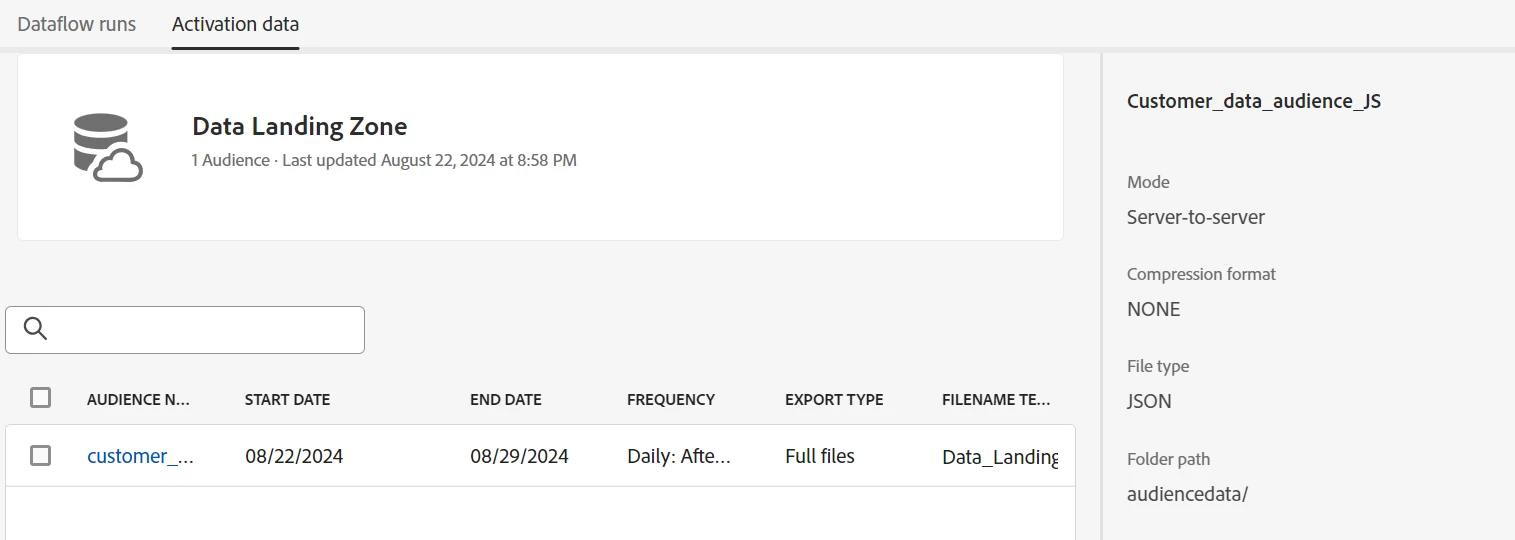
Fig1-Audience activated to the destination
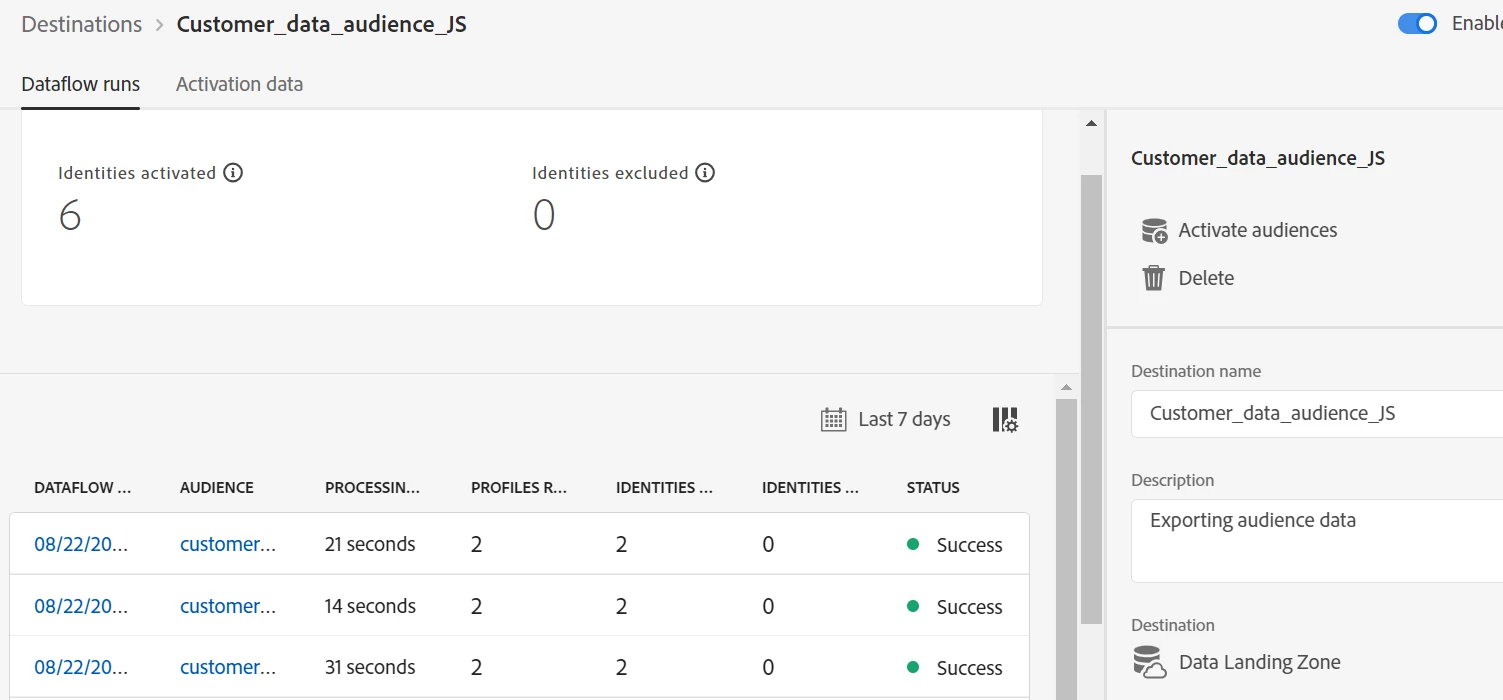
Fig2-Successful dataflow run
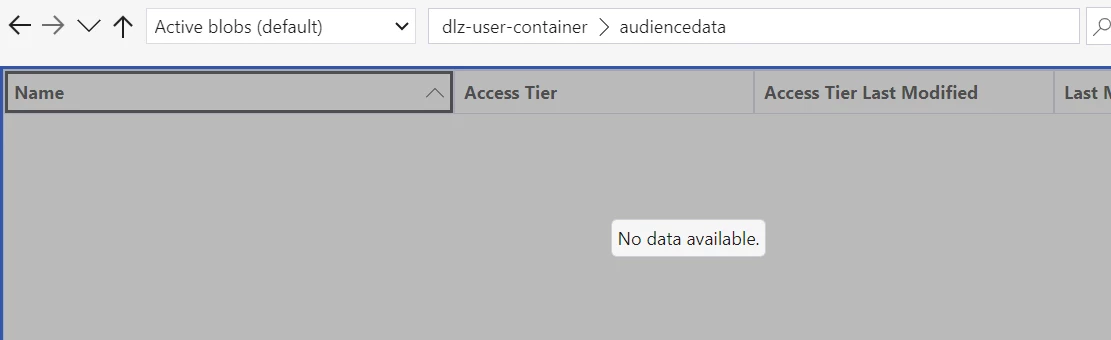
 

Fig3-Data unavailable in data landing zone.


This post is no longer active and is closed to new replies. Need help? Start a new post to ask your question.
Best answer by brekrut

Hello @sushmita_2 


With the destination data landing zone the SAS UI credentials are different than the source connection. The destination credentials are available via API..


https://experienceleague.adobe.com/en/docs/experience-platform/destinations/catalog/cloud-storage/data-landing-zone#retrieve-dlz-credentials


Are you connected to the destination landing zone?

2 replies

DavidRoss91
Community Advisor
Community Advisor
August 23, 2024

hi @sushmita_2 

Can you confirm you have the correct permissions to access the DLZ? Along with also confirming the timing of the segment evaluation to be sure you are checking after evaluation?

brekrut
Adobe Employee
brekrutAdobe EmployeeAccepted solution
Adobe Employee
August 23, 2024

Hello @sushmita_2 


With the destination data landing zone the SAS UI credentials are different than the source connection. The destination credentials are available via API..


https://experienceleague.adobe.com/en/docs/experience-platform/destinations/catalog/cloud-storage/data-landing-zone#retrieve-dlz-credentials


Are you connected to the destination landing zone?

Level 2
August 23, 2024

Hello @brekrut ,

Thanks for helping out here, the solution you provided worked as I had not created new credentials for destination connection and was using the source credentials.

I was able to view all the files that were exported yesterday as soon as I updated my destination credentials.