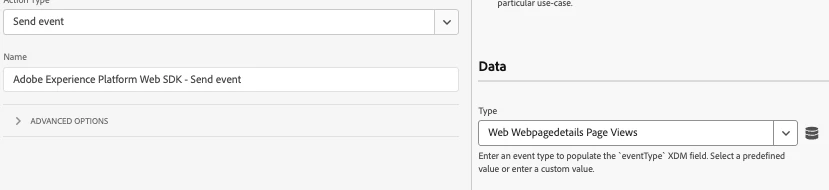
@kamil_tagging pushing both Client-Side and Server-Side (via Web SDK) traffic into the same report suite is a common setup, but it needs to be configured carefully to avoid data duplication.
What will Happen 1: Identity Mismatch Across Both Sources
If implemented correctly, Adobe Analytics will treat these hits as part of the same session. However, if identity is not managed properly, you may see inflated visits, visitors, and page views due to data being treated as separate hits from different users or sessions.
Validation Steps:
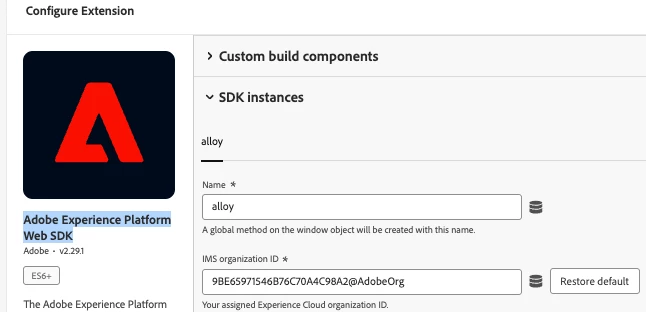
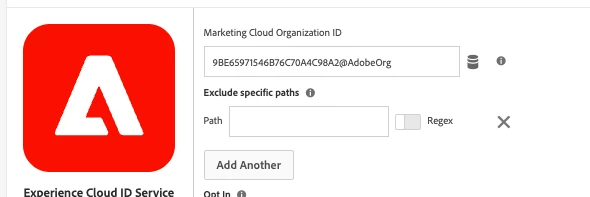
Make sure both client and server hits use the same ECID. On the client side, the Web SDK handles this automatically. For server-side hits, you’ll need to pass the ECID from the client. Without this, Adobe will treat them as different users, and you'll see inflated visit/visitor counts.
What will Happen 2 - Avoid duplicate page views and Events
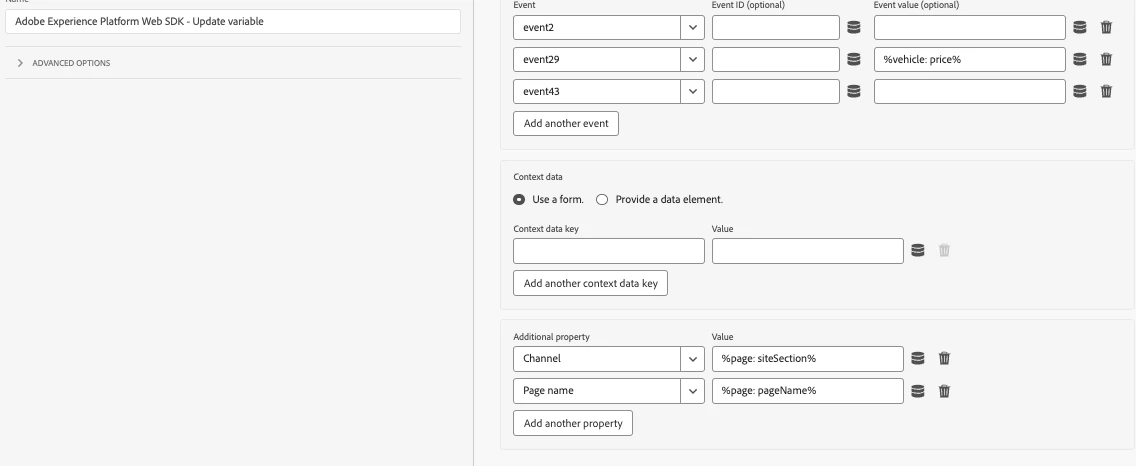
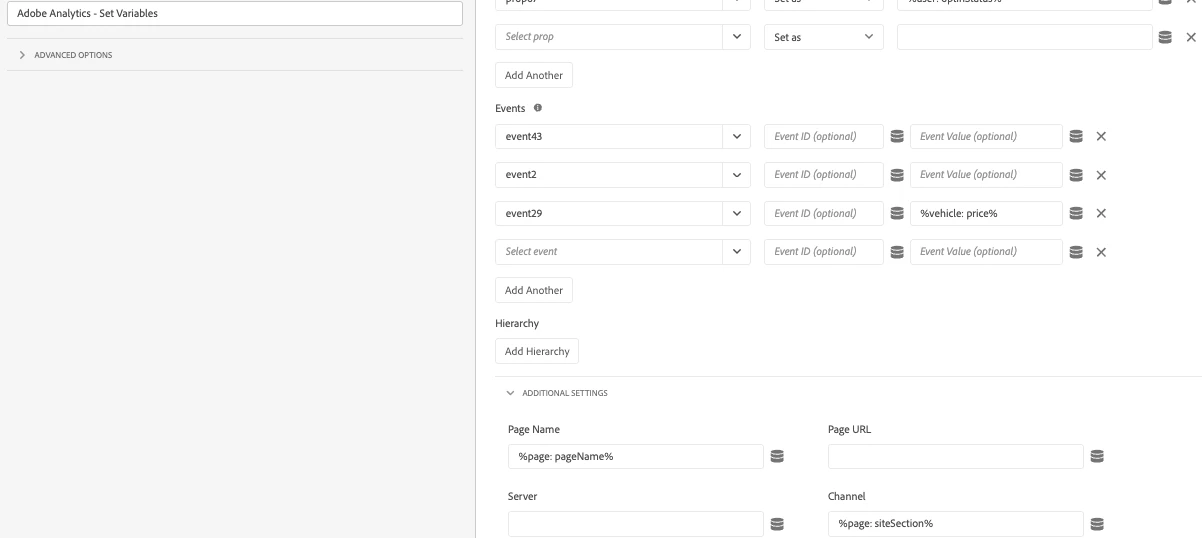
Make sure you’re not sending a page view hit both client-side and server-side for the same page load. That’s a common source of double-counting.
Validation Steps:
Use the Adobe Experience Platform Debugger or browser tools to check
-
That both hits share the same ECID
-
Event types and page names
-
That you’re not duplicating key events
If those pieces are in place, your data will merge cleanly in the same Report Suite without duplication.