Hi dwright,
Thanks for your help. For your question I check and the result like these:
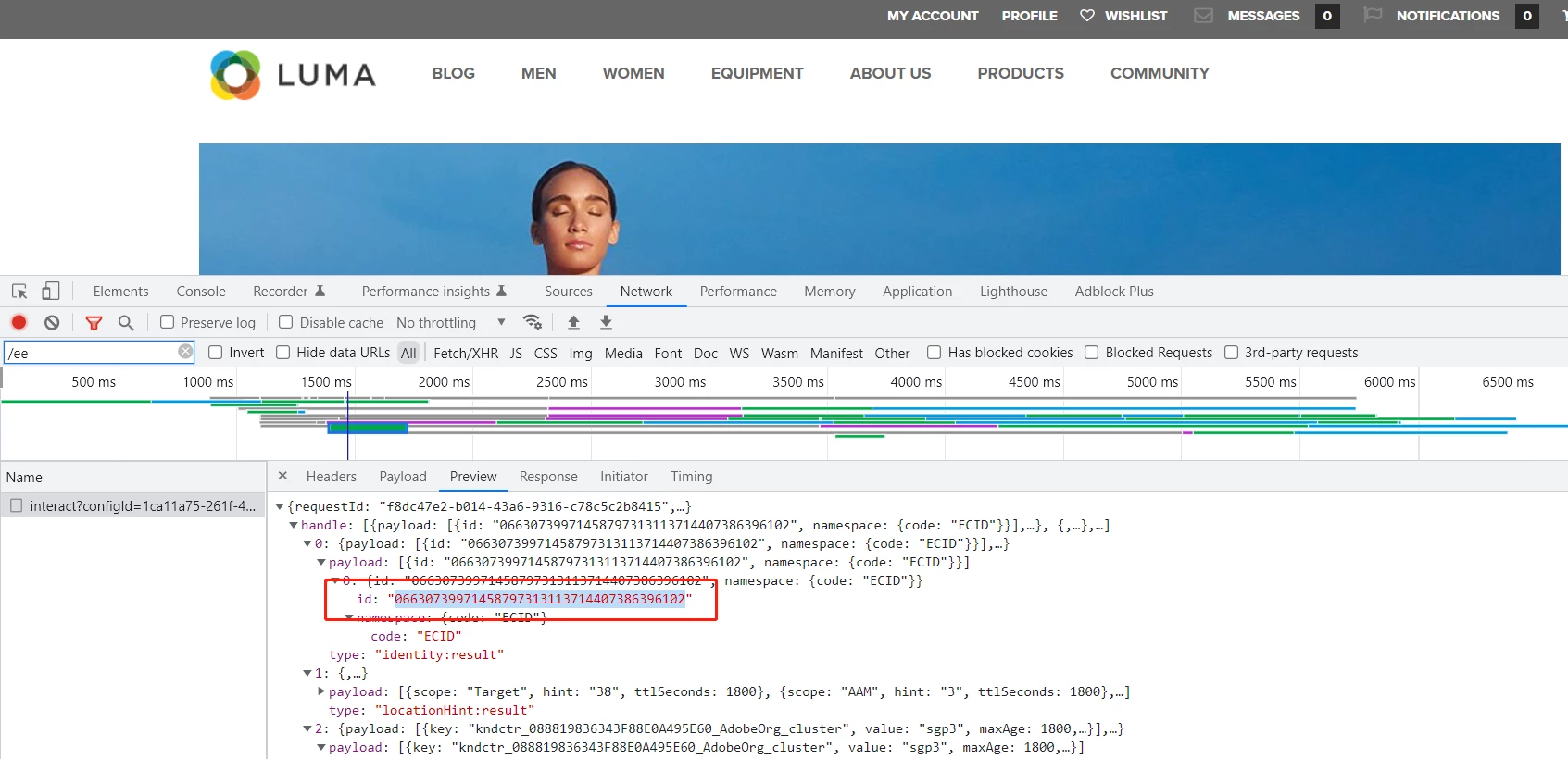
1. Look up the profile using the ECID. The ECID can be found in the _response_ of the interact call in your browser console.
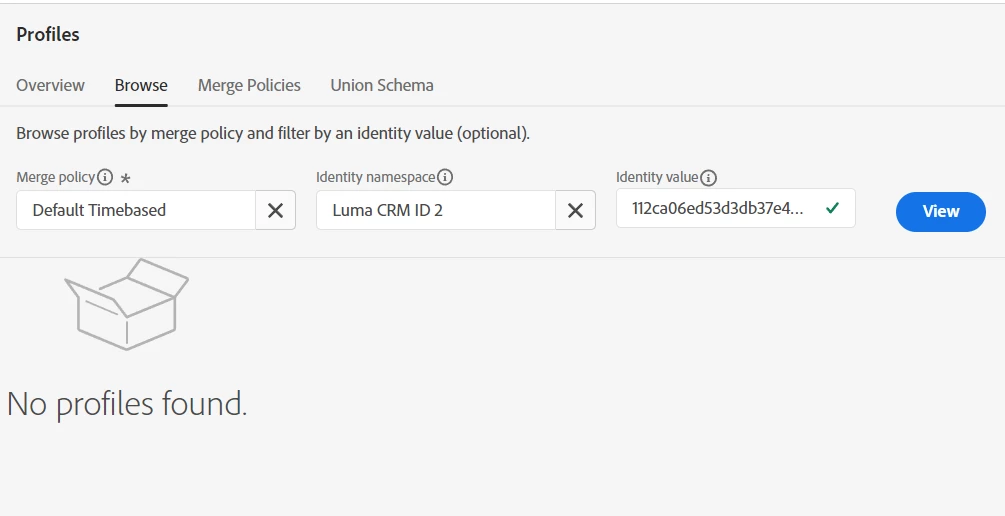
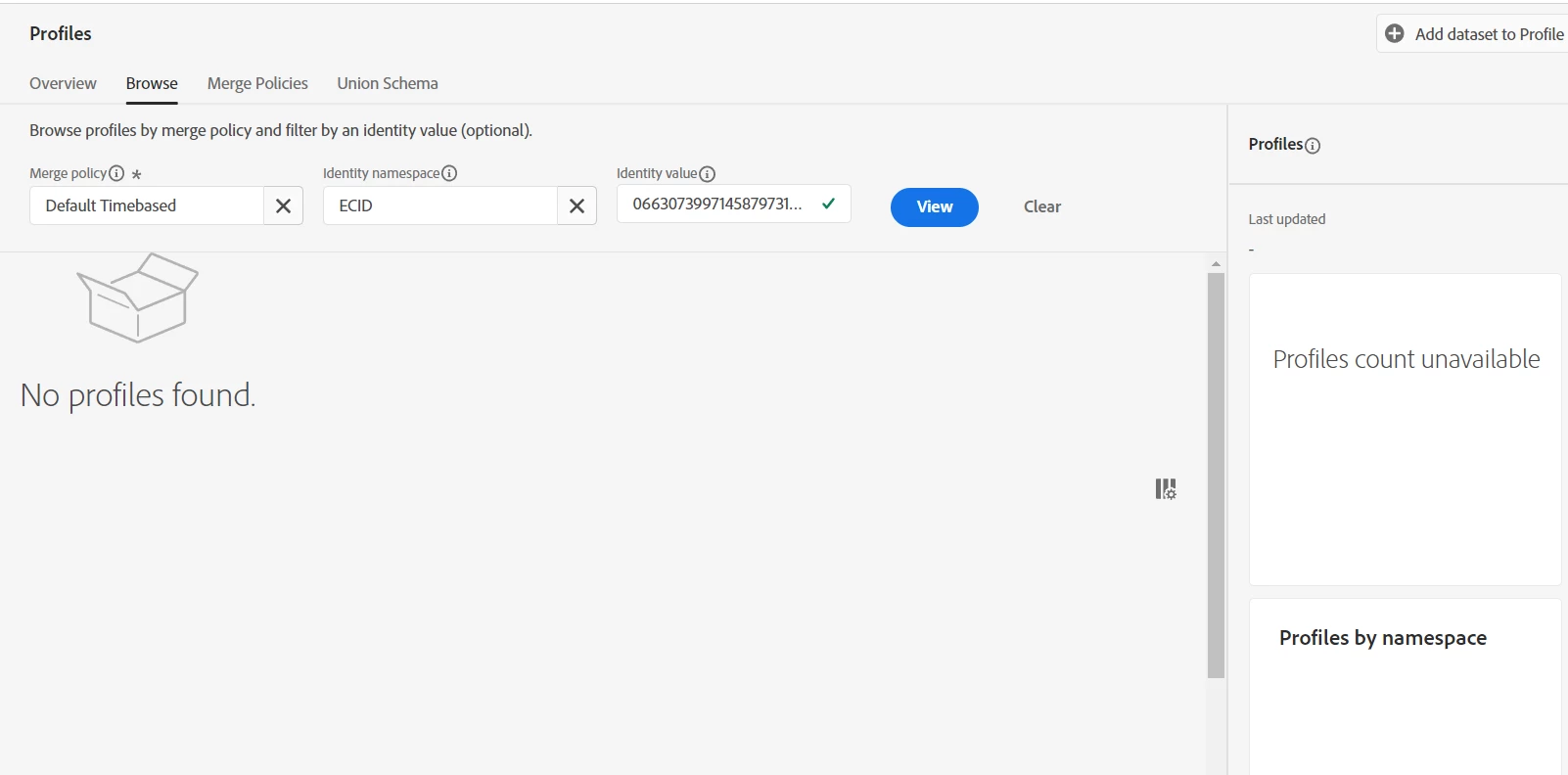
Is this the ECID? I add this to search in profiles and can see nothing.
2. Make sure the identity symbol you are passing in the call "lumaCrmId2" matches that of the identity namespace you are looking up.
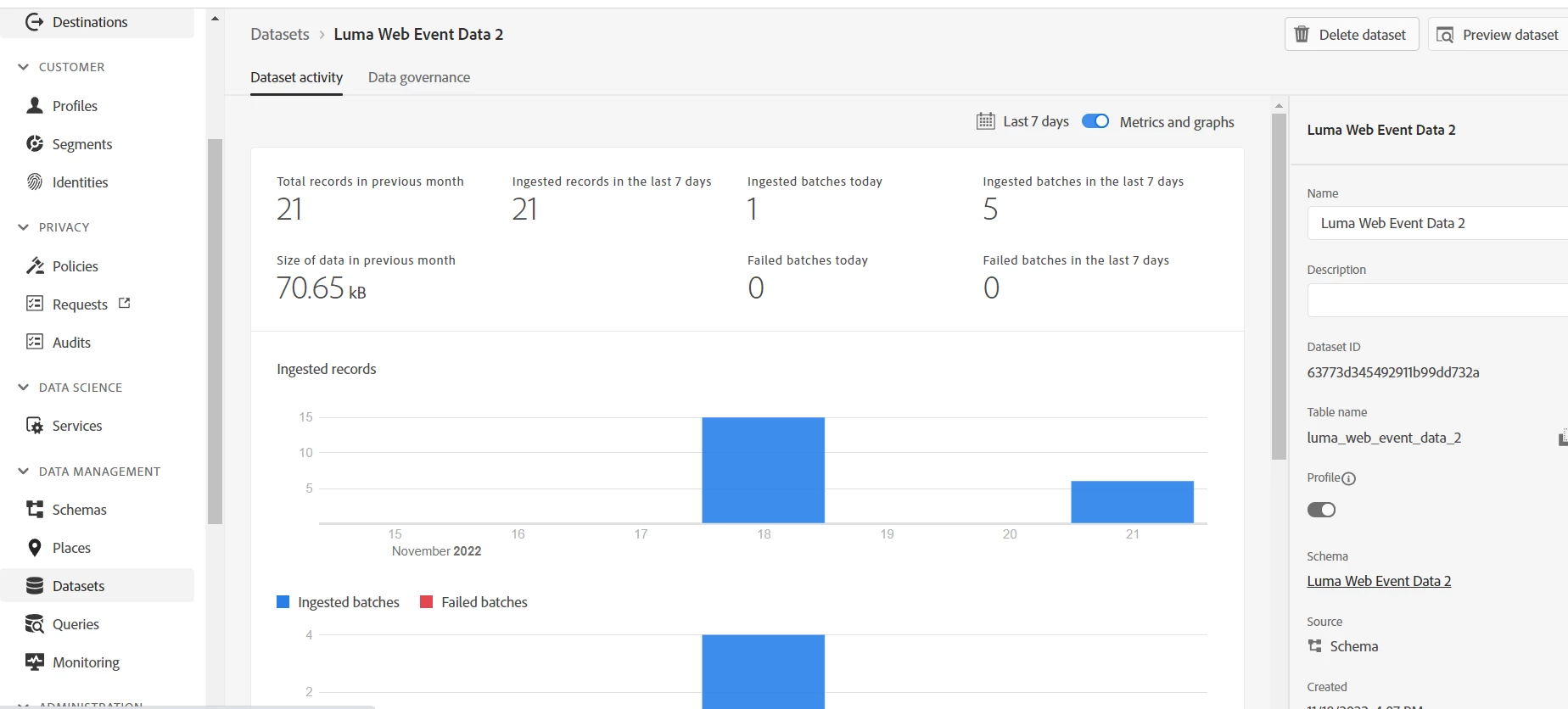
Both in AEP or launch I can see the Identities like this,I think they are matching.

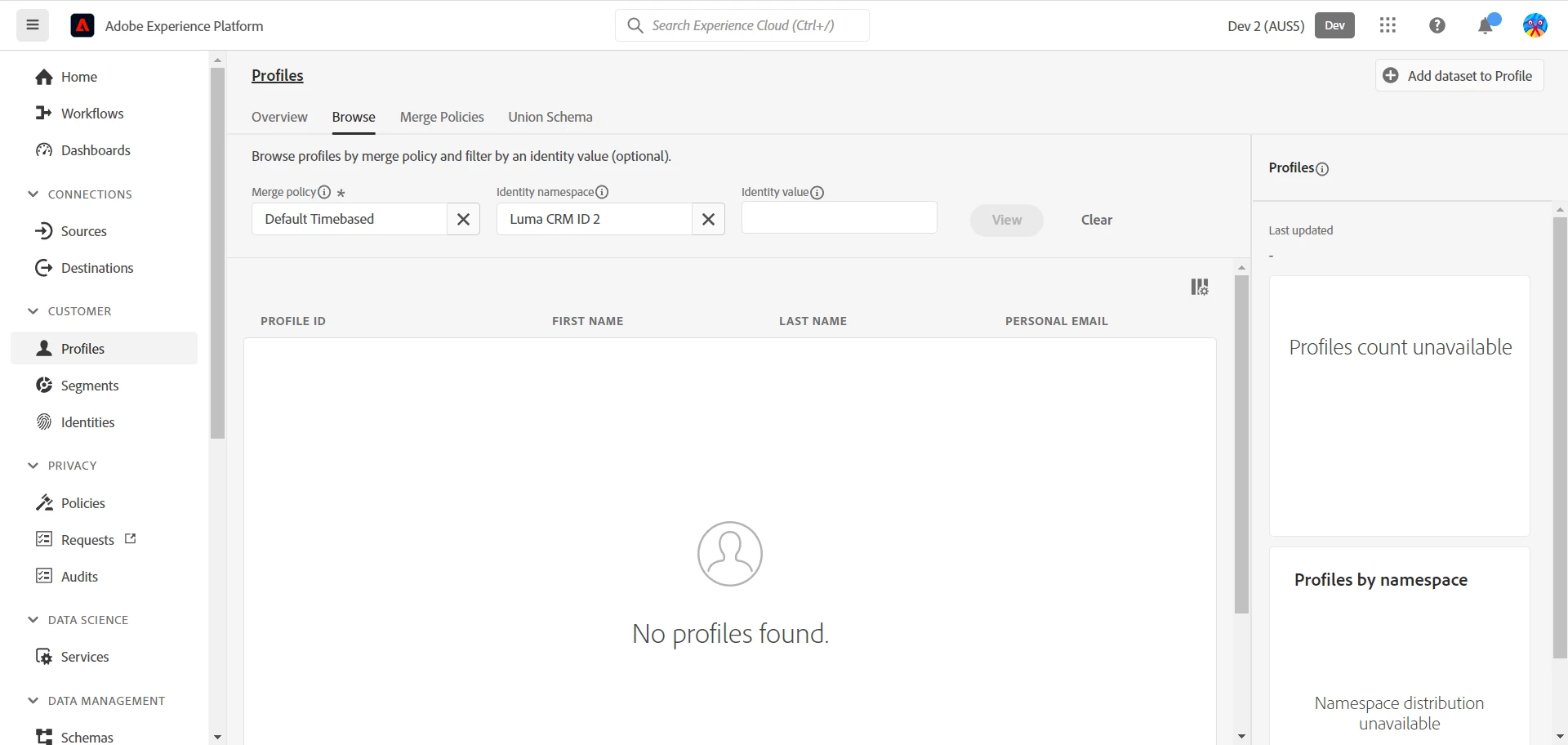
3. Does a profile count show in the sidebar of the Profiles browse screen?
4. Do any sample profiles show on the Profiles browse screen?
In both sidebar and browse screen there are nothing.
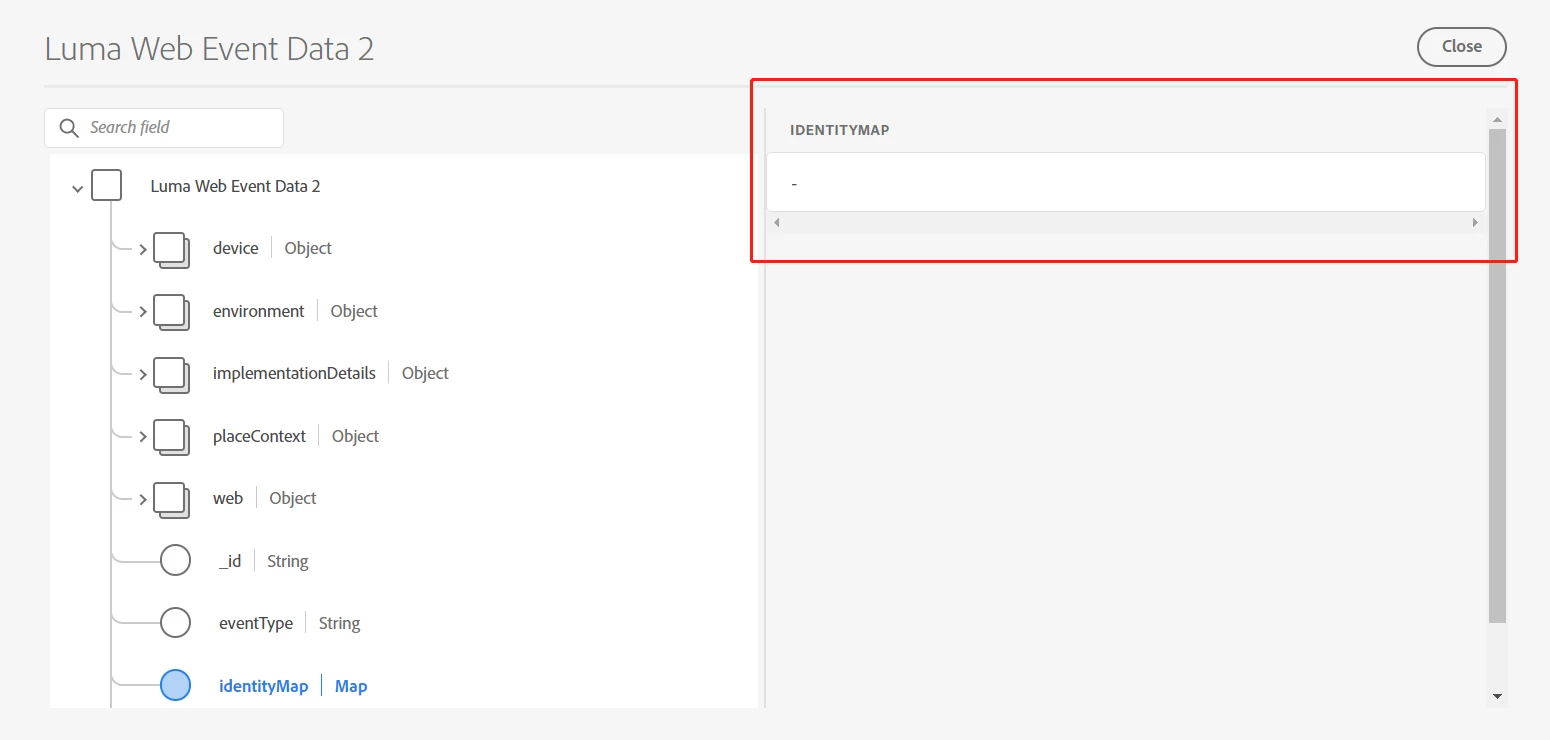
5. In the dataset, if you click the Preview Dataset button on the top right corner, do you see some of your test data there?
I can see other data like web.webPageDetails.name, but nothing in
identityMap.

Yes, that is the ECID that you found in the response. Thanks for checking that.
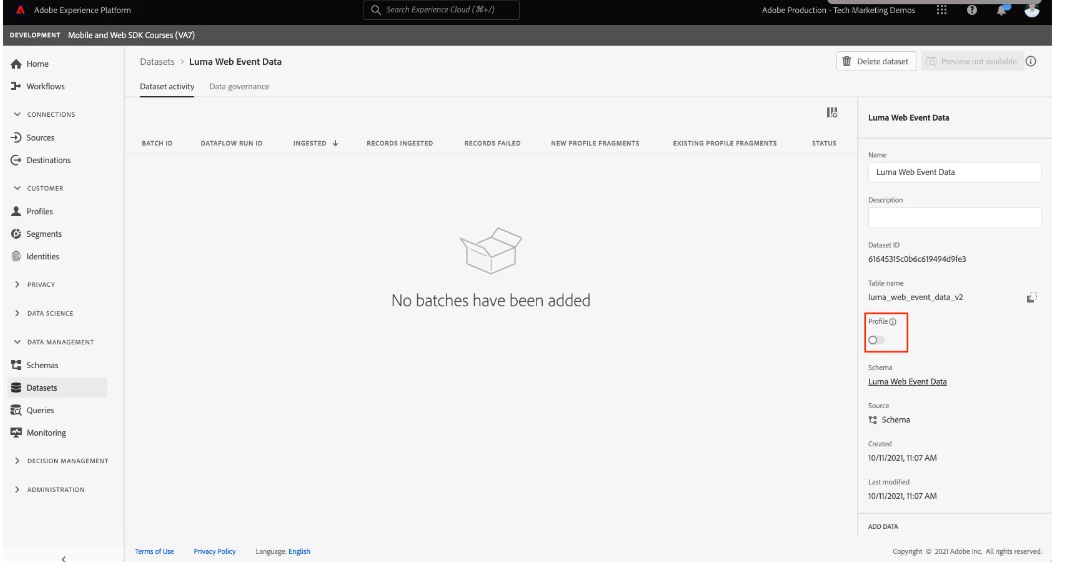
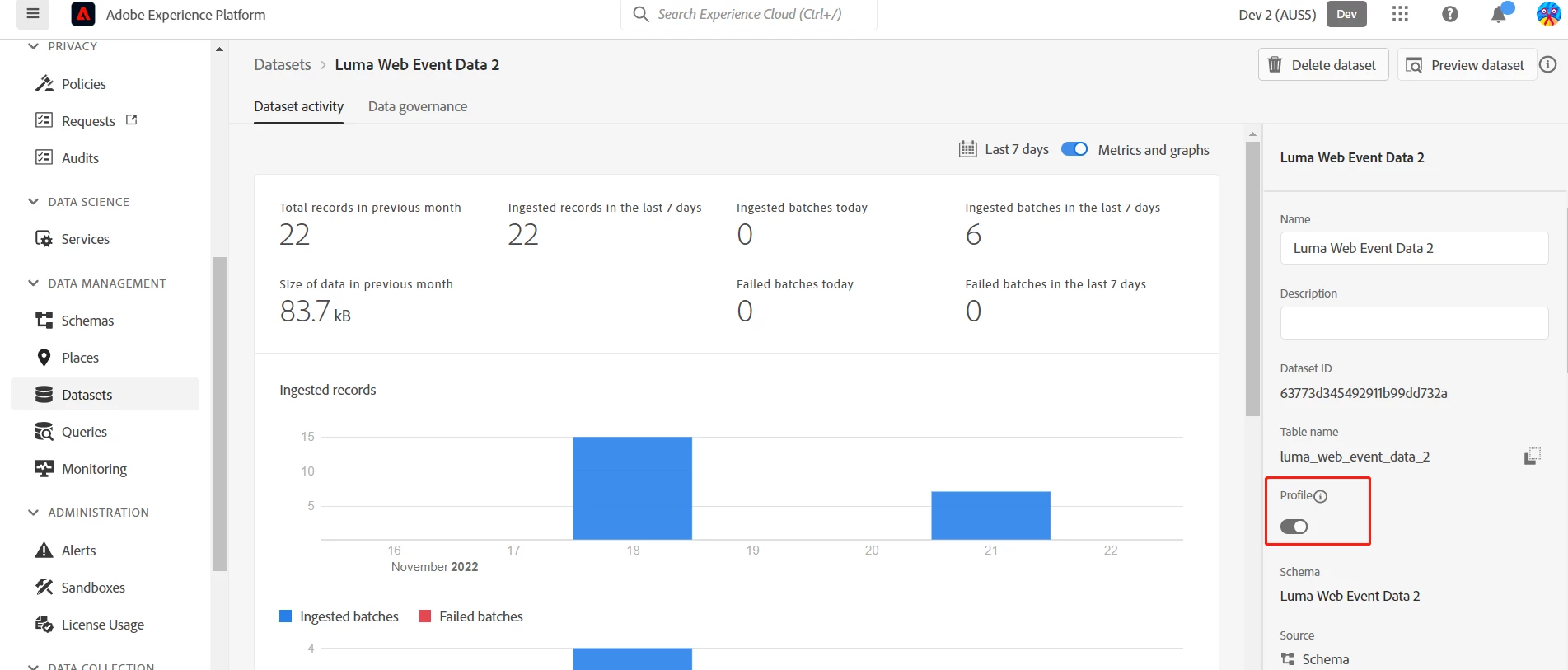
It seems like you have confirmed that your data is streaming into the correct Platform sandbox and your schema and dataset are enabled for Profile. The customer id is being set correctly in the identity map, but for some reason profiles are not being created in profile.
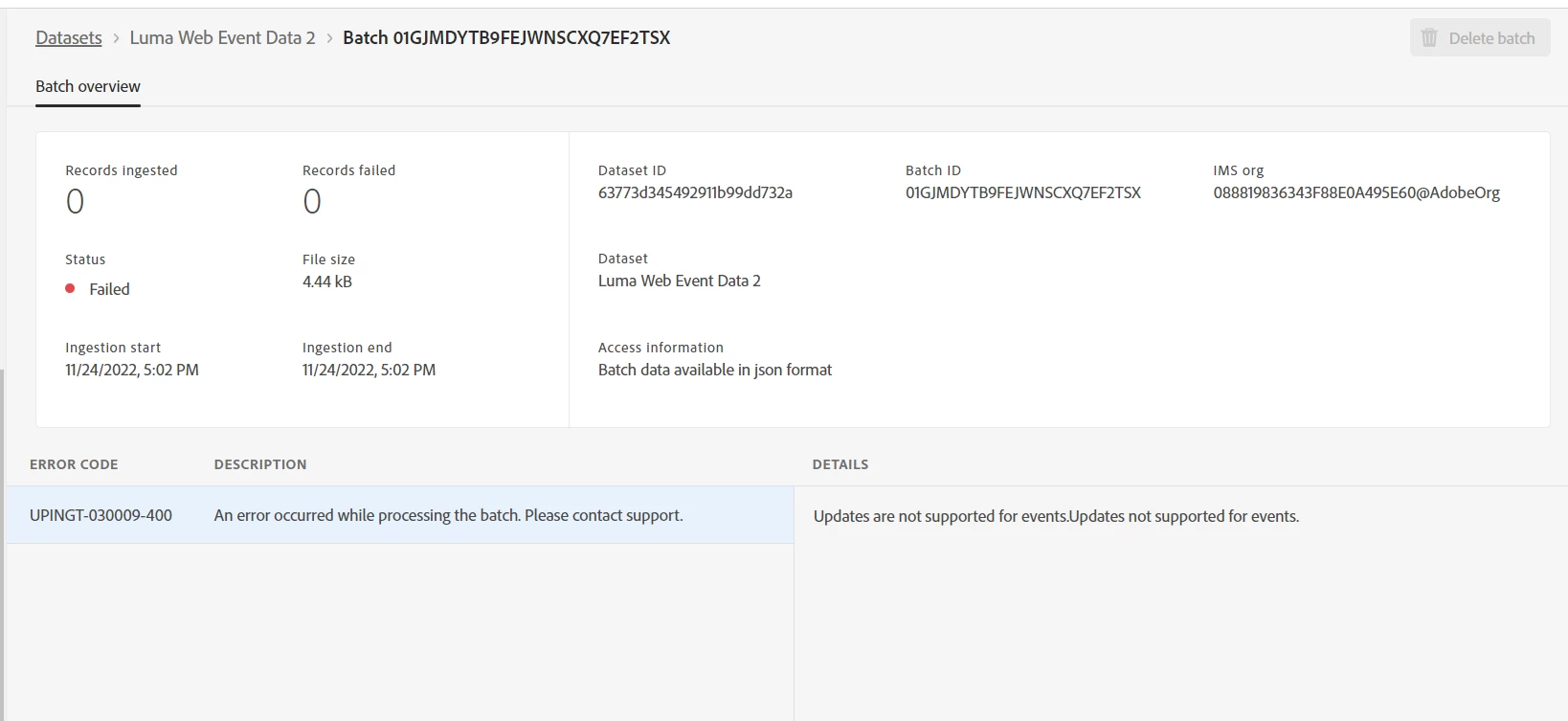
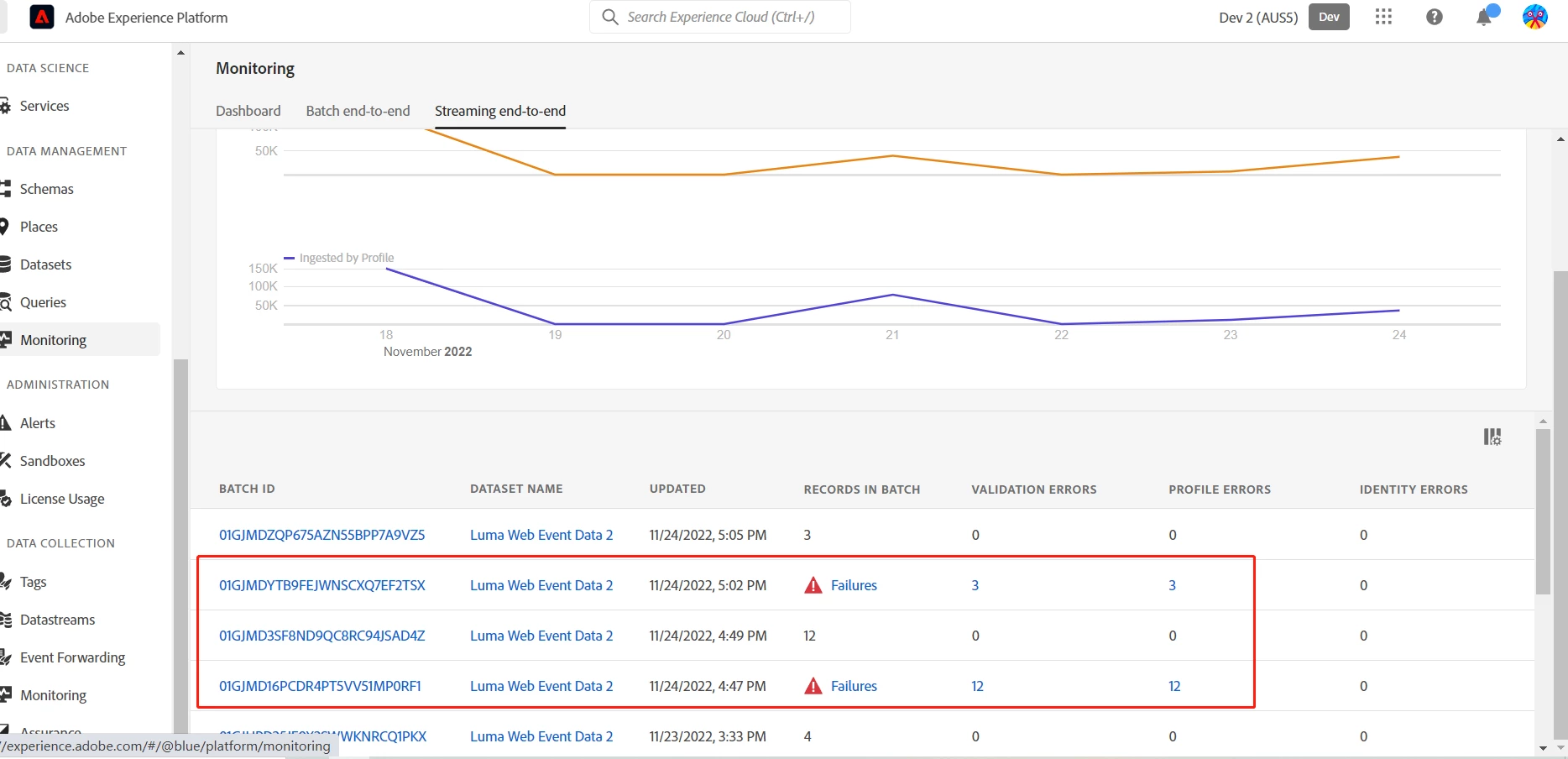
I'm not sure what that the error "Updates are not supported for events" means. My best guess is that it might think you are sending events with the same event "_id" field twice, but I don't understand how that would happen. You just followed the directions of the tutorial and are you just browsing the site normally, right? From your screenshot, it looks like this might be related to the data landing in the profile.
At this point, i suggest opening a ticket with client care to see if they can help explain what that error message "Updates are not supported for events" means.
Just to clarify some communication you are having with @9138372 , the tutorial uses a schema on the XDM ExperienceEvent class, which is enabled for Profile. There is another class called XDM Individual Profile, but this is NOT used in the tutorial.
Here are some other things you can check:
1. Are the ids populating the identity graph? Since you have two ids (ECID and lumaCrmId2) a graph should be formed which is visible in the interface: https://experienceleague.adobe.com/docs/platform-learn/tutorials/identities/view-identity-graphs.html
2. Use the Edge trace feature in the Debugger (and Assurance) to see if there is any useful debugging info there.
3. You could follow the steps in this Platform tutorial to create the schema for loyalty data and ingest the sample data to see if you are able to see profiles created: https://experienceleague.adobe.com/docs/platform-learn/getting-started-for-data-architects-and-data-engineers/overview.html?lang=en