Event Forwarding data elements in AEP Web SDK | Community
Skip to main content
September 17, 2022
Solved

Event Forwarding data elements in AEP Web SDK

  • September 17, 2022
  • 1 reply
  • 2563 views

Hi,

Event forwarding data elements utilizes XDM object as data source and Edge network forward those data elements values to non-adobe solutions. My question is in case of non-xdm data, what could be the data source for event forwarding data elements? Any document or example on sending non-xdm data would be helpful.



This post is no longer active and is closed to new replies. Need help? Start a new post to ask your question.
Best answer by ChetanyaJain-1

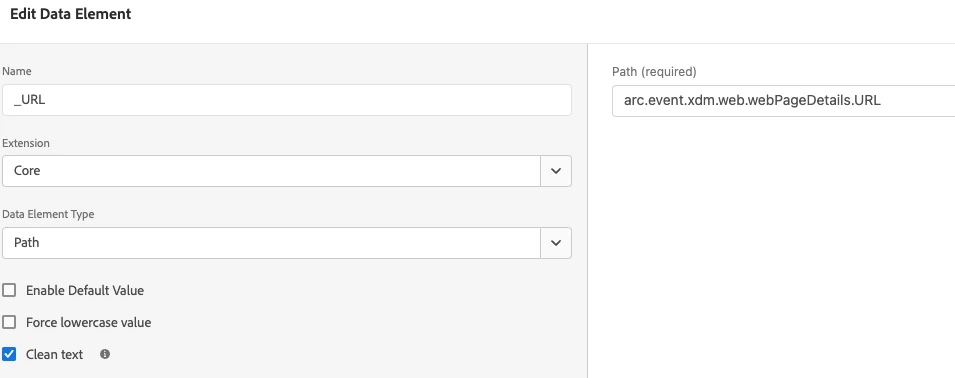
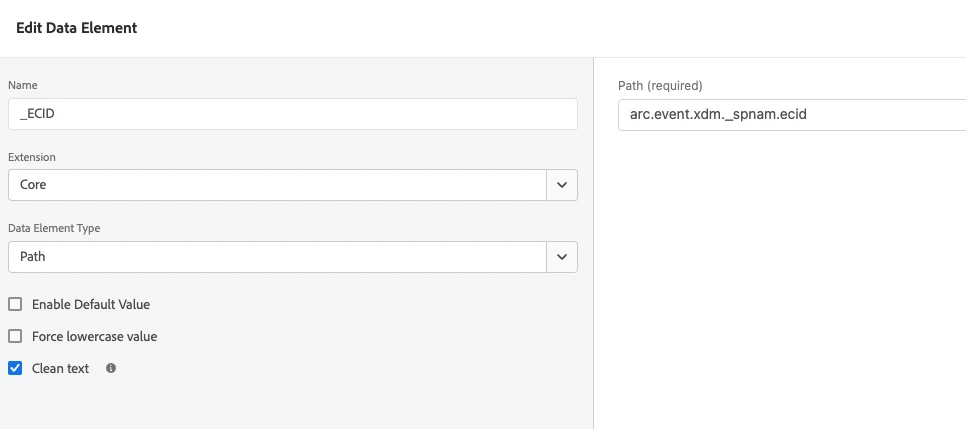
Here are some samples to create data elements:

based on the guideline given here https://docs.mktossl.com/docs/experience-platform/tags/event-forwarding/overview.html?lang=en#data-elements 


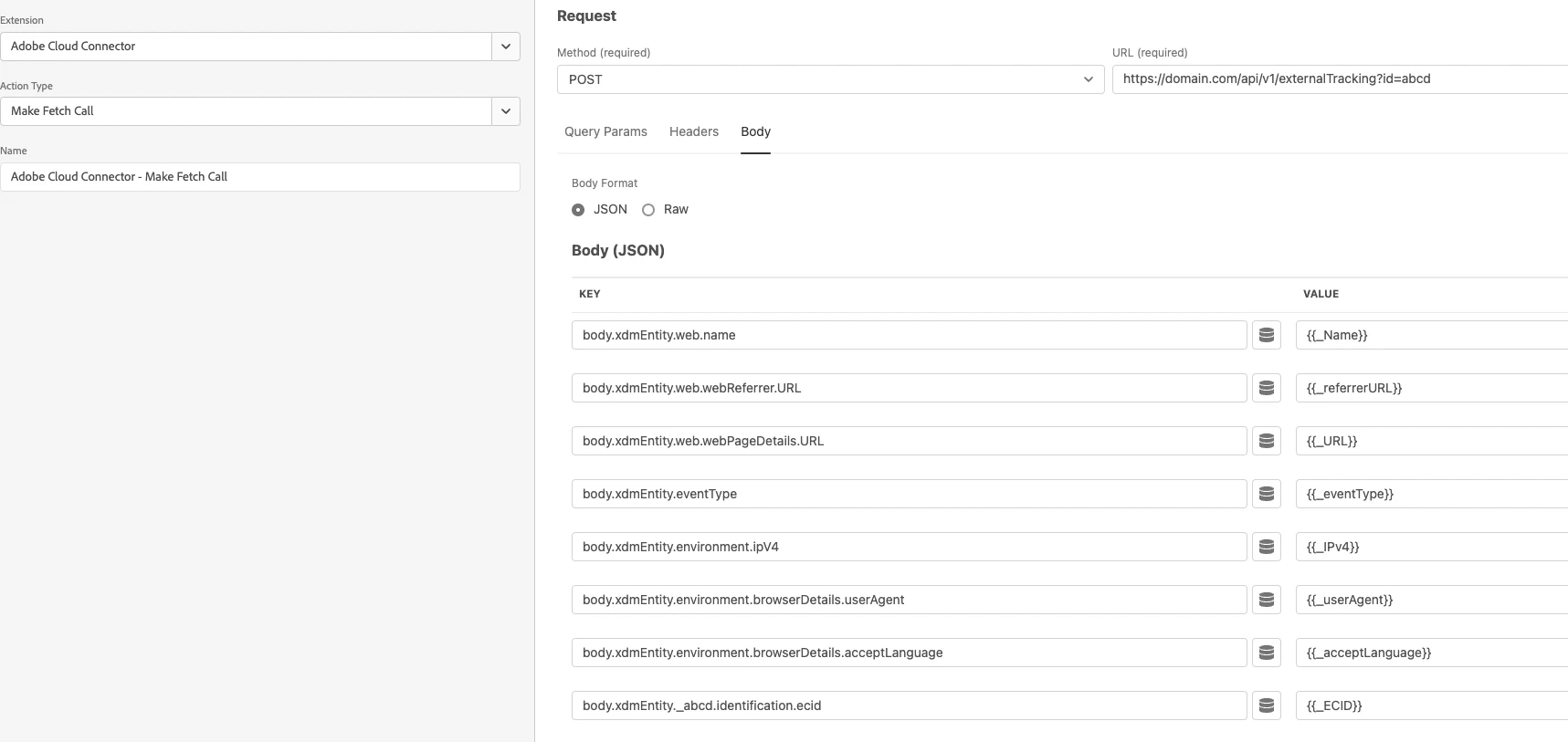
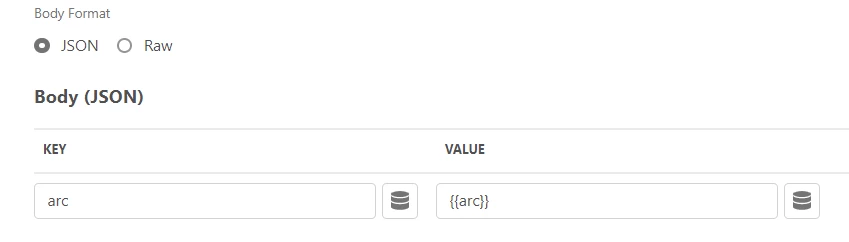
The make fetch call looks like this:


See if this helps.


1 reply

ChetanyaJain-1
Community Advisor
Community Advisor
September 17, 2022

@vikashyadav are you able to pass the non-xdm data to the data collection?


The data that comes to the data collection with XDM object, you can remap by adding rules & data elements and pass it in the format that you like to the non-adobe extension.

September 17, 2022

@chetanyajain-1 I am passing XDM data into data collection and using Event forwarding property to send it to non-adobe solution. I'm using Adobe Cloud Connector extension with "Make Fetch Call' action type in Event Forwarding property. XDM compliant data is flowing to non-adobe solution.

In order to send non-xdm data to non-adobe solution, how to do remapping? Any document or example around this would be more helpful.

November 28, 2022

Also, there are other data element types other than Path - not sure if you have tried that.


@vikashyadav ,

You can access the custom objects as well with in event forwarding.

As an example I am referring the custom value that I send through data filed section to server side and I refer the value on the event forwarding like below.

arc.event.data.facebook.fbp


If you want to understand how the arc object look like to get to understand the exact path of your field - write your complete object an end point. I use webhook for this 🙂