Click Event value in evar
Hello Team,
I am trying to get a click event value in evar using Adobe Launch but somehow it's not working. My problem statment is:
We have some videos over our page and every video has a "data-id" value assign to it. I want to assign this custom value in an evar on the click of the play button. I have created a rule which is firing when I am clicking over video button but my evar is not getting any value or even firing.
I added the code to get "data-id" in a data element custom code and assigning that data element to evar using set variables for Adobe Analytics, but somehow it is not working. When I try the data element code in browser console it works correctly.
How can I get the custom values in my evar on click?
Rule Click Event:

Rule Action:
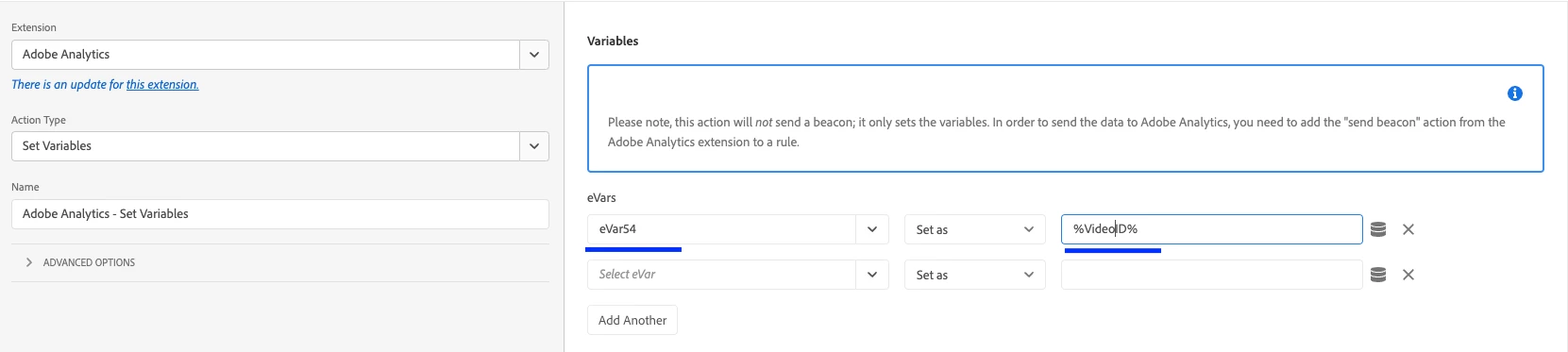
Data Element:
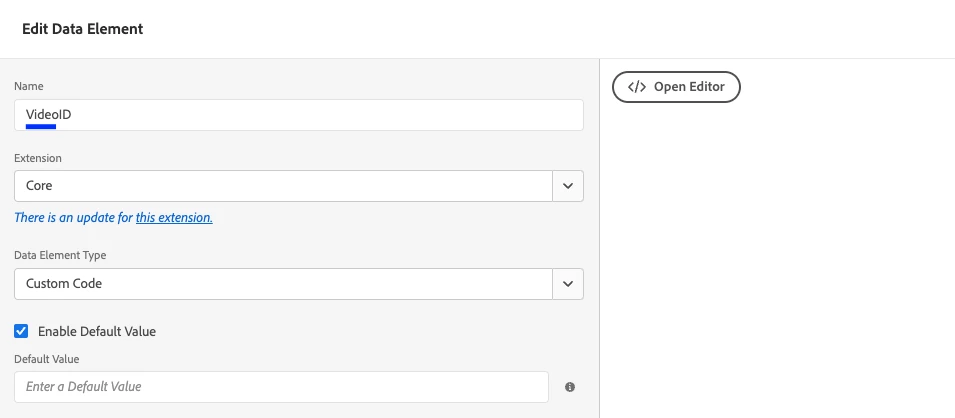
Data Element Custom Code:
$( ".grp-video__play-button" ).click(function() {
  var id = $(this).parent().parent().parent().attr('data-id');
    return id;
});
Video HTML:
<div class="grp-yt-video" data-component-name="ytvideo" data-id="ABCDEFGHHIJ" data-start-muted="0" id="grp-video-1796119669" data-initialized="true">
<div class="grp-yt-video__container">
<div data-cmp-is="image" data-cmp-lazy="true" data-cmp-src="/content/grpw/websites/abcd/dummy/1658930331134.jpeg" data-cmp-widths="320, 640, 1280, 2560" class="grp-yt-video__thumbnail cmp-image">
<img src="/de/de/dummy/_jcr_content/par/layoutcontainercontent/columncontrol_1133979323/columncontrolparsys/stack/stackparsys/img.jpeg/1651230331134.jpeg" class="cmp-image__image grp-yt-video__thumbnail-img" data-cmp-hook-image="image" alt="Dummy Text">
<div class="grp-video__play-button"></div>
<div class="grp-video__player" style="height: 479.25px;"><iframe class="grp-video__player-iframe" title="video" id="yt-player-0type=" text="" html"="" frameborder="0" src="https://www.youtube-nocookie.com/embed/ABCDEFGHIJHK?mute=0&rel=0"></iframe></div>
<div class="grp-video-player-disclaimer" style="display: none;">
<div class="grp-video-player-disclaimer-textbox">
<span class="grp-video-player-disclaimer-text">
Dummy cookie text .
</span>
<ul class="grp-video-player-disclaimer-linklist">
<li>
<a class=" grp-link-list__item " href="#">
Cookies accept und Video
</a>
</li>
</ul>
</div>
</div>
</div>
</div>
</div>