Delay link click in launch is causing the slider component to move to top of the page . | Community
Skip to main content
April 20, 2021
Question

Delay link click in launch is causing the slider component to move to top of the page .
  • April 20, 2021
  • 1 reply
  • 821 views

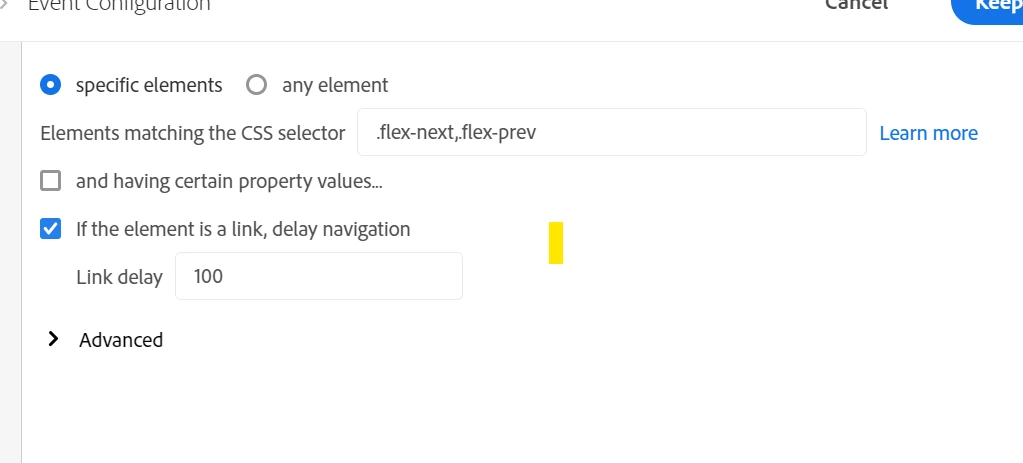
I have added this click event rule on a slider component with delay click and the css on the page is as below.
case 1: when i build the rule in launch  with the delay link click activated ,The page is redirecting to the top instead of the slider component moving to next slider.
case 2 when i remove the delay link click from launch rule the slider component is working as expected without any issue .
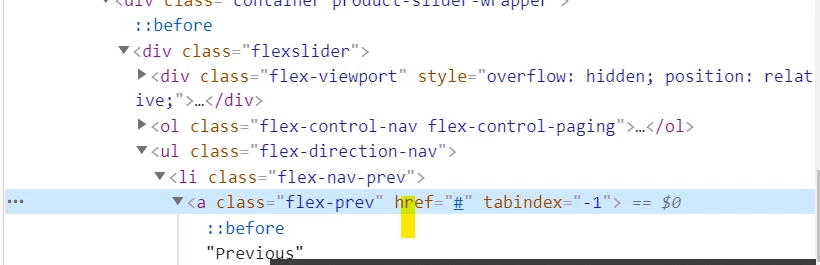
 

can i please know why


This post is no longer active and is closed to new replies. Need help? Start a new post to ask your question.

1 reply

yuhuisg
Community Advisor
Community Advisor
April 21, 2021

They link click delay stops the browser from executing the link's default action, in this case, sliding.

But in your case, you don't actually need the link click delay, because the sliding happens in the current page (right?). The delay is needed only if the link causes the browser to load a new page. In that latter case, the delay provides some time for the tracking to be sent before the new page gets loaded.