Solved
Push Notification Not Working With Experience Platform SDK
We are not able to get push notification working with Experience Platform SDK on both iOS and Android apps.
Here is the configuration from Adobe Launch:
{
    "global.privacy": "optedin",
    "media.trackingServer": "turnerinternational.hb.omtrdc.net",
    "analytics.offlineEnabled": true,
    "__dev__analytics.rsids": "turnerinttntsportsdev,turnerintglobaldev",
    "media.playerName": "cdfplayer",
    "__ui__.mobileServiceApp": "CDFOTT-DEV (turnerinttntsportsdev)",
    "mobile.acquisitionAppId": "7adf503bce270f9ab6ad7d16083c7ff5e8ce696071405a7c7308af99dcf6ed1dx",
    "mobile.acquisitionTimeout": 0,
    "__stage__analytics.rsids": "turnerinttntsportsdev,turnerintglobaldev",
    "analytics.rsids": "turnerinttntsportsdev,turnerintglobaldev",
    "media.ovp": "",
    "analytics.batchLimit": 0,
    "media.collectionServer": "",
    "analytics.launchHitDelay": 5,
    "analytics.backdatePreviousSessionInfo": false,
    "media.appVersion": "",
    "build.environment": "prod",
    "rules.url": "https://assets.adobedtm.com/7be62238e4c3/4eaa17d127b6x/launch-a3bc69d17c36-rules.zip",
    "experienceCloud.org": "7FF852E2556756057F000101@AdobeOrg",
    "lifecycle.sessionTimeout": 900,
    "analytics.server": "turnerinternational.sc.omtrdc.net",
    "__ui__.manualMode": false,
    "mobile.messagesUrl": "https://assets.adobedtm.com/b213090c5204bf94318f4ef0539a38b487d10368/scripts/satellite-5e55387364746d6d600011b0x.json",
    "media.channel": "CDF Video",
    "media.debugLogging": false,
    "property.id": "PRc512f748c1434f179b2a291a75fc24fax",
    "analytics.aamForwardingEnabled": false
}
And here is the code snippet from the iOS app:
func application(_ application: UIApplication, didFinishLaunchingWithOptions launchOptions: [UIApplication.LaunchOptionsKey: Any]? = nil) -> Bool {
    ACPCore.setLogLevel(.debug)
    ACPCore.configure(withAppId: app.config.adobeAppId)
    // Set custom context data
    contextData["appname"] = "app|cdfgo|ios"
    // Register extensions
    ACPAnalytics.registerExtension()
    ACPLifecycle.registerExtension()
    ACPIdentity.registerExtension()
    ACPMobileServices.registerExtension()
    ACPMedia.registerExtension()
    ACPUserProfile.registerExtension()
    ACPSignal.registerExtension()
    // Start Lifecycle data collection
    ACPCore.start {
        ACPCore.lifecycleStart(self.contextData)
    }
    // Register with APNs
    requestNotificationAuthorization()
    UNUserNotificationCenter.current().delegate = self
    // Check remote notification
    let notificationOption = launchOptions?[.remoteNotification]
    if let notification = notificationOption as? [String: AnyObject],
        let adobeDeeplink = notification["adb_deeplink"] as? String {
        processNotificationDeeplink(adobeDeeplink: adobeDeeplink)
    }
    return true
}
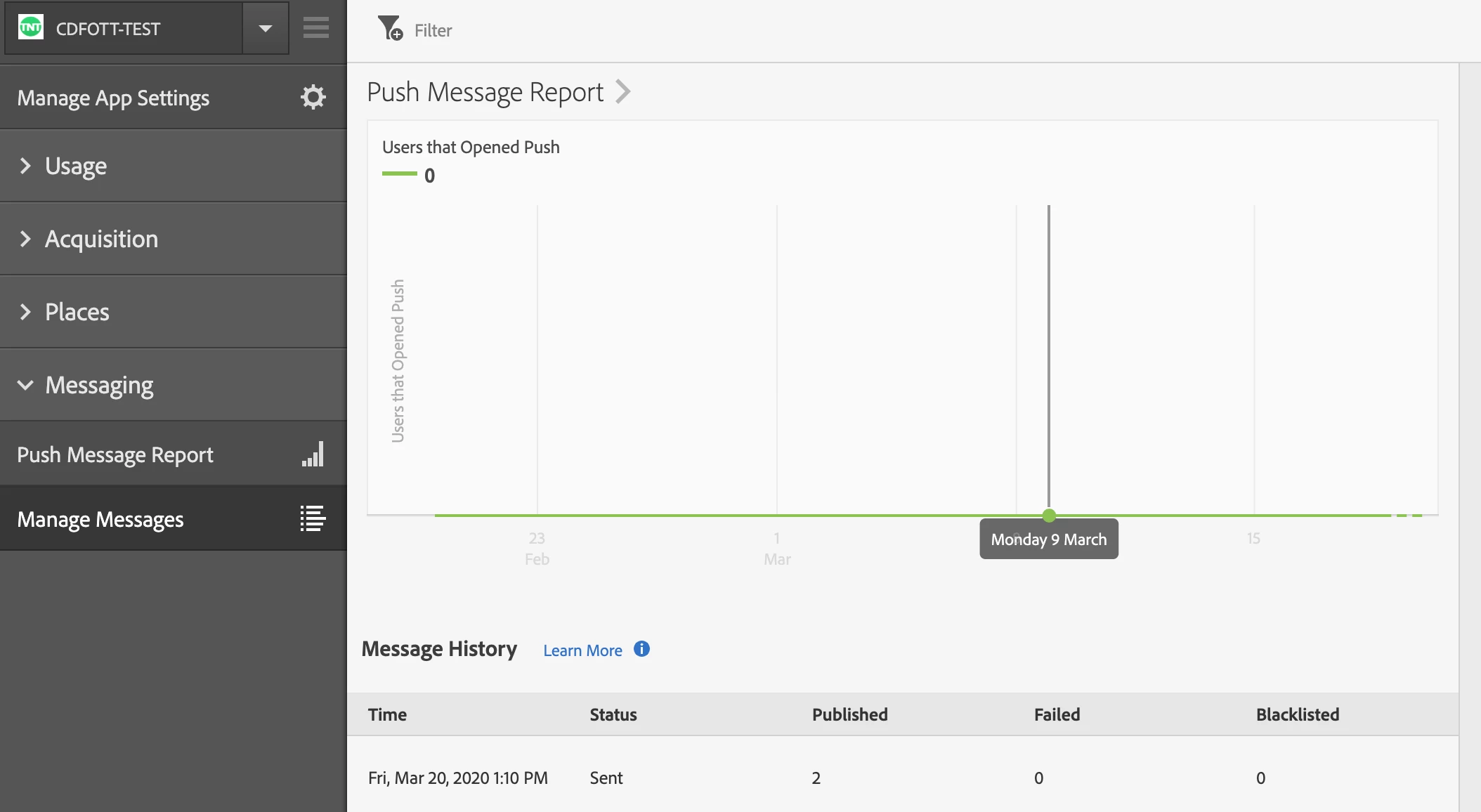
We are seeing some audiences in Mobile Services and think we have set up everything correctly, but the push notification is not happening.
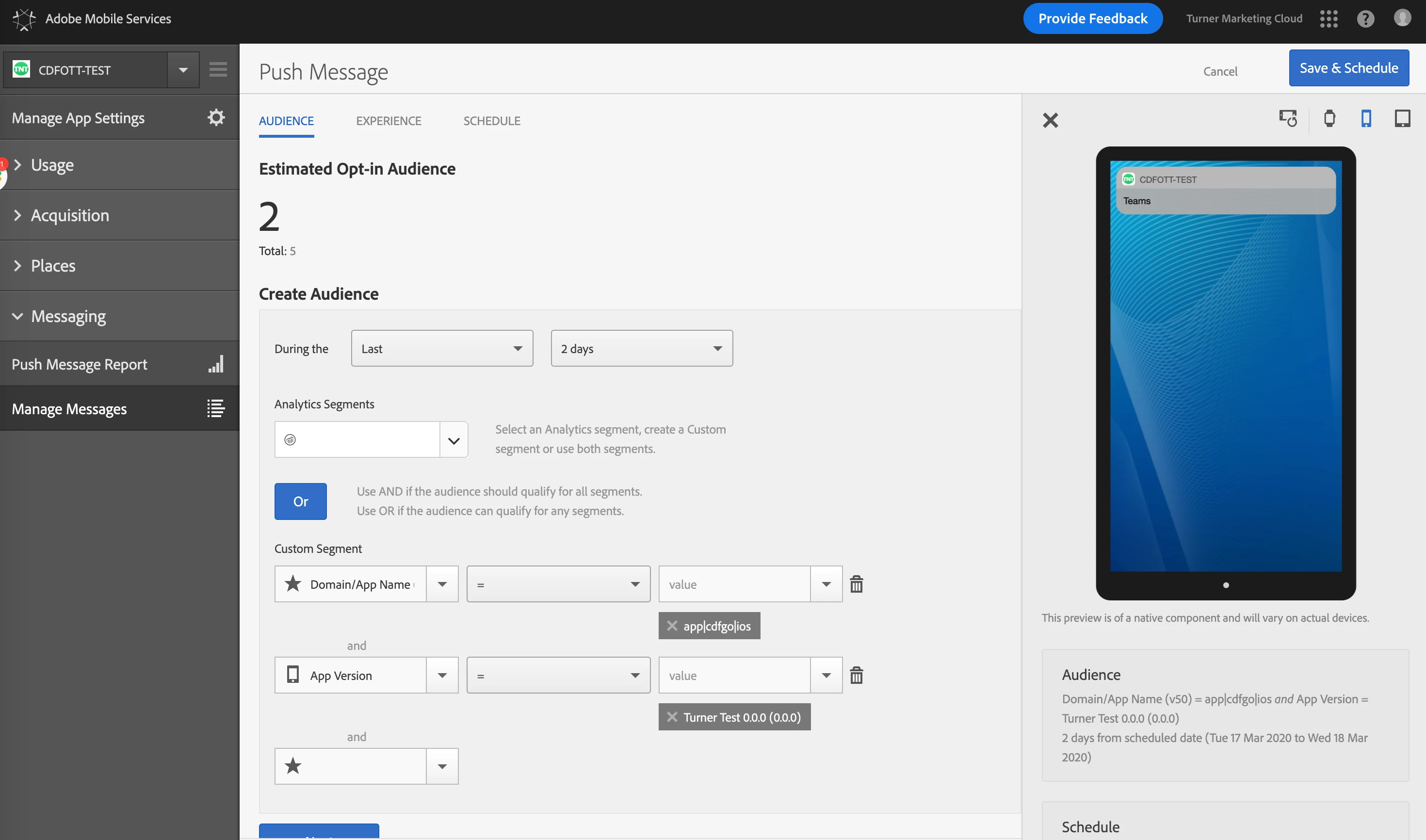
We have set up the Marketing Cloud ID and lifecycle metrics, and the data is displaying in the reports.
Any inputs would be appreciated.
Thanks!