Page is not getting connected in the Adobe analytics Debugger | Community
Skip to main content
June 19, 2024
Solved

Page is not getting connected in the Adobe analytics Debugger

  • June 19, 2024
  • 1 reply
  • 1053 views

Hi All,


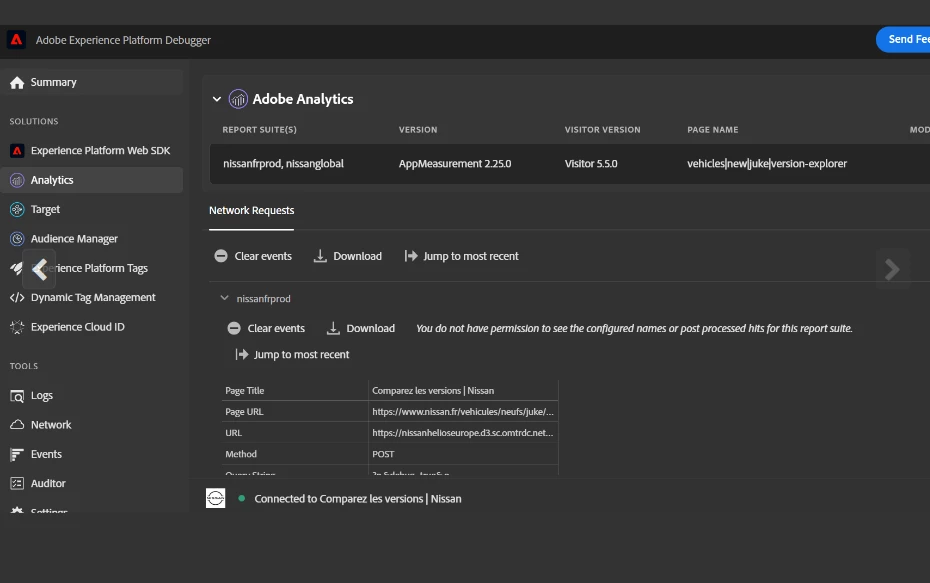
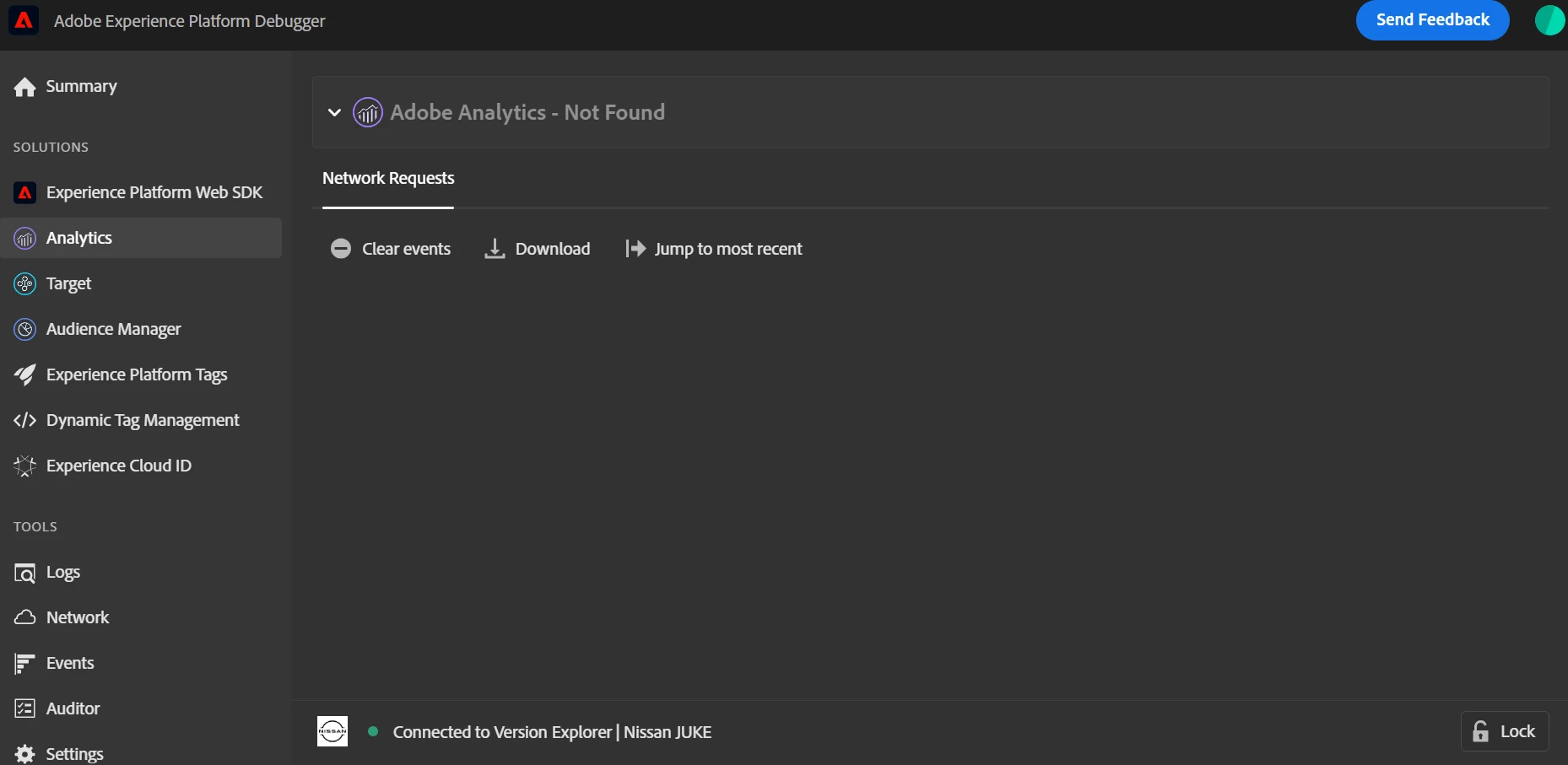
Below page (UK) is not getting fetched in the Adobe analytics Debugger. The debugger is connecting but nothing is showing up.

https://www.nissan.co.uk/vehicles/new-vehicles/juke/version-explorer/ve.shtml
 

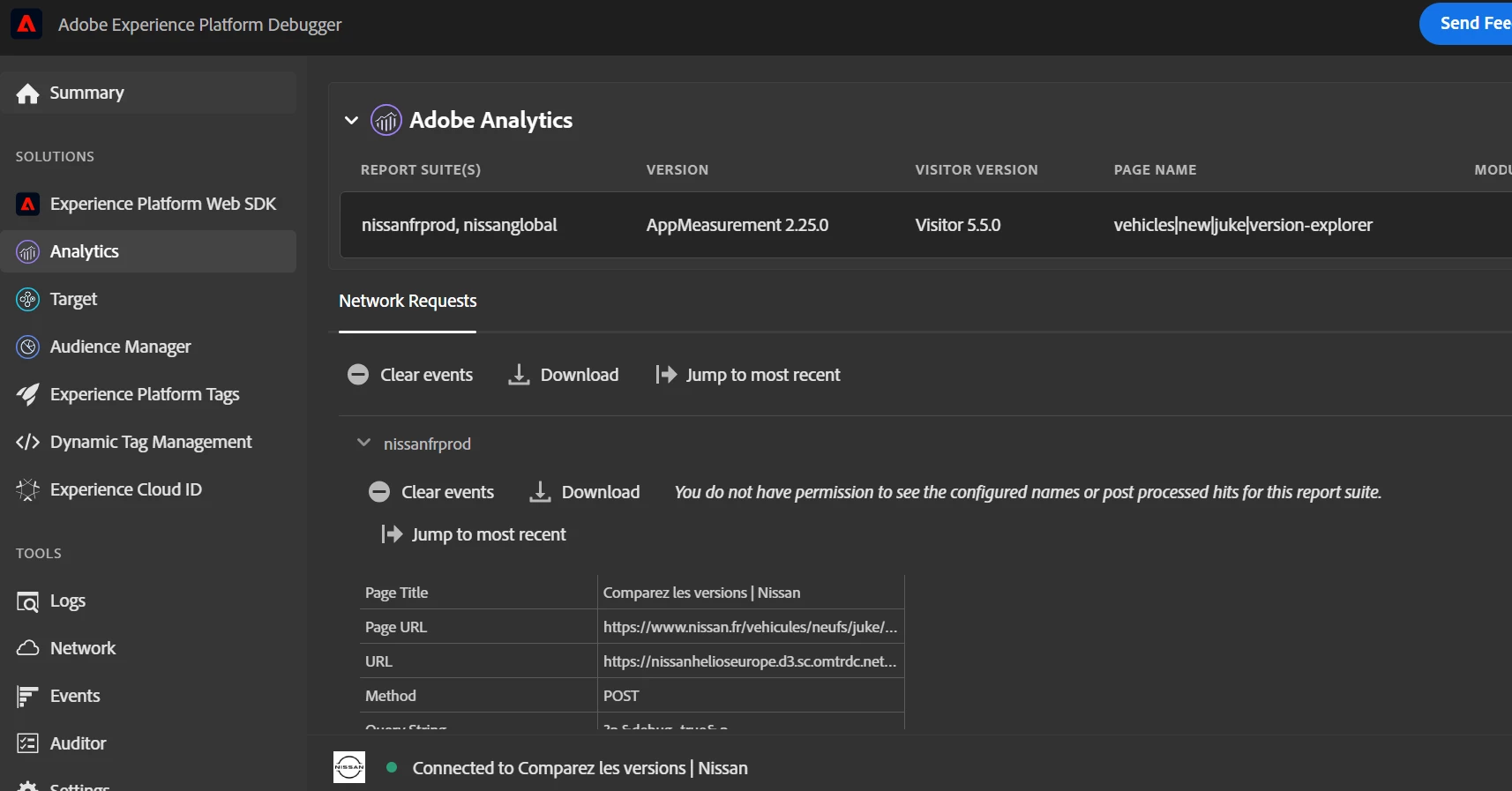
However, when I try with below page (FR), it is getting connected and shows the details.

https://www.nissan.fr/vehicules/neufs/juke/version-explorer/ve.shtml
 

Can someone advise, what causing issue debugging UK page.


Thanks in advance
This post is no longer active and is closed to new replies. Need help? Start a new post to ask your question.
Best answer by bjoern__koth

Hi @nikhilkh2 

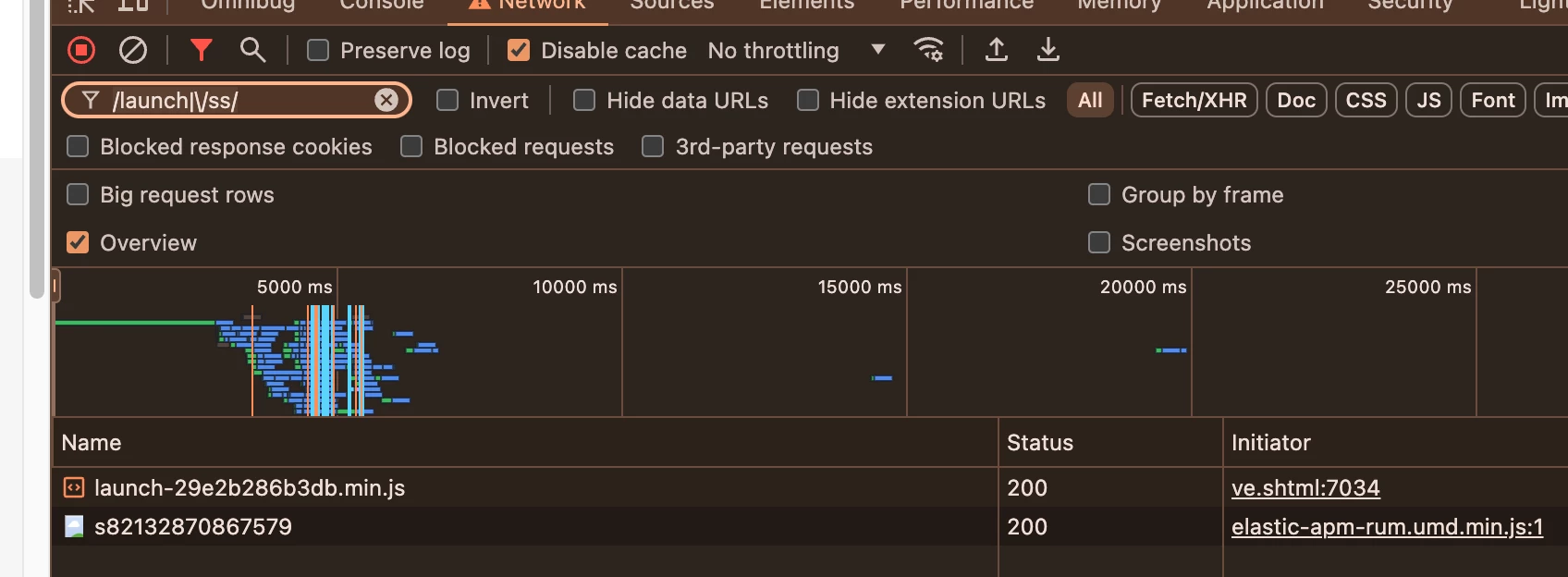
can you open the developer tools and user these filters on the page that does not work for you?


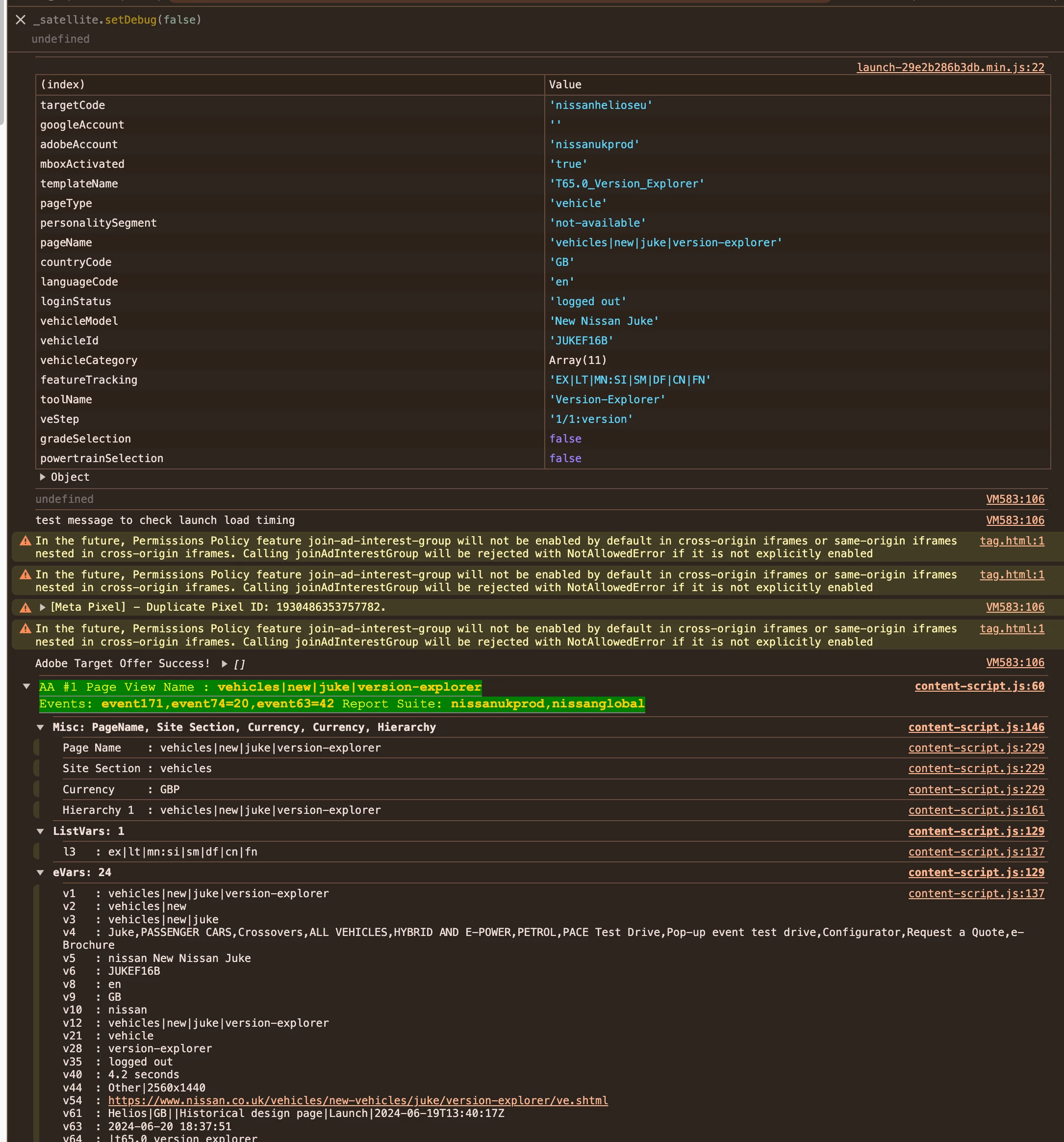
/launch|\/ss/


This is what I see

The first is your launch library, the second the actual tracking request.


Please compare to the page that is working for you as well.


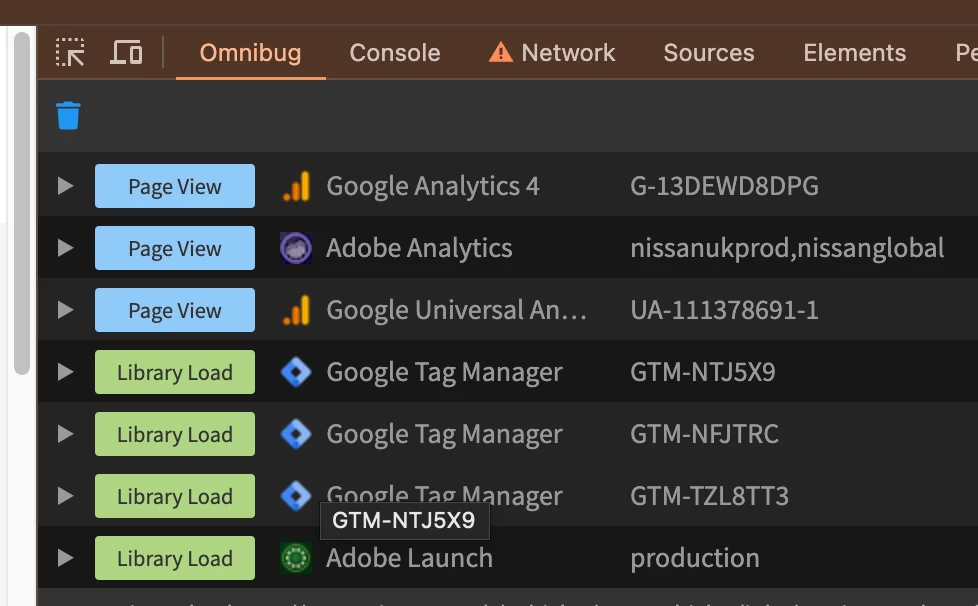
Additionally, I can recommend installing any of these extensions

Maybe the page in question is blocking one of these requests. 

Hope that helps


1 reply

bjoern__koth
Community Advisor and Adobe Champion
June 19, 2024

Hi @nikhilkh2 

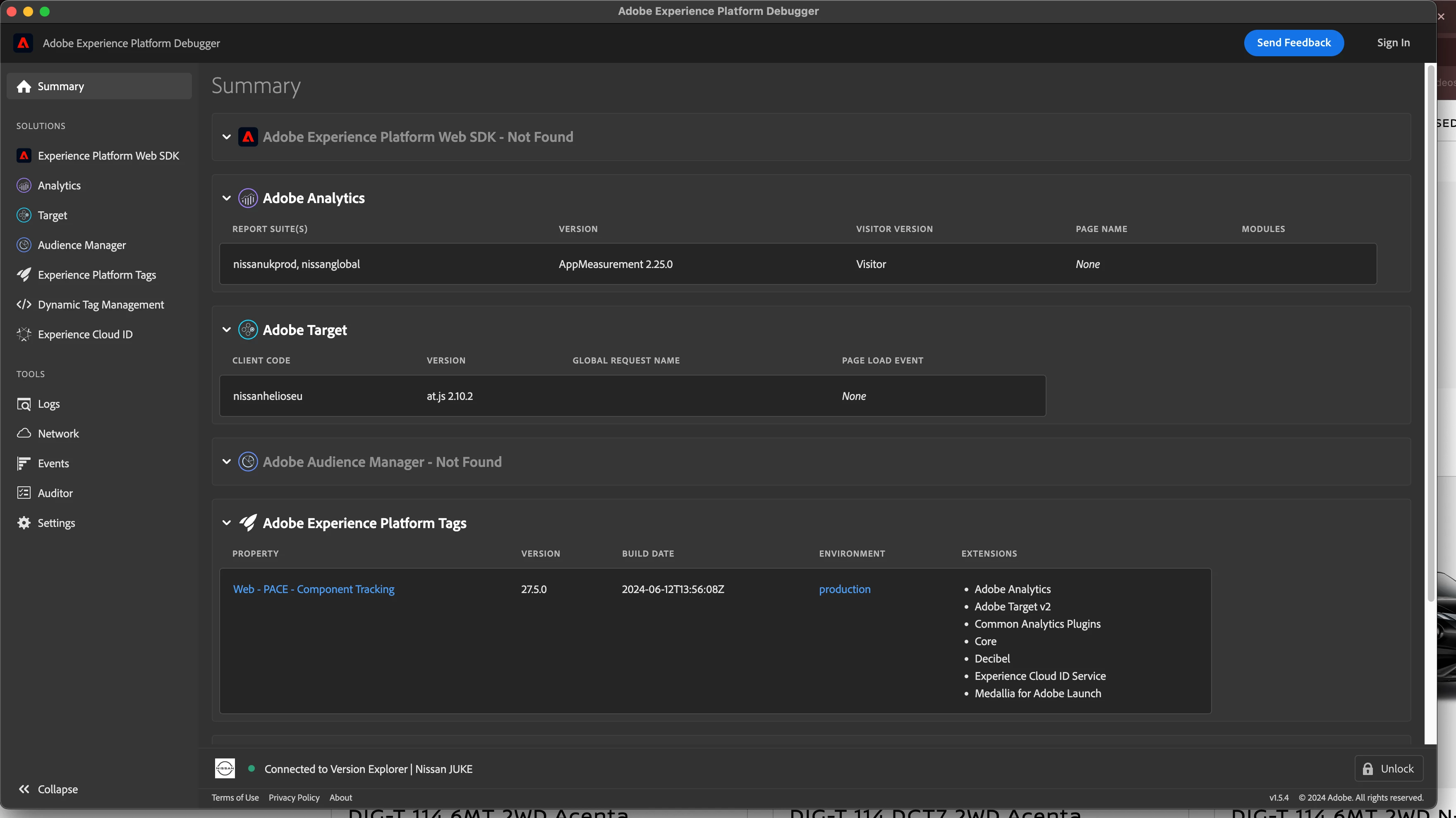
have you tried reloading the page underneath after opening the debugger?

This is what I see after reloading it


Cheers from Switzerland!
Nikhilkh2Author
June 19, 2024

Hi,

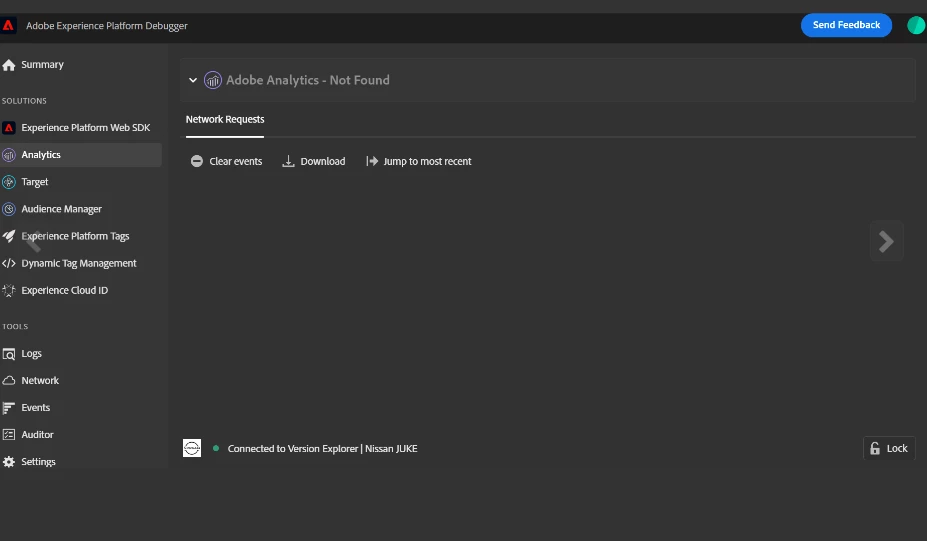
Thanks for your response. I tried reloading the page, and can get the screen which you shared. But can not see the network request details under Analytics. It gives black screen.

Whereas, when I try for another country (FR) page, It loads.


bjoern__koth
Community Advisor and Adobe Champion
bjoern__kothCommunity Advisor and Adobe ChampionAccepted solution
Community Advisor and Adobe Champion
June 20, 2024

Hi @nikhilkh2 

can you open the developer tools and user these filters on the page that does not work for you?


/launch|\/ss/


This is what I see

The first is your launch library, the second the actual tracking request.


Please compare to the page that is working for you as well.


Additionally, I can recommend installing any of these extensions

Maybe the page in question is blocking one of these requests. 

Hope that helps


Cheers from Switzerland!