NGINX Forbidden error while redirecting to external site | Community
Skip to main content
Level 2
February 15, 2022
Solved

NGINX Forbidden error while redirecting to external site

  • February 15, 2022
  • 3 replies
  • 2899 views

Hi all,


I am a newbie to Adobe Experience Platform.

We have setup our own Cookie Dialog for our website. 

And are using Adobe Analytics to track the visitor data. There is one scenario in which when a user clicks on the button (say. Take me to "xxx") he is redirected to an external site.

Now the events are getting tracked for the Page Views, button clicks etc. But when we hit the above button, instead of redirecting to the external URL, we get a NGINX Forbidden error. If we disable the analytics on the site, it works fine.


Can someone explain what might be happening?
This post is no longer active and is closed to new replies. Need help? Start a new post to ask your question.
Best answer by Gokul_Agiwal

Hi gokula


The "Write Secure cookies" option is already enabled.


Just another question.. I have installed the Chrome debugger for Adobe Analytics..

And in that it shows the following entry which also appears in the REQUEST_COOKIE s_sq above

ClickMap ObjectId : functionHa(){}


I went through the AppMeasurement js file and have no where found the reference to this function..Can you please let me know if this is correct? or is this the reason its causing the nginx error


Also in Adobe Launch, theres a feature "Enable ClickMap" - What is this used for?


Hi @vaishali_valavade 

Enable ClickMap is plugin mainly for IE and Firefox browser and module for report and analytics. Ultimately it does the same job like ActivityMap. 


When any clickable element is clicked data will be stored in a cookie named s_sq.


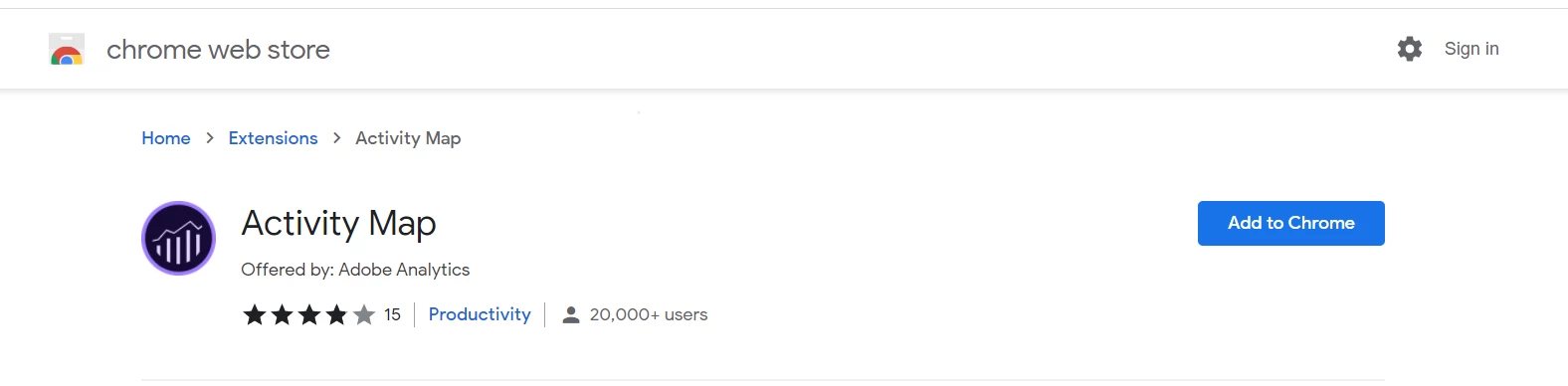
Now I'm not sure which debugger you downloaded for however you can also download the activity map extension for browser and check if that works correctly for you so that you can identified the issues.

If that not works then I would suggest to remove activity map functionality completely in local environment and see difference. 

Hope this helps to troubleshoot again. 

3 replies

Gokul_Agiwal
Community Advisor
Community Advisor
February 15, 2022

Hi @vaishali_valavade 

NGINX is a web server for web serving, reverse proxying, caching, load balancing, media streaming, and more. It started out as a web server designed for maximum performance and stability. 


forbidden errors are caused by an access misconfiguration on the client-side. so  you need to check your configuration settings or access permissions, check what's happening on button click. So this is nothing about AEP. 


This general guide might help you https://linuxhint.com/fix-nginx-403-forbidden/ 

Hope this helps.

tim_funk
Level 3
February 15, 2022

When you have the forbidden error - check your browser console for all the cookies set for that domain. 


Cookies are sent from the browser to the (web) server for things like state management.


The sum size of all the cookie header sent by the browser is too large for the server (as configured) to handle.


The "solution" is to use less cookies or smaller ones. (for that domain). If these are cookies beyond you control, such as they are set by Adobe Analytics - You may need to open a support ticket for Adobe to advice an new solution based on your configuraiton.

Level 2
March 9, 2022

Thanks. Still getting the error.


Logs state:

{"info"=>"Warning. detected XSS using libinjection.", "file"=>"/etc/nginx/owasp-modsecurity-crs/rules/REQUEST-941-APPLICATION-ATTACK-XSS.conf", "line"=>"37", "id"=>"941100", "rev"=>"", "msg"=>"XSS Attack Detected via libinjection", "data"=>"Matched Data: XSS data found within REQUEST_COOKIES:s_sq: 


And my s_sq cookie is


abc%3D%2526c.%2526a.%2526activitymap.%2526page%253Dhttps%25253A%25252F%25252Fxyz.com%25252F%2526link%253DCONTINUE%2526region%253DBODY%2526.activitymap%2526.a%2526.c%2526pid%253Dhttps%25253A%25252F%25252Fxyz.com%25252F%2526oid%253DfunctionHa%252528%252529%25257B%25257D%2526oidt%253D2%2526ot%253DSUBMIT


Can you tell me whats wrong with this? 

Note: have changed the name of the domain

Gokul_Agiwal
Community Advisor
Community Advisor
March 9, 2022

Hi @vaishali_valavade 

s_sq cookie is related to ClickMap/Activity map. As your log info shows the 

"msg"=>"XSS Attack Detected via libinjection", "data"=>"Matched Data: XSS data found within REQUEST_COOKIES:s_sq: 


As per the scenario you're seeing the issues when user clicks on the button and navigate to external site so there might be possibility of that issues so 


Try removing Activity Map module from the Analytics and then see you still seeing the error. 


To remove Activity Map - Follow the below steps. 

If you implemented Analytics extension through Launch then 

Go To Adobe Launch (Data Collection) -> Select the Web Property -> Extensions-> Chose Adobe Analytics -> Configure-> deselect Use Activity Map checkbox. 


in case if you implemented analytics using custom method then look for below 

function AppMeasurement_Module_ActivityMap()  and remove it.


Let us know if this works and we troubleshoot further.


hope this helps. 

adobechat
Level 5
February 18, 2022

Is the re-direct URL a sub-domain on where the popup is hosted or is it external site? Saying that, I think this is more likely a Client-Server issue rather than anything to do with Adobe Experience Platform.