Could not send numeric values to Adobe via DTM | Community
Skip to main content
November 20, 2023
Solved

Could not send numeric values to Adobe via DTM

  • November 20, 2023
  • 1 reply
  • 5391 views

Im trying to send a numeric value to Adobe server, i tried with eVar, props, events but nothing works, after many searches came to know that events are best which supports the numbers but when i tried it, it is not sending the given value, will it consider only the instances? If so, please suggest me a way to send the numeric value

This post is no longer active and is closed to new replies. Need help? Start a new post to ask your question.
Best answer by abhinavbalooni

@abhinavbalooni 

Yes! eVars & props are populating, only this event is not working, do we have to add anything in the data collection?

Apologies, i cannot share the screenshot of the request 


Cool.


Could you try using the snippet below once and see what you get ? This should work if everything else is fine at your end. 


s.eVar1 = 'My Text';

s.eVar2 = 'My Text2';

s.events = 'event1=10.5';

s.linkTrackVars = 'eVar1,eVar2,events';

s.linkTrackEvents = 'event1';

s.tl(true, 'o','Fire event');

1 reply

leocwlau
Community Advisor and Adobe Champion
November 21, 2023

I guess you should be on Adobe Launch instead of DTM, which is already sunset.


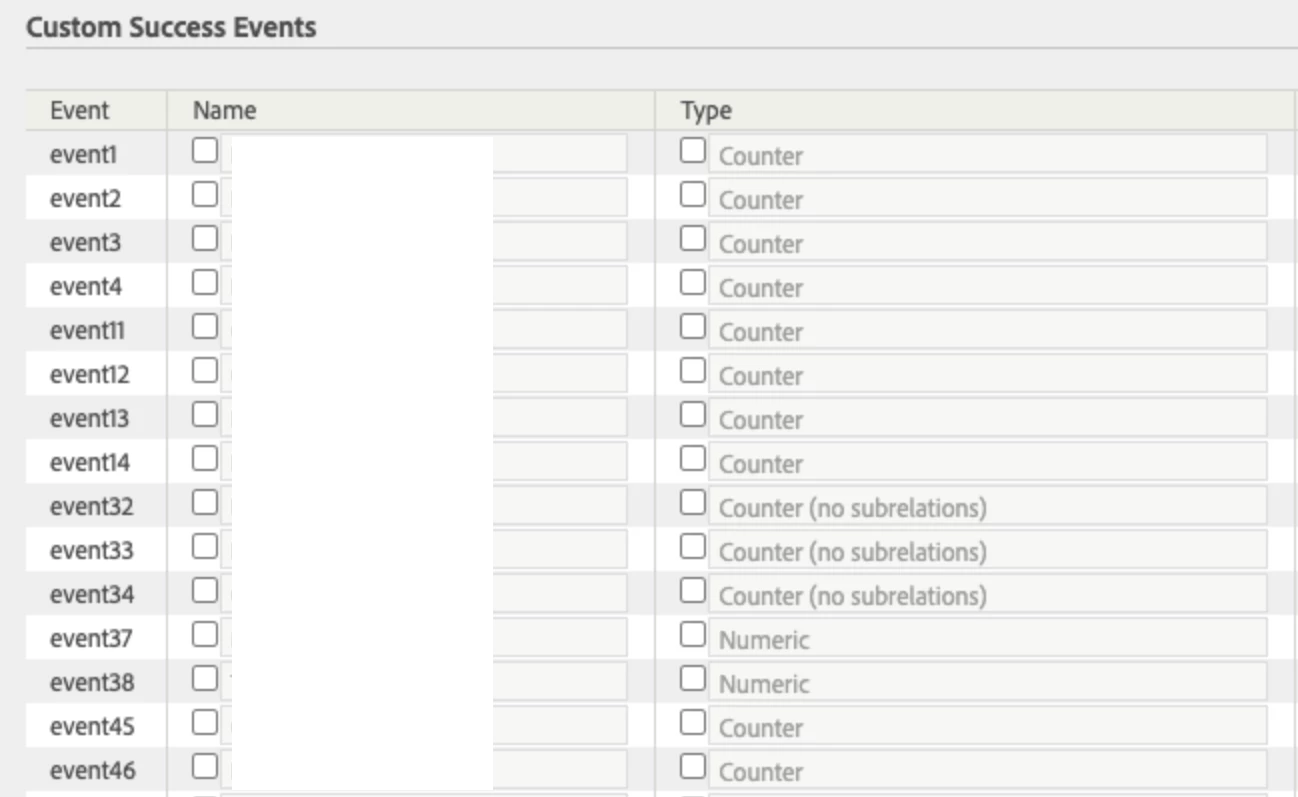
The first thing to capture numeric value is setting the success event as "Numeric" first instead of "Counter" in the Adobe Analytics Admin console for the report suite.


Then in Adobe Launch, you can assign value to an event in the Adobe Analytics' "Set Variables" action.

November 21, 2023

I'm using Adobe Analytics only, I don't see Adobe launch anywhere in the console, even the script which I load says adobedtm. 

Success event is also set as numeric 

November 21, 2023

Hi @karthik_22 

How are you sending the event ? Do you have a rule firing from Launch ?

Is yes, then as @leocwlau mentioned, you would need to ensure the event is mapped in the set variables action in the rule.


If you are using custom code, make sure you have the event set properly in s.events.


Regards,

Abhinav


Hi @abhinavbalooni 

i'm sending data from the client like this.

s.linkTrackVars = 'eVar1,eVar2';

s.linkTrackEvents = 'event1';
s.eVar1 = 'My Text';
s.eVar2 = 'My Text2';
s.event1 = 10.5; // Hardcoded as 10.5 for testing but this always carries numbers 
s.events = 'event1='+10.5; //.Tried this way as well, but no luck 

s.tl(true, 'o','Fire event');

the variables are already created in Adobe