Solved
Console warnings about deprecated properties
I've upgraded all my extensions and even searched for the property in Launch but it finds nothing. Not sure how to remove these warnings.
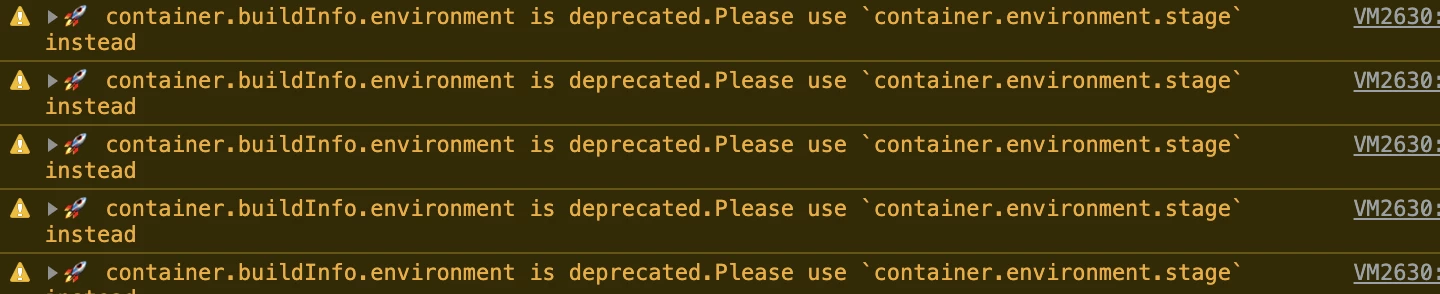

I've upgraded all my extensions and even searched for the property in Launch but it finds nothing. Not sure how to remove these warnings.
Do you have the Adobe Experience Platform Debugger installed by any chance? The debugger will cause those types of warnings.
If you mouseover the "VM###.##" link in the console log entry, it might display something like, "debugger:///VM###.##". If you click the link, it will take you to the offending code that the debugger injects into the page. Disable the debugger and see if the warnings cease.

Enter your E-mail address. We'll send you an e-mail with instructions to reset your password.