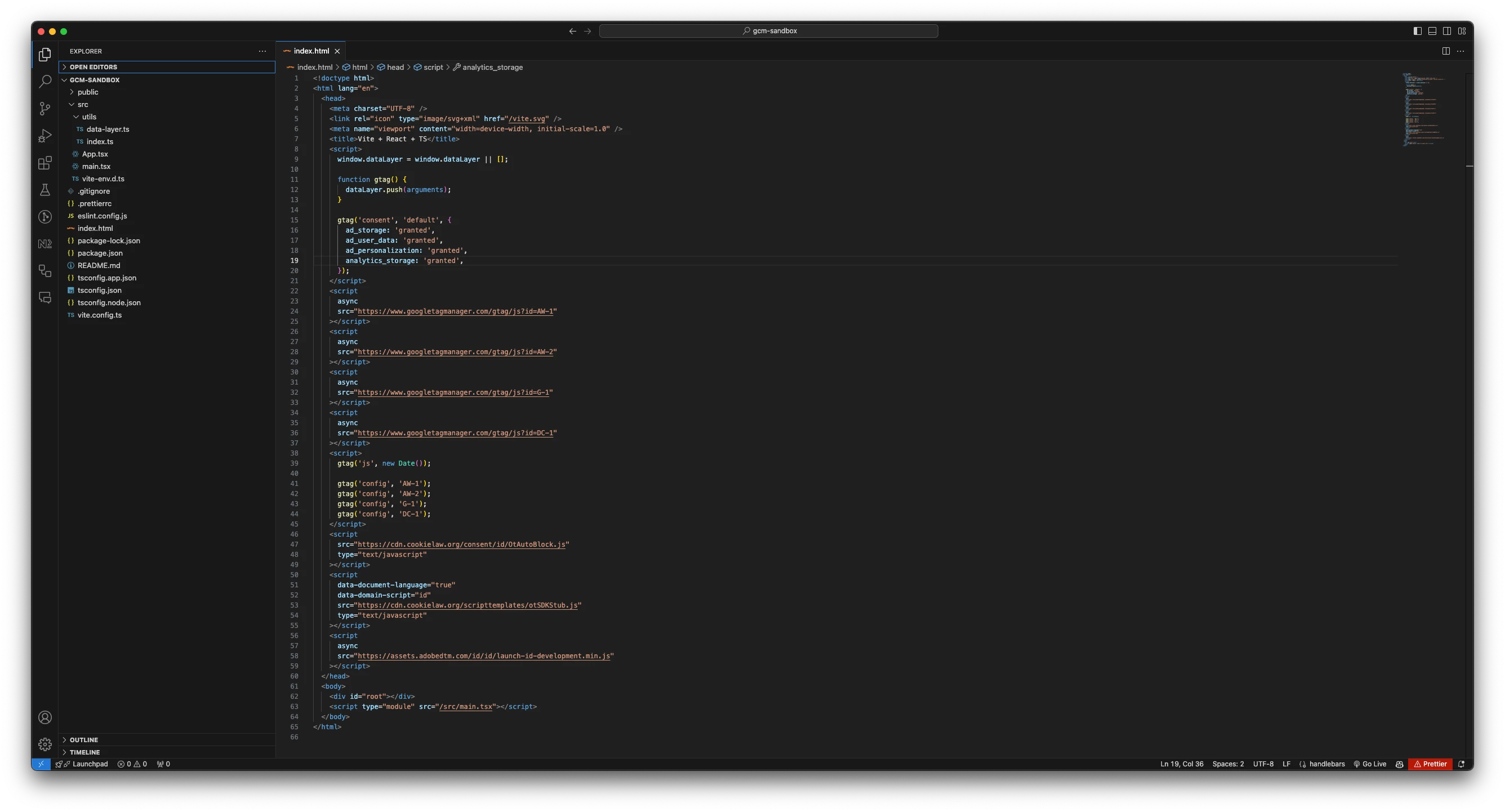
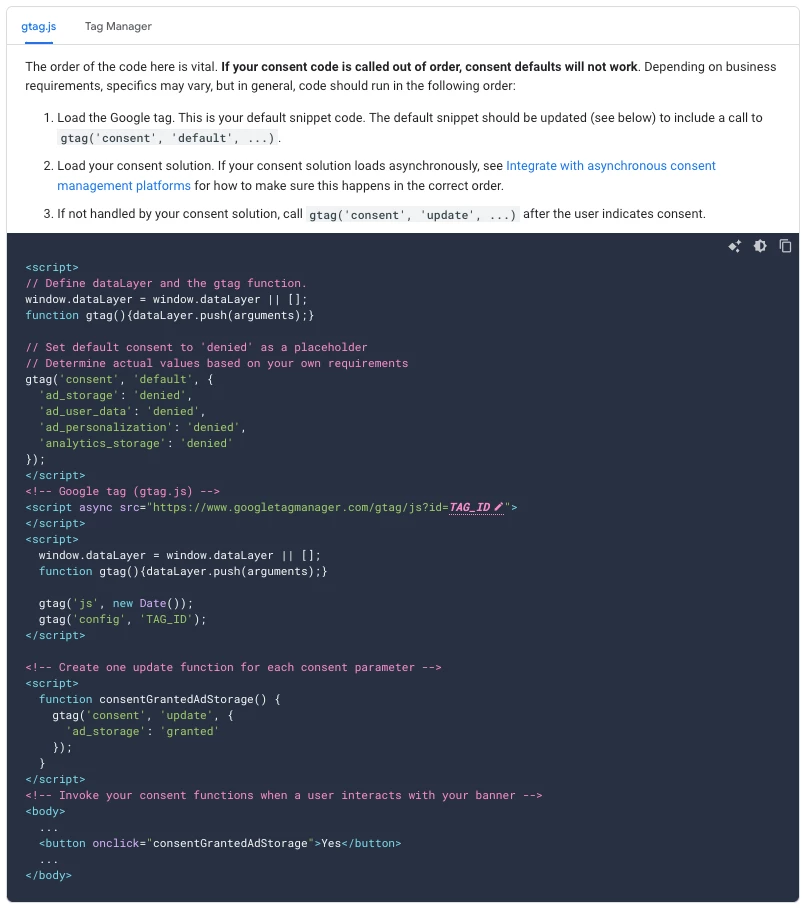
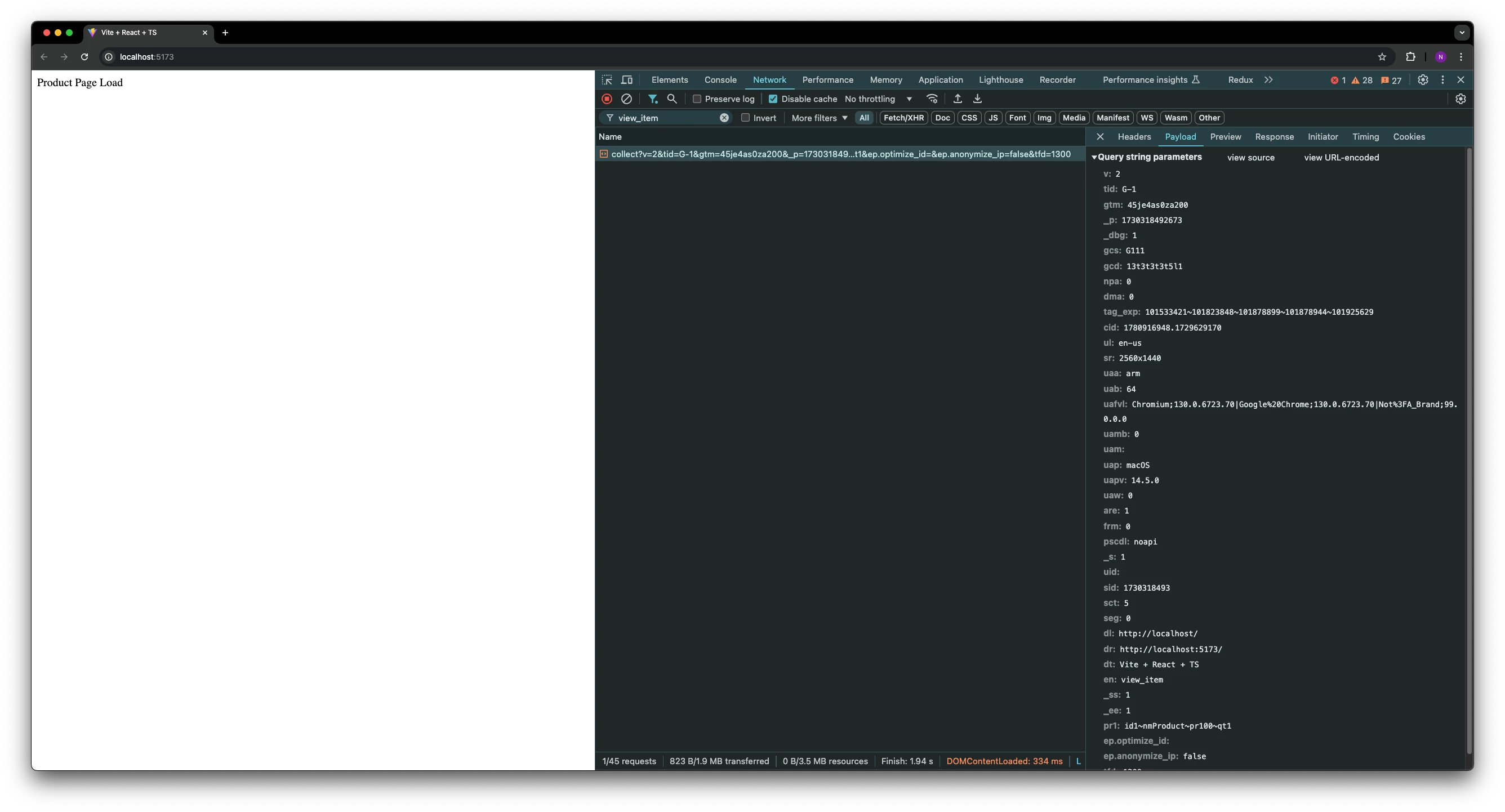
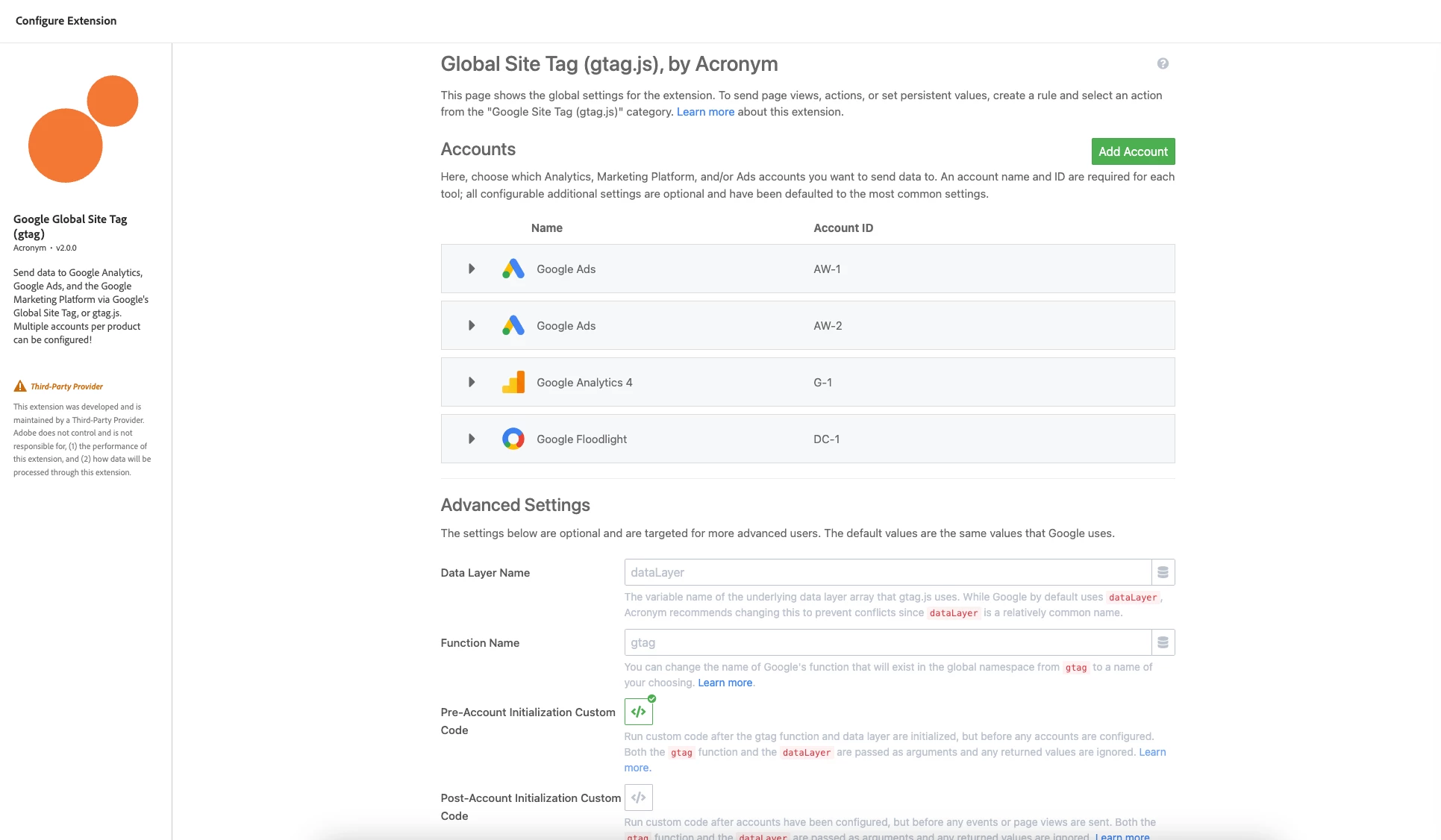
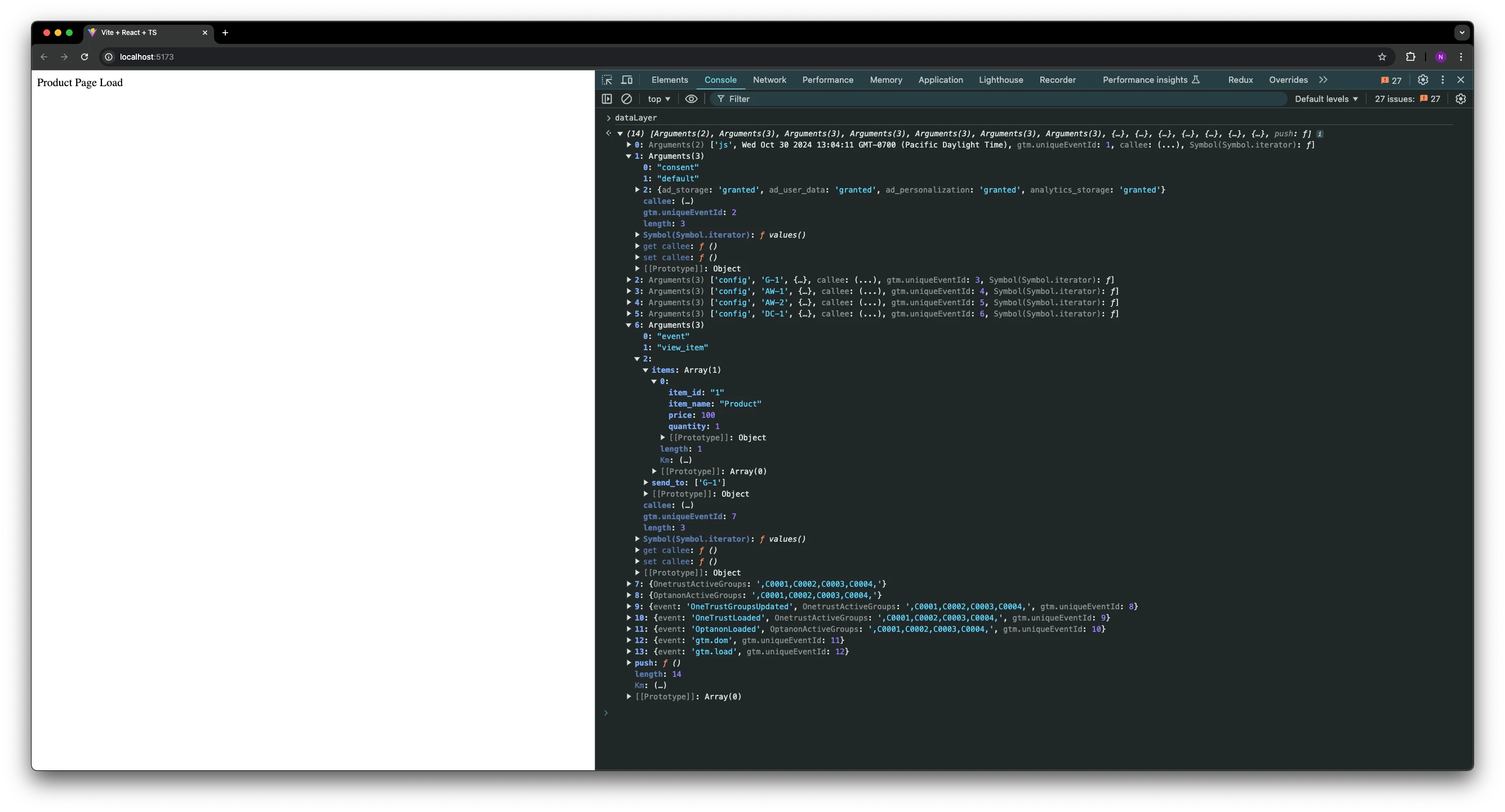
The way it usually works is, the initial gtag js will load whenever this runs:
<script async src="https://www.googletagmanager.com/gtag/js?id=TAG_ID">
BUT for each time you run the config line:
gtag('config', 'TAG_ID');If the Tag ID of your config line doesn't match the js you already loaded, it will load yet another gtag js file at the top of your head.
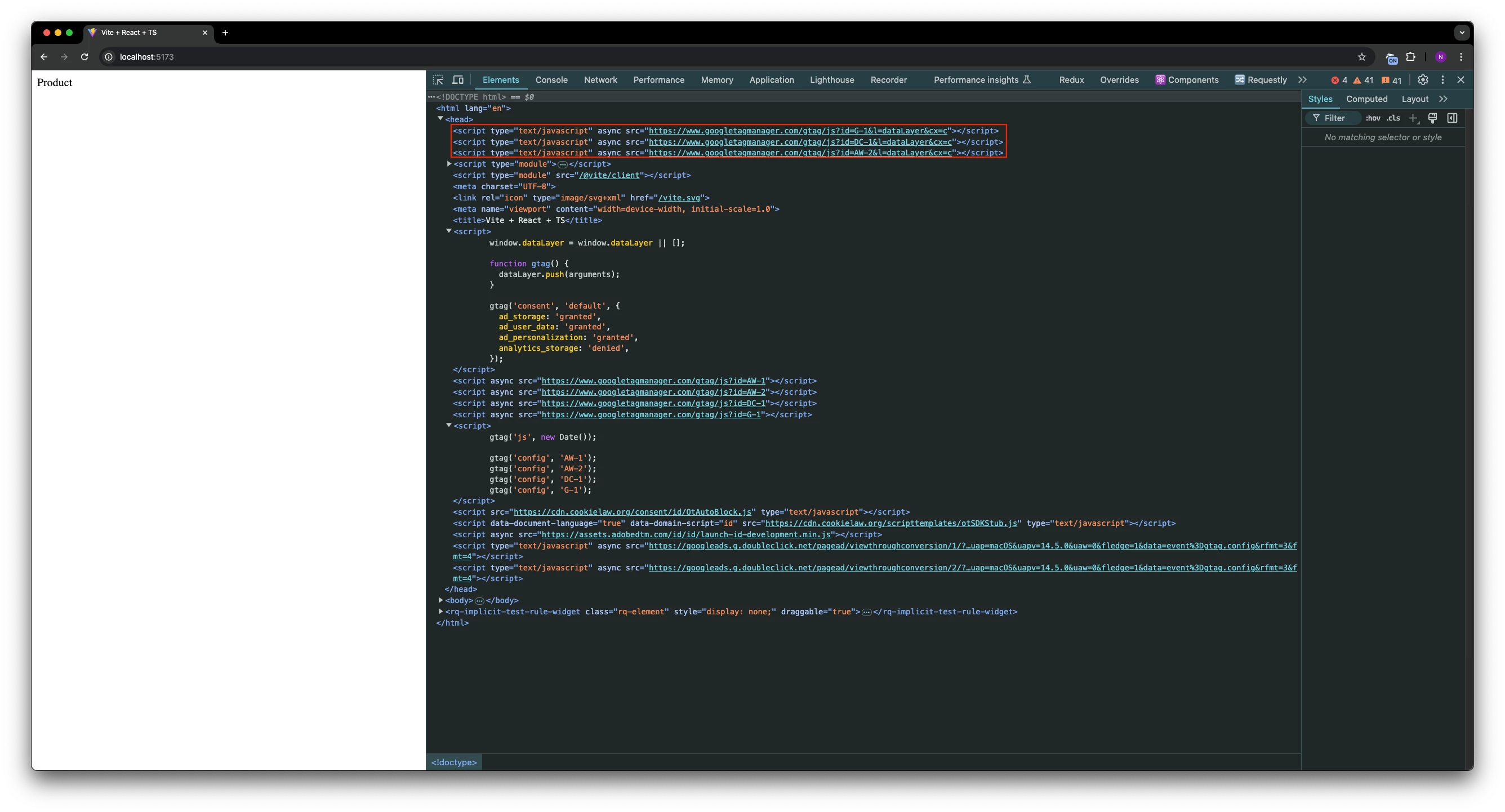
So if I do this:
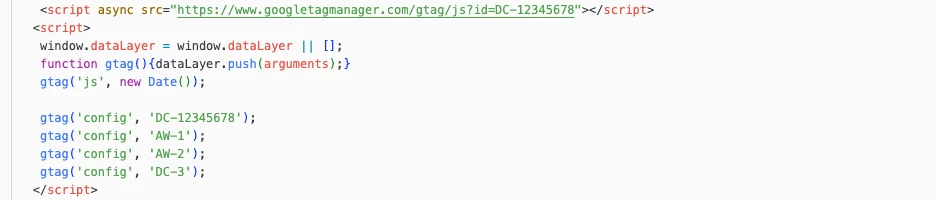
Then I end up with this:

Where the red line is the one I deliberately added to the page, and the other three all exist because their configID didn't match what was already loaded. This matches my past experience.
But oddly, that doesn't seem to match your experience, since you are manually setting a script for each account, then doing a config line for each account, and somehow ending up with a script for each- I would expect since you are adding the JS for each account, that the configs wouldn't append the new JS files. Interesting. I'm not able to replicate that, but I wonder if it's a timing thing- since the gtag files load asyncronously, there is no guarantee they'll all be in place when your config codes run.
You could probably get away with only manually adding the script once, then letting the configs add the other files as needed (kinda like in my screenshot just now- this is the approach I've taken in Launch for years- I even blogged about it in 2021, which Google retweeted, so... can't be all wrong).
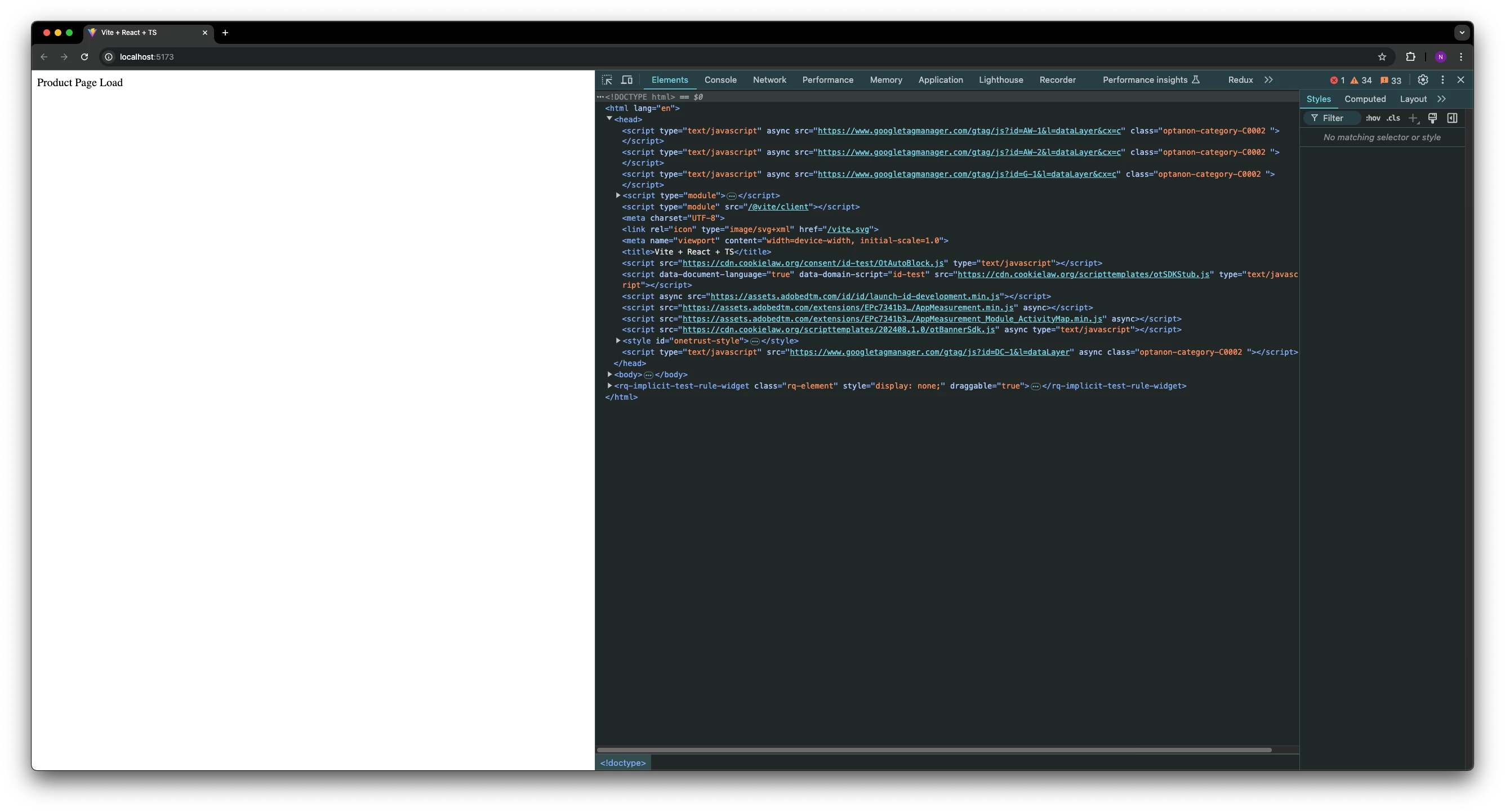
That said, the order you have things in makes sense to me and seems to match what the automatic Onetrust solution is going for: you establish the gtag function and datalayer, set consent, load the script(s), config each account, load onetrust, then load Launch. While the files being inserted to your head might cause some redundancy, it doesn't harm anything, especially if it happens after your page has rendered, and it doesn't indicate anything isn't working as expected. Gtag throws redundant files around all over the place. If you snoop around the web, you'll see probably half of public sites on the internet have some gtag files automatically inserted above the head- for instance, if you go to the website of a certain very popular orange Home Improvement Store, you'll see this:

So what you have seems to be working as expected (though I haven't seen the google beacons to ensure the consent parameters are correctly set.) Though personally, I'd still probably not go the way Onetrust recommends, particularly if it requires loading my scripts/doing my configuration outside of my tag manager. Especially since you are in a default-opt-in situation, where you don't have to really worry about making sure onetrust can manage your default state (which is more important in default-opt-out settings), there isn't much reason to not just manage it all in Launch:
1. Onetrust Loads
2. Launch Loads
3. A rule in Launch, that fires on page load, with conditions to fire only if onetrust says there is consent, which contains custom code to set consent to true, load the gtag js, config the gtag account, then maybe fire any subsequent gtag events as needed (that's the old school/"Basic" approach where if the user doesn't consent, we simply don't track them). Heck, if you go this route, you may be able to go back to using the gtag extension.
If you are really interested in using consent mode v2 "Advanced", where if the user has not given consent, you can still track "cookieless pings", then for step 3 you'd do this instead:
3. A rule in Launch that fires on page load regardless of consent, with custom code that sets consent dynamically based on what onetrust says, then loads the gtag/configures account/fires gtag events. Note, this means even without consent, those gtag files will load, and data will be sent to Google, it just won't set cookies. That's the nature of "advanced consent mode".