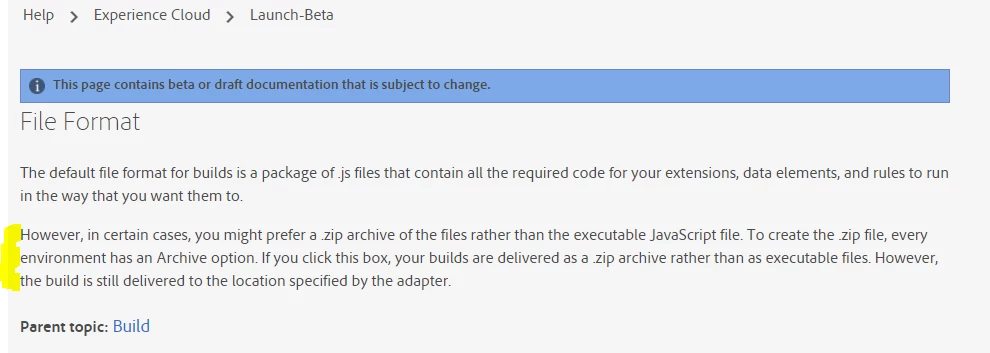
A couple things going on here:
- There's an implicit assumption that if you are generating an archive, then you are going to download it so that you can deploy it somewhere else, if you were going to use Akamai for hosting, then you wouldn't need an archive.
- When you use custom code or 3rd party custom scripts it is possible that Launch will build multiple .js files that have to reference each other. In order to reference each other, they need to know where they will be hosted. This self-hosted path to Library option is required so that they multiple files can reference each other properly.
- And since the assumption is that you're hosting stuff on your own, then as you noted, the embed code changes.
So with all that, if you provide anything in the self-hosted path to library field, you can then save the Environment. Along with your new embed code, you'll also get a link to the archived download. Launch will still build your library and deploy it to Akamai, but instead of deploying a bunch of JS files, it will deploy a zip file to Akamai, and you'll download it from assets.adobedtm.com/...
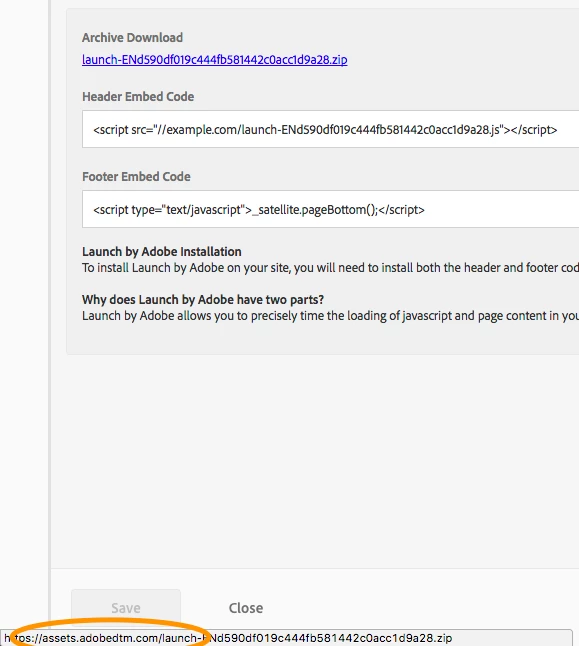
Note, that there won't be anything in that location until you actually make a build, but the idea is that you'll download it from that location on Akamai, and then upload it to your own server in the location that you told us, and your embed code (on your pagE) will attempt to grab it from your own server where you told us it would be.
All that make sense?