Adobe Launch not getting loaded | Community
Skip to main content
Level 2
August 31, 2021
Solved

Adobe Launch not getting loaded

  • August 31, 2021
  • 2 replies
  • 4050 views

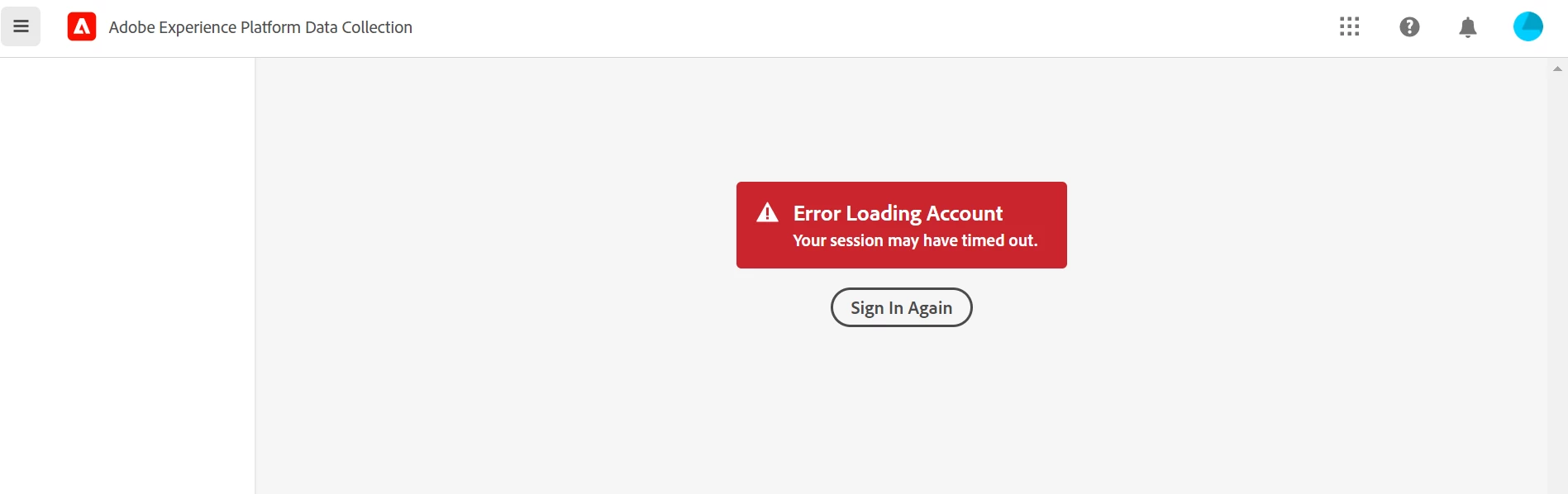
Everytime I try to login to Adobe Launch, it throws session timeout error. Can someone please guide or help in this case? Attached the screenshot.
This post is no longer active and is closed to new replies. Need help? Start a new post to ask your question.
Best answer by atusingh17

@nitishlamba1  could you try disabling all the extensions/plugins, clear cahce & cookies and see if that helps ?

2 replies

Level 4
August 31, 2021

i got this error for sometime as well. i had to use a different browser like safari which worked. probably clearing your cookies might help.

Level 2
September 1, 2021

It is only working in Firefox. I just installed Chrome on my machine and it does not work there as well.

Adobe Employee
August 31, 2021

@nitishlamba1  Does it happens if you try to login in incognito/private window ?
Seems to be browser issue.

Level 2
August 31, 2021

Yes. Even in Incognito. Cleared cache, restarted machine but still there.
Works fine on different browser

Level 2
September 7, 2021

Definitely @yuhuisg. It is Adobe Experience Platform Debugger extension. I am surprised to see Adobe Launch working which I switch the extension off and it signs me out, if the extension is already on. Even if I try to sign in after disabling the extension and enables it afterwards, it signs me out after sometime. So Strange ad both are Adobe tools.


Hi @yuhuisg, At present, I always open Adobe products(launch, analytics) in Firefox so that I can use Adobe debugger extension on Chrome. If I try to open both in Chrome, Adobe Launch or analytics logs me out. Do you have any suggestion to overcome this?