Adobe Experience platform Customer Profile Identity Namespace Error | Community
Skip to main content
August 27, 2024
Solved

Adobe Experience platform Customer Profile Identity Namespace Error

  • August 27, 2024
  • 1 reply
  • 792 views

Hello Adobe Community, 


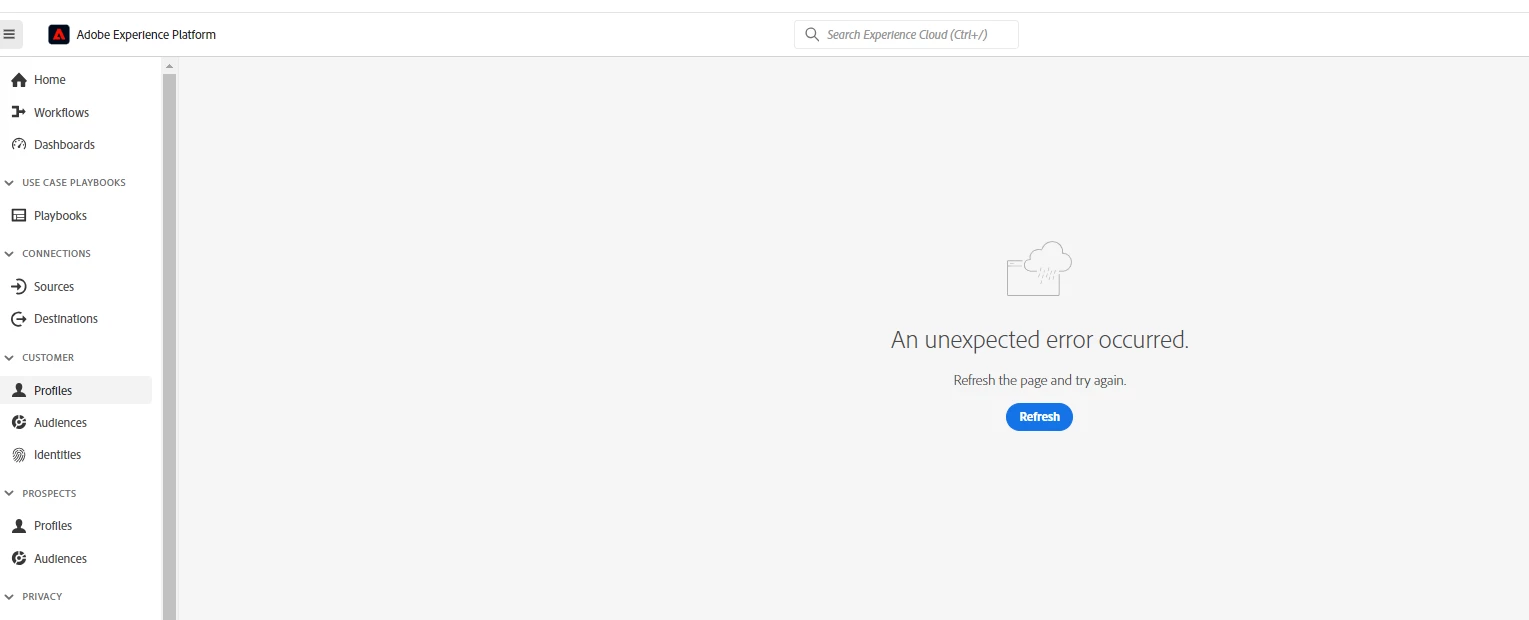
While executing routine identity mapping tests I've faced an issue with Identity Namespace: when clicking on the Table Icon in the Identity Namespace line (I want to choose en email as identifier) , I'm getting an unexpected error: clearing cache and restarting computer doesn't help here. Any suggestions on what could be done?  thank you! 
 

This post is no longer active and is closed to new replies. Need help? Start a new post to ask your question.
Best answer by SachinJa4

Since you’ve already cleared your computer’s cache, also clear your browser’s cache and cookies. Sometimes browser-related issues can cause unexpected errors.

If you’re using a web-based interface, switch to a different browser to see if the issue persists. Some browser-specific issues might cause errors.

Try to reproduce the error by following the same steps on a different system or user account. This can help determine if the problem is specific to your environment or a broader issue.

Ensure that both your Adobe Experience Platform and any related tools or extensions are up-to-date.

Ensure you have the necessary permissions to access and modify Identity Namespace settings. Verify that your user role has adequate rights.

1 reply

_Manoj_Kumar_
Community Advisor
Community Advisor
August 27, 2024

Hello @elenagor Open the developer console and try again. It has worked for me in the past.

     Manoj     Find me on LinkedIn
SachinJa4
SachinJa4Accepted solution
August 28, 2024

Since you’ve already cleared your computer’s cache, also clear your browser’s cache and cookies. Sometimes browser-related issues can cause unexpected errors.

If you’re using a web-based interface, switch to a different browser to see if the issue persists. Some browser-specific issues might cause errors.

Try to reproduce the error by following the same steps on a different system or user account. This can help determine if the problem is specific to your environment or a broader issue.

Ensure that both your Adobe Experience Platform and any related tools or extensions are up-to-date.

Ensure you have the necessary permissions to access and modify Identity Namespace settings. Verify that your user role has adequate rights.