Workflows for Assets | Community
Skip to main content
Level 3
June 3, 2023
Solved

Workflows for Assets

  • June 3, 2023
  • 2 replies
  • 886 views

Hi All


I want to know all workflows that got triggered / executed when an asset is uploaded to AEM?


I checked

Tools -> workflow -> Instances

Tools -> workflow -> Archive


But I could not find any records of workflow in the above paths.


However, in my logs I could see var/workflow/instances/server0/update_asset workflow entries. I'm wondering why update_asset workflow shown in logs but not in Tools -> workflows -> Instances or Tools -> workflows -> Archive


Can anyone explain why this happens?


Thanks
This post is no longer active and is closed to new replies. Need help? Start a new post to ask your question.
Best answer by lukasz-m

Hi @girishb83316758,

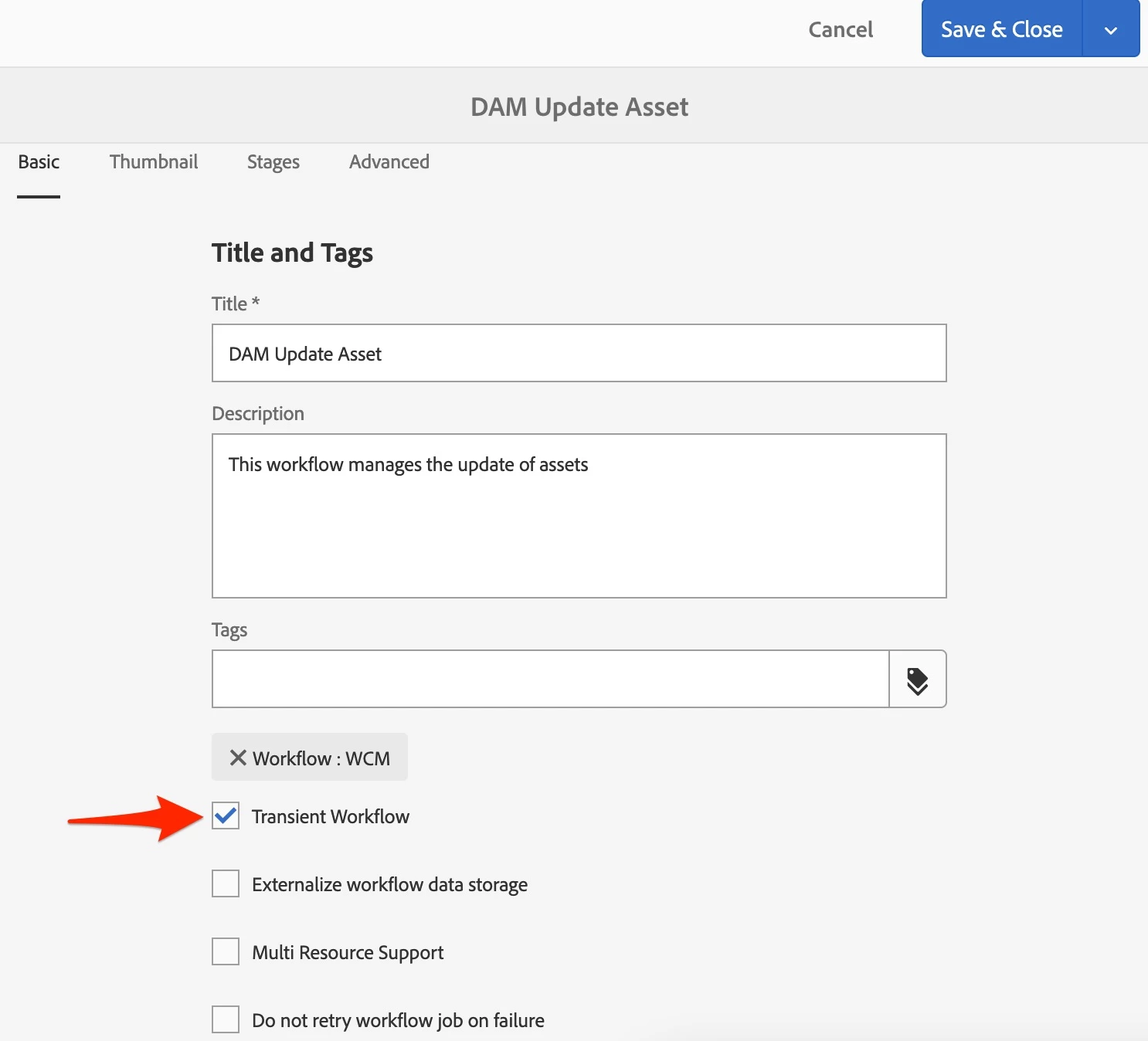
By default DAM Update Asset workflow model is configured to run in transient mode. This is why you are not seeing any entries related to execution of this workflow under Archive.

This behavior can be changed by deselecting (uncheck it) Transient Workflow option in workflow properties.

Above change will be applicable to any newly run workflow.

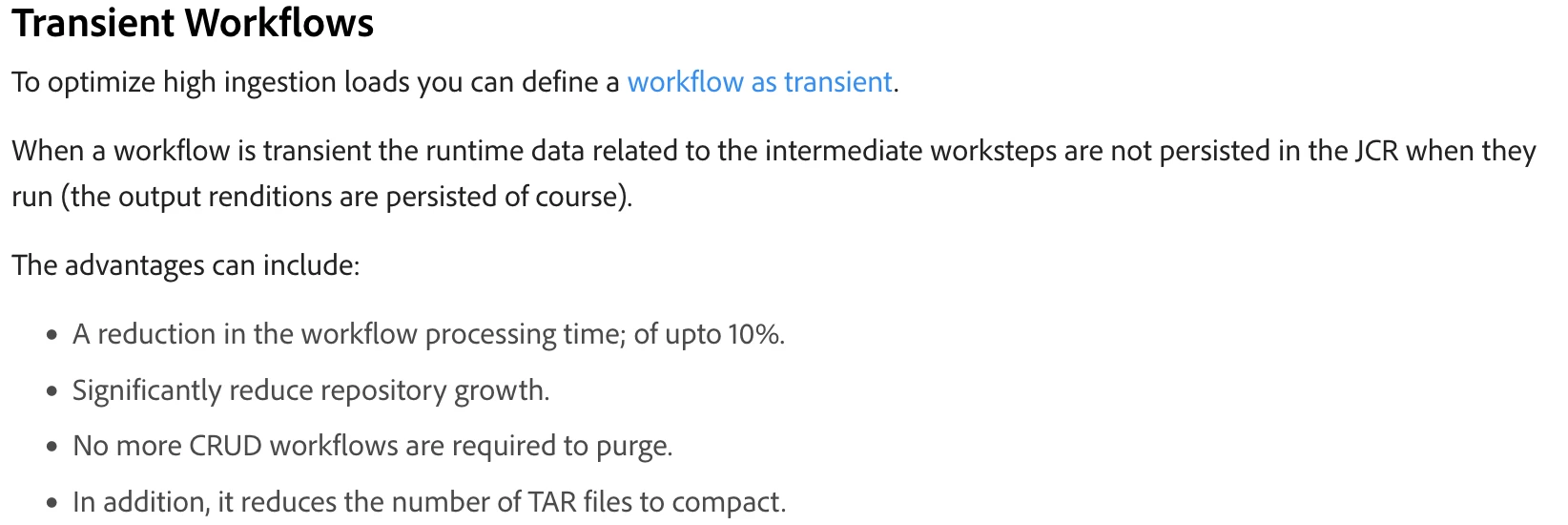
You can learn more about purposes of transient workflow option from official documentation:

2 replies

lukasz-m
Community Advisor
lukasz-mCommunity AdvisorAccepted solution
Community Advisor
June 3, 2023

Hi @girishb83316758,

By default DAM Update Asset workflow model is configured to run in transient mode. This is why you are not seeing any entries related to execution of this workflow under Archive.

This behavior can be changed by deselecting (uncheck it) Transient Workflow option in workflow properties.

Above change will be applicable to any newly run workflow.

You can learn more about purposes of transient workflow option from official documentation:

Level 3
June 4, 2023

@girishb83316758 , the dam update asset workflow is indeed in transient mode that's the reason you don't see it in instance or archive console. It's an oob workflow which runs when you upload any assets so you can make it visible in the console if you uncheck the transient option from the model. @lukasz-m  is right and he has given the screenshot as well where you can see the option to uncheck the transient property from the workflow model. 

Also the reason it is made transient is that it will trigger for each asset you upload so it may consume more memory and impact the performance so it is made transient.


Thanks,

Mahesh