From point no:1 , it means content author has ability to select desired reviewer.
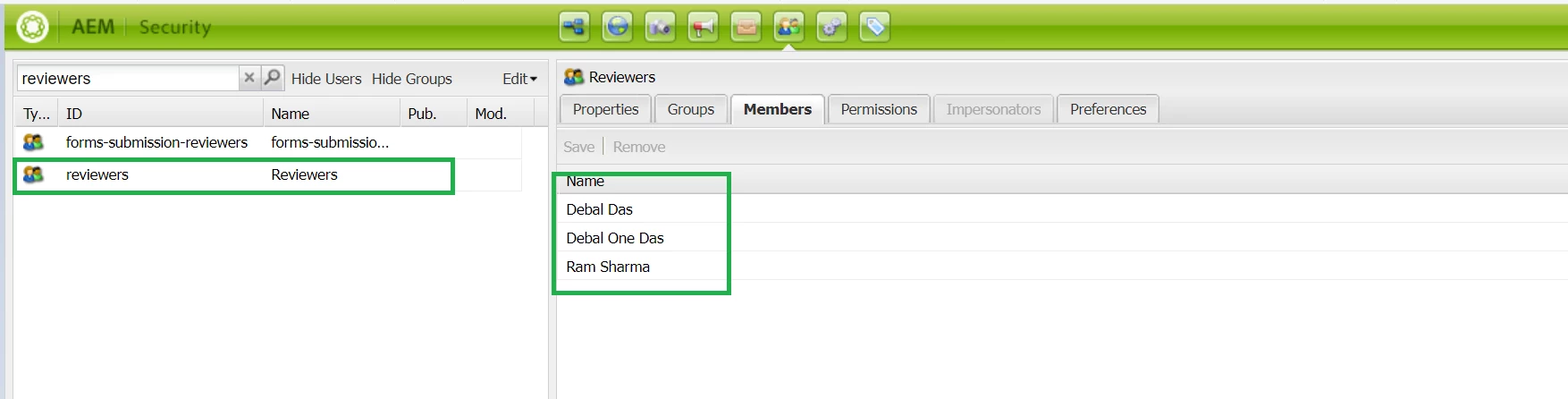
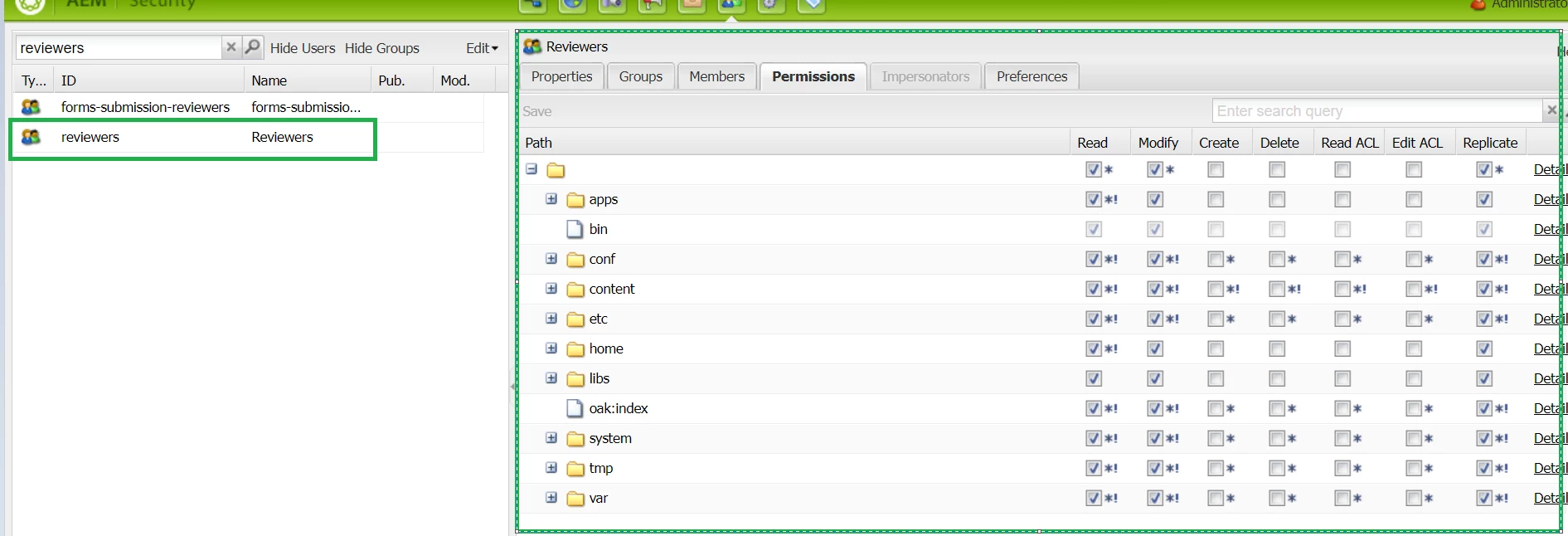
1. I have created list of users (reviewer) and assigned it to a specific group called reviewers as shown below -
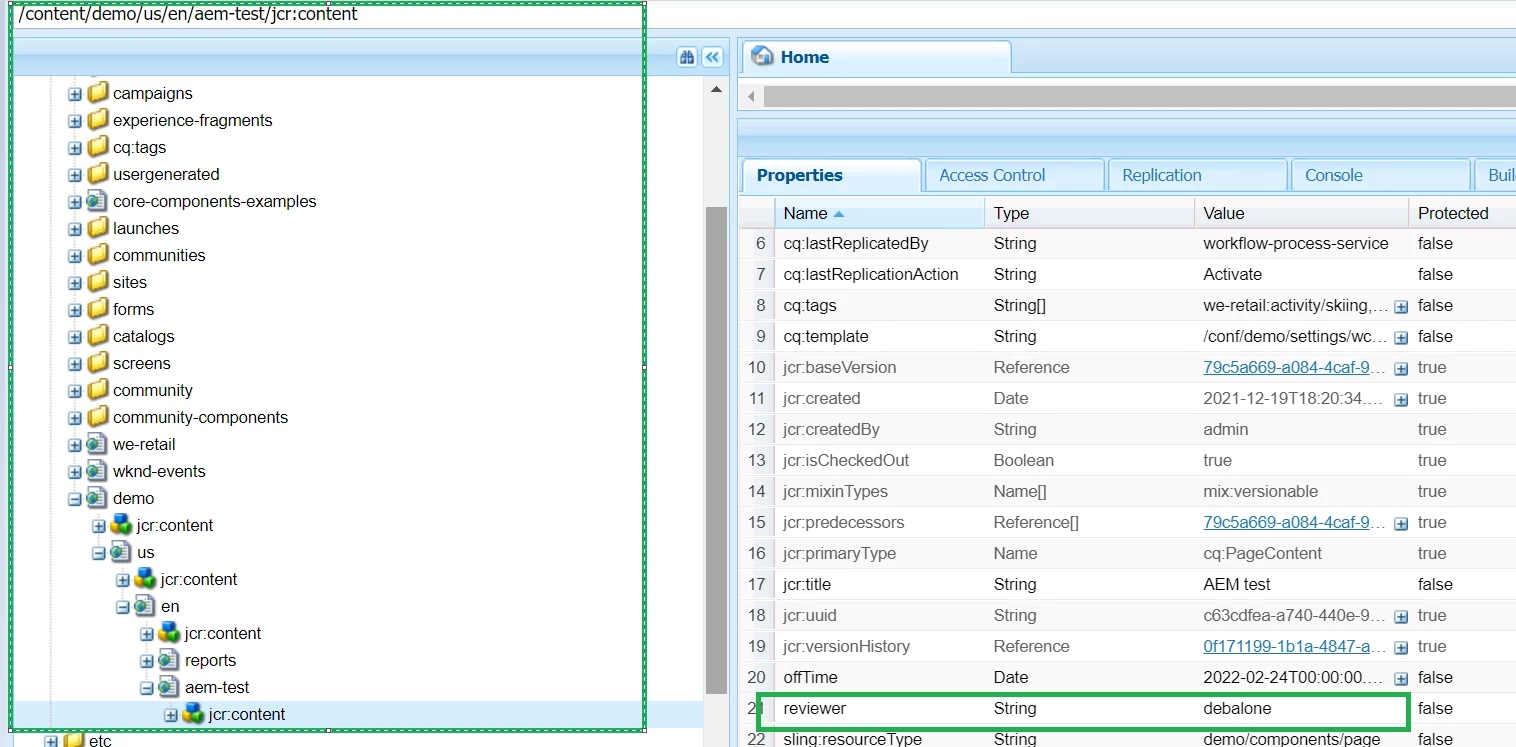
2. Created a page property called: Content Reviewer and populating same list of reviewer created in step-1
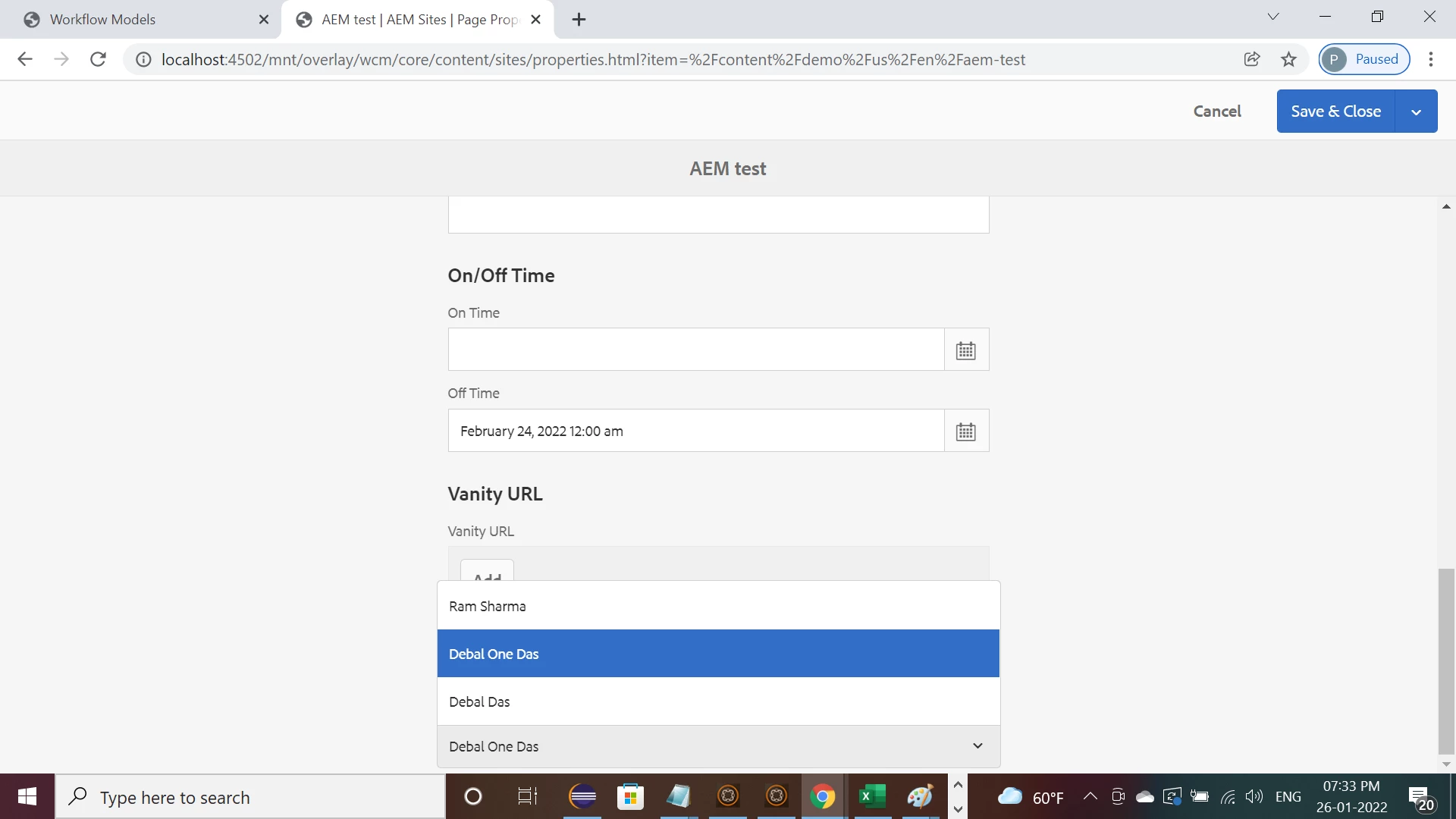
3. After selecting a desired reviewer , author can start the below custom workflow -
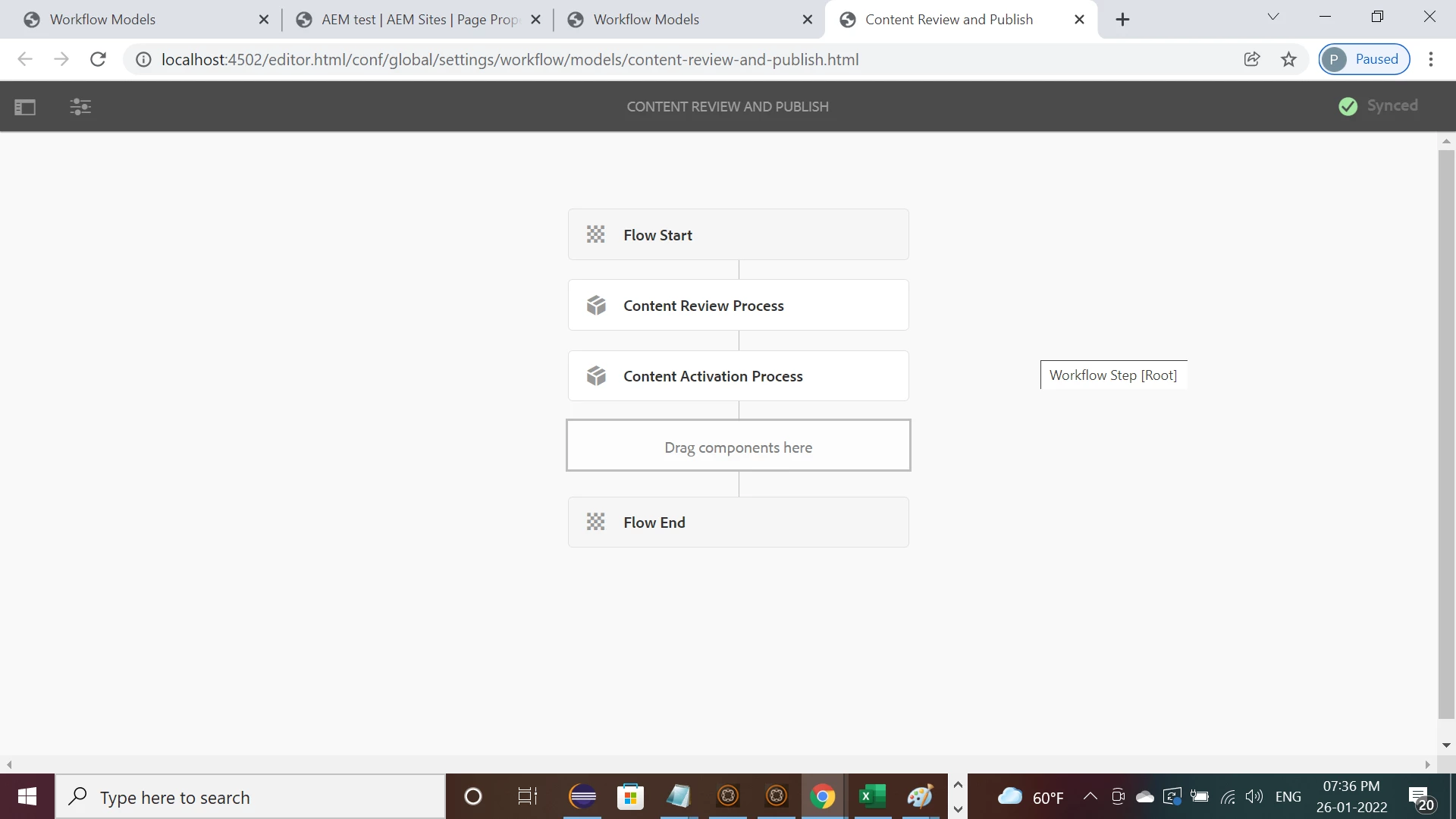
4. Here is the custom workflow process logic -
package com.aem.demo.core.workflows;
import java.util.Objects;
import org.apache.sling.api.resource.ModifiableValueMap;
import org.apache.sling.api.resource.Resource;
import org.apache.sling.api.resource.ResourceResolver;
import org.osgi.framework.Constants;
import org.osgi.service.component.annotations.Component;
import org.slf4j.Logger;
import org.slf4j.LoggerFactory;
import com.adobe.granite.taskmanagement.Task;
import com.adobe.granite.taskmanagement.TaskManager;
import com.adobe.granite.taskmanagement.TaskManagerException;
import com.adobe.granite.taskmanagement.TaskManagerFactory;
import com.adobe.granite.workflow.WorkflowException;
import com.adobe.granite.workflow.WorkflowSession;
import com.adobe.granite.workflow.exec.InboxItem;
import com.adobe.granite.workflow.exec.WorkItem;
import com.adobe.granite.workflow.exec.WorkflowProcess;
import com.adobe.granite.workflow.metadata.MetaDataMap;
import com.drew.lang.annotations.Nullable;
import com.google.common.base.Strings;
@8220494(property = {
Constants.SERVICE_DESCRIPTION + "=This workflow step is responsible to set Inbox Notification for Reviewer",
Constants.SERVICE_VENDOR + "=AEM Demo Debal", "process.label" + "=Content Reviewer Notification" })
public class ContentReviewerNotification implements WorkflowProcess {
private final Logger logger = LoggerFactory.getLogger(ContentReviewerNotification.class);
public static final String NOTIFICATION_TASK_TYPE = "Review Notification";
@9944223
public void execute(WorkItem workItem, WorkflowSession workflowSession, MetaDataMap metadataMap)
throws WorkflowException {
ResourceResolver resourceResolver = workflowSession.adaptTo(ResourceResolver.class);
try {
TaskManager taskManager = resourceResolver.adaptTo(TaskManager.class);
TaskManagerFactory taskManagerFactory = taskManager.getTaskManagerFactory();
String payloadPath = workItem.getWorkflowData().getPayload().toString();
@3146596
Resource payloadResource = resourceResolver.getResource(payloadPath);
if (Objects.nonNull(payloadResource) && payloadResource.isResourceType("cq:Page")) {
Resource metadataresource = payloadResource.getChild("jcr:content");
ModifiableValueMap modifiableValueMap = metadataresource.adaptTo(ModifiableValueMap.class);
@3146596
String reviewer = modifiableValueMap.get("reviewer", String.class);
if (!Strings.isNullOrEmpty(reviewer)) {
Task newTask = taskManagerFactory.newTask(NOTIFICATION_TASK_TYPE);
newTask.setName("Content Expiry Notification");
newTask.setContentPath(payloadPath);
// Optionally set priority (High, Medium, Low)
newTask.setPriority(InboxItem.Priority.HIGH);
newTask.setDescription("Content Review Notification");
newTask.setInstructions("Content Review Notification");
newTask.setCurrentAssignee(reviewer);
taskManager.createTask(newTask);
}
}
} catch (TaskManagerException te) {
logger.error("Could not create task {} ", te.getMessage());
}
}
}
Here , you could see using import com.adobe.granite.taskmanagement.Task;
import com.adobe.granite.taskmanagement.TaskManager; I am able to set inbox notification for selected desired reviewer only -
Notification details available for admin as shown below -
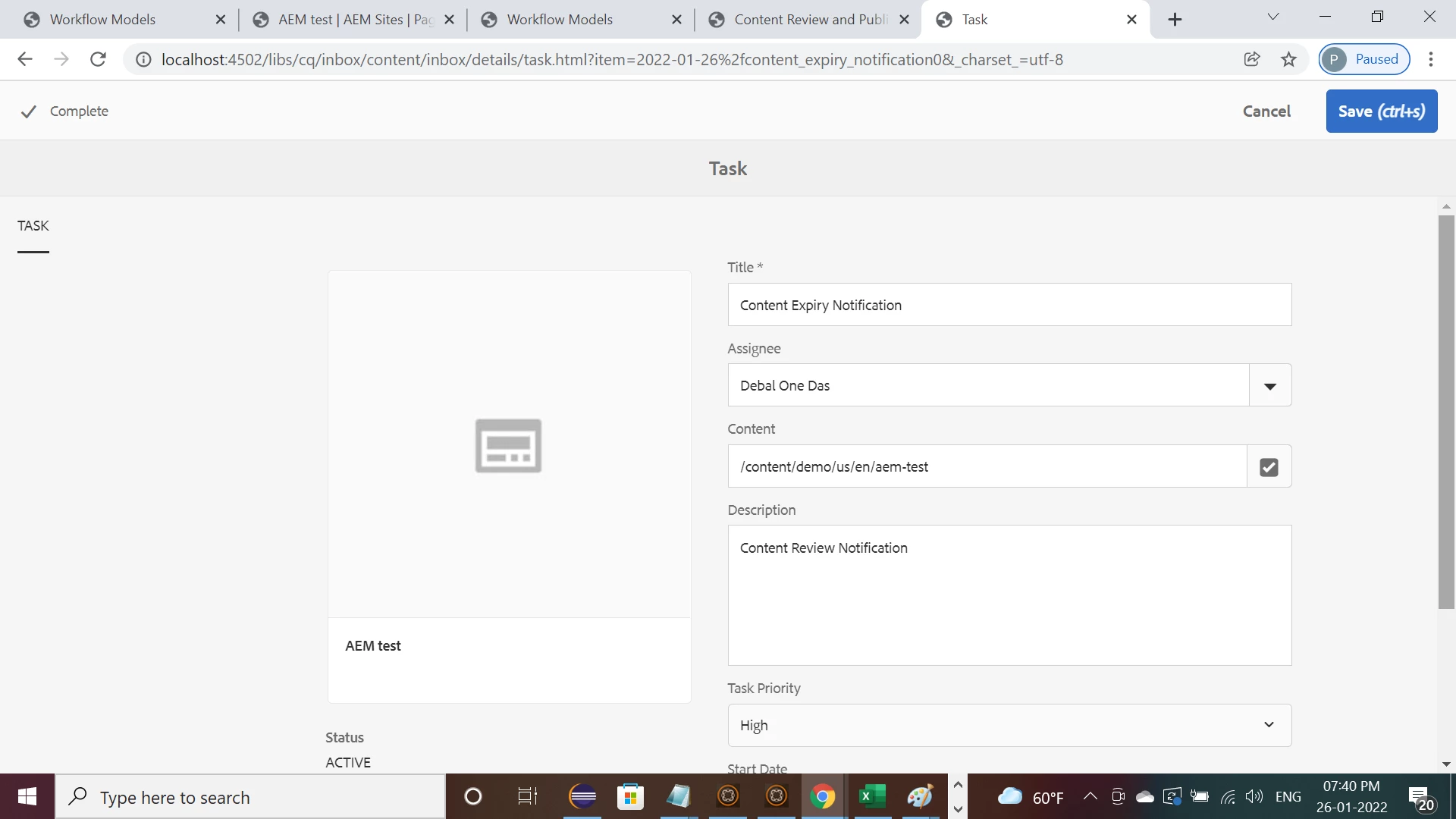
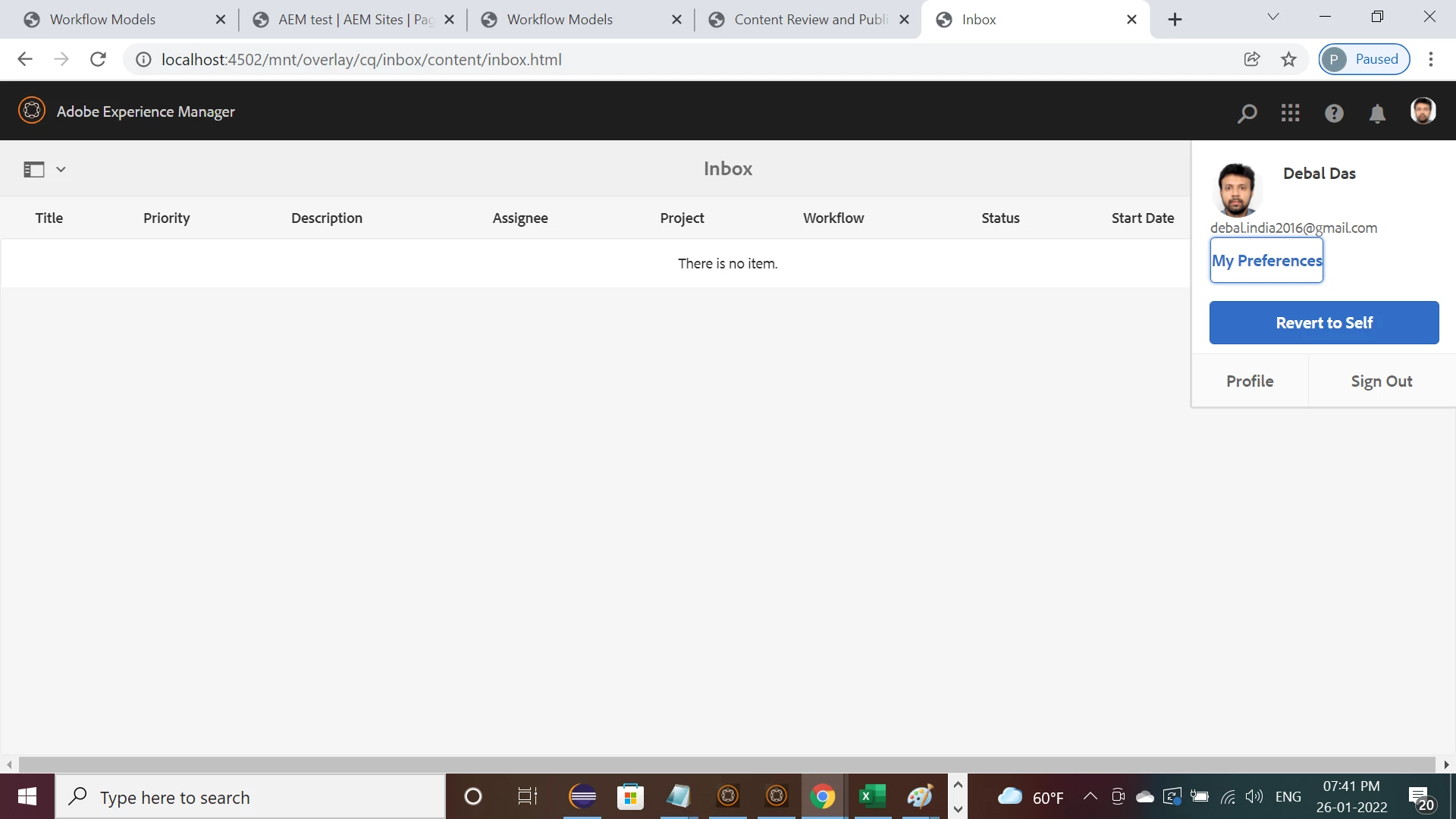
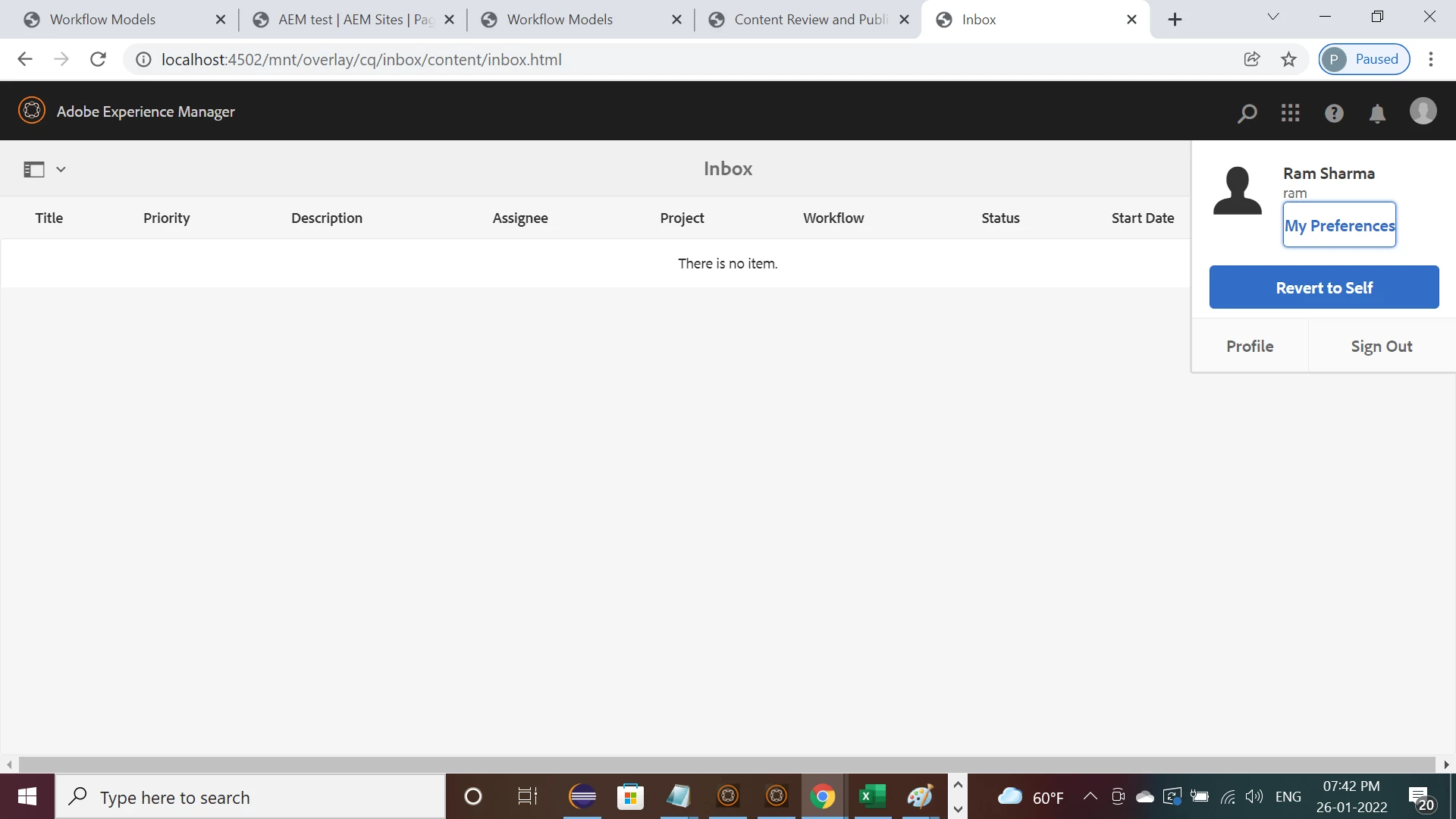
But the same notification isn't available for Debal Das and Ram Sharma (admin is impersonating)
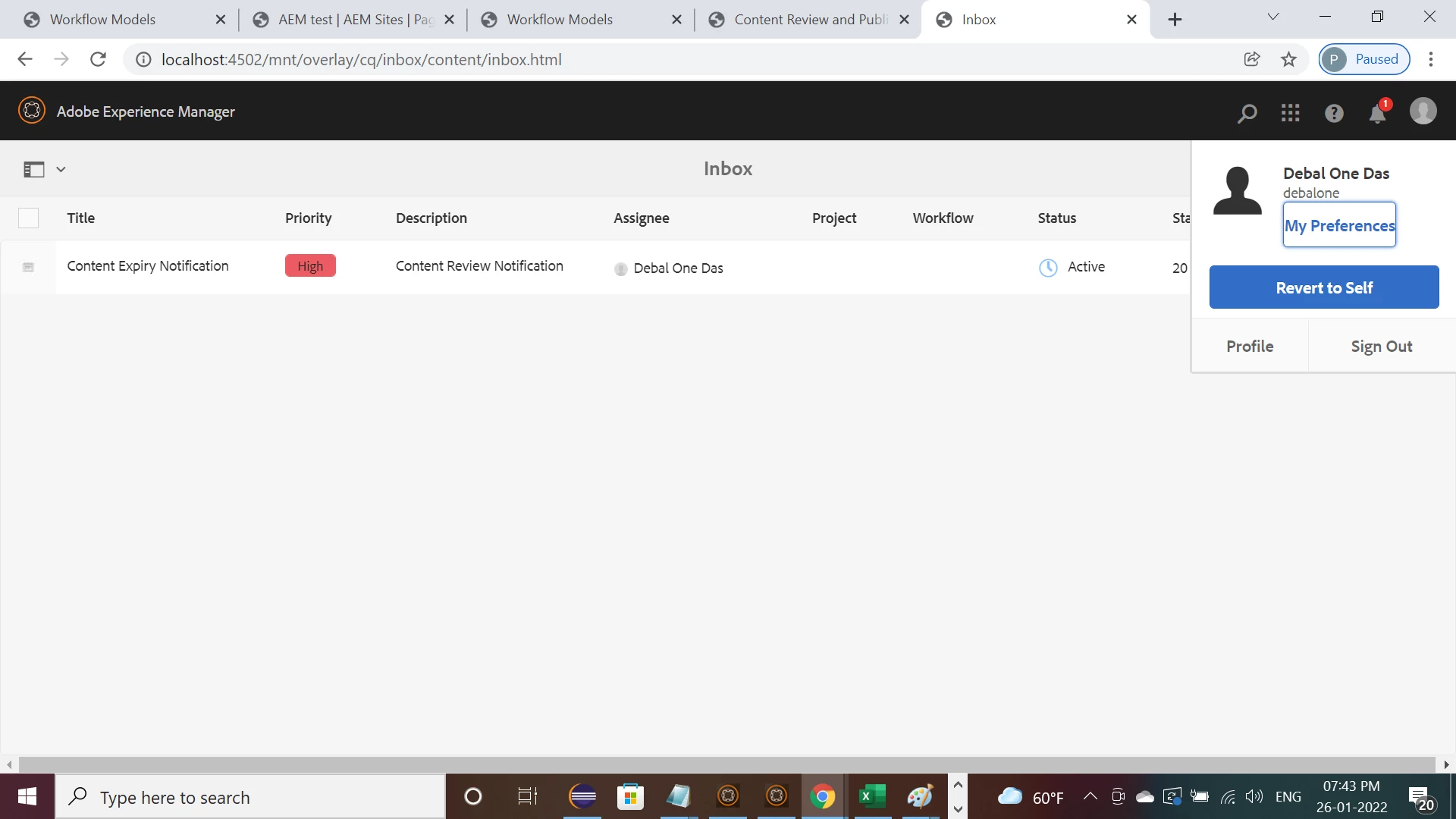
But it is available for debaldasone as it is assigned to him -
Hope this will help at some extent. Correct me if I am wrong at any point.