Répondu
Workflow Dialog won't appear when executing against DAM asset.
Greetings,
I have a custom workflow that I would like to execute against DAM assets. The workflow includes a Dynamic Participant Step with a dialog. If I test the workflow against a Page, I'm able to see the dialog appear and interact with it as expected.
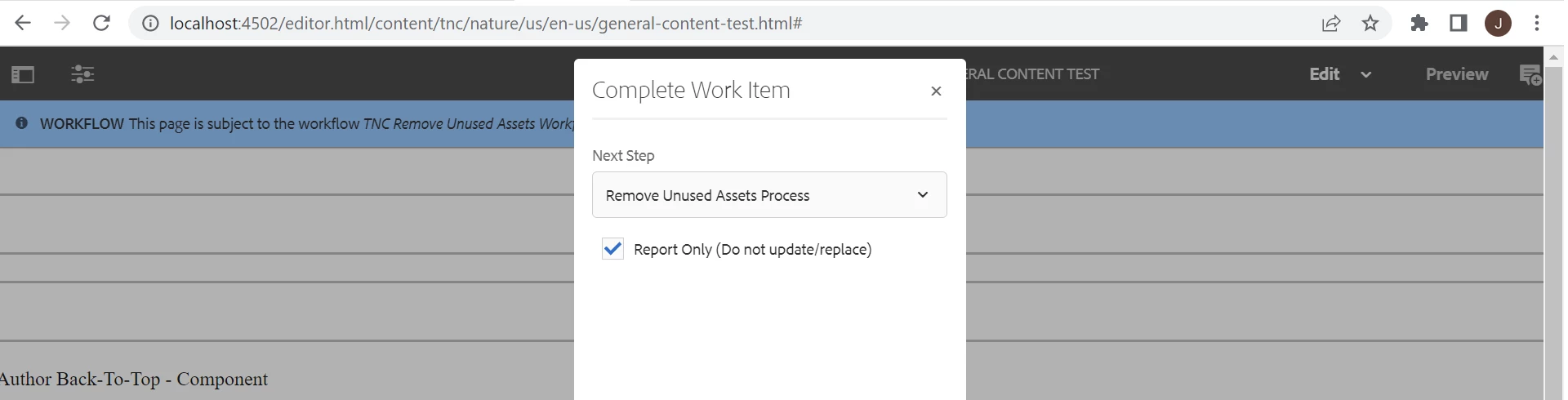
However, when I execute against DAM assets, I see no dialog.
Steps:
- Navigate to a DAM asset (ex. http://localhost:4502/assets.html/content/dam/tnc/nature/en/photos)
- Hover over asset and then click on checkmark that appears to select it.
- In the upper left, select Create -> Workflow.
- Choose the workflow in question and give it a title.
- Press start, then Proceed.
- In the upper left corner, open the timeline for this asset.
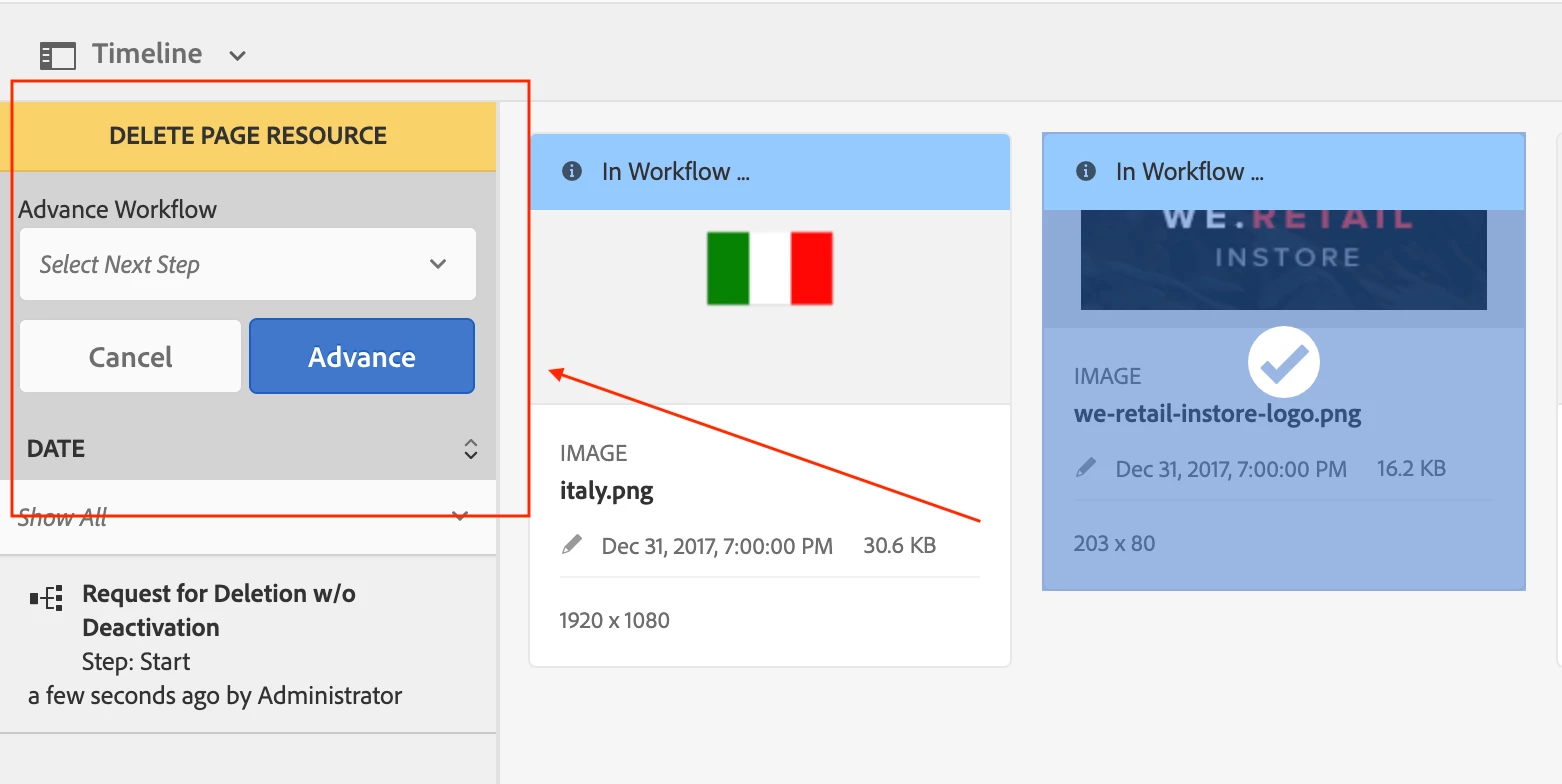
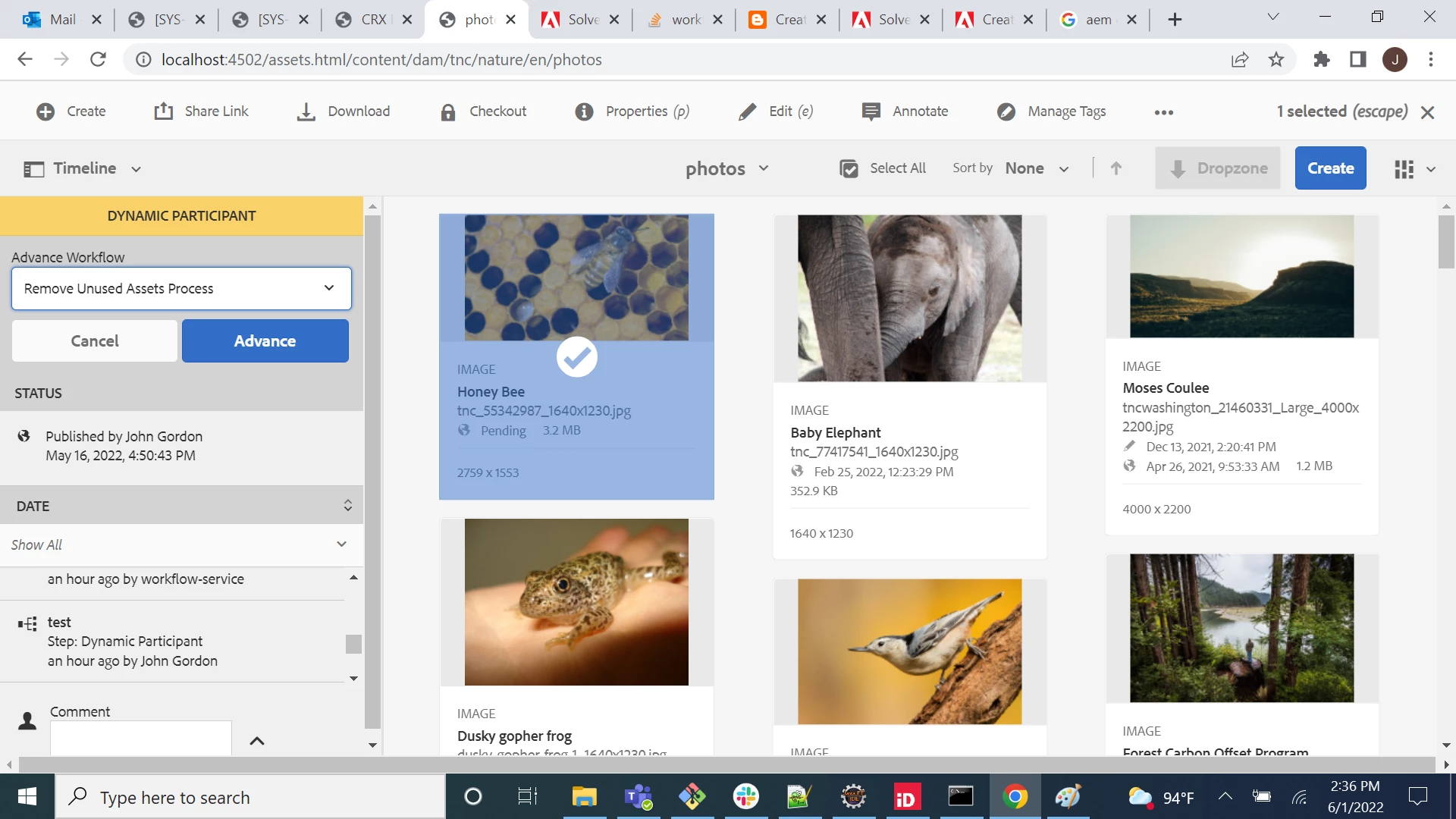
- Notice 'Dynamic Participant' highlighted in yellow. Click on it, and then click advance.
- In the dropdown that appears, select the workflow and click advance.
- The workflow now completes without ever presenting a dialog to the user.
Is there a mechanism by which I can make a dialog appear in this context?