wknd-events guide components not showing in editor | Community
Skip to main content
reginaldr998750
May 2, 2019
Solved

wknd-events guide components not showing in editor

  • May 2, 2019
  • 2 replies
  • 2887 views

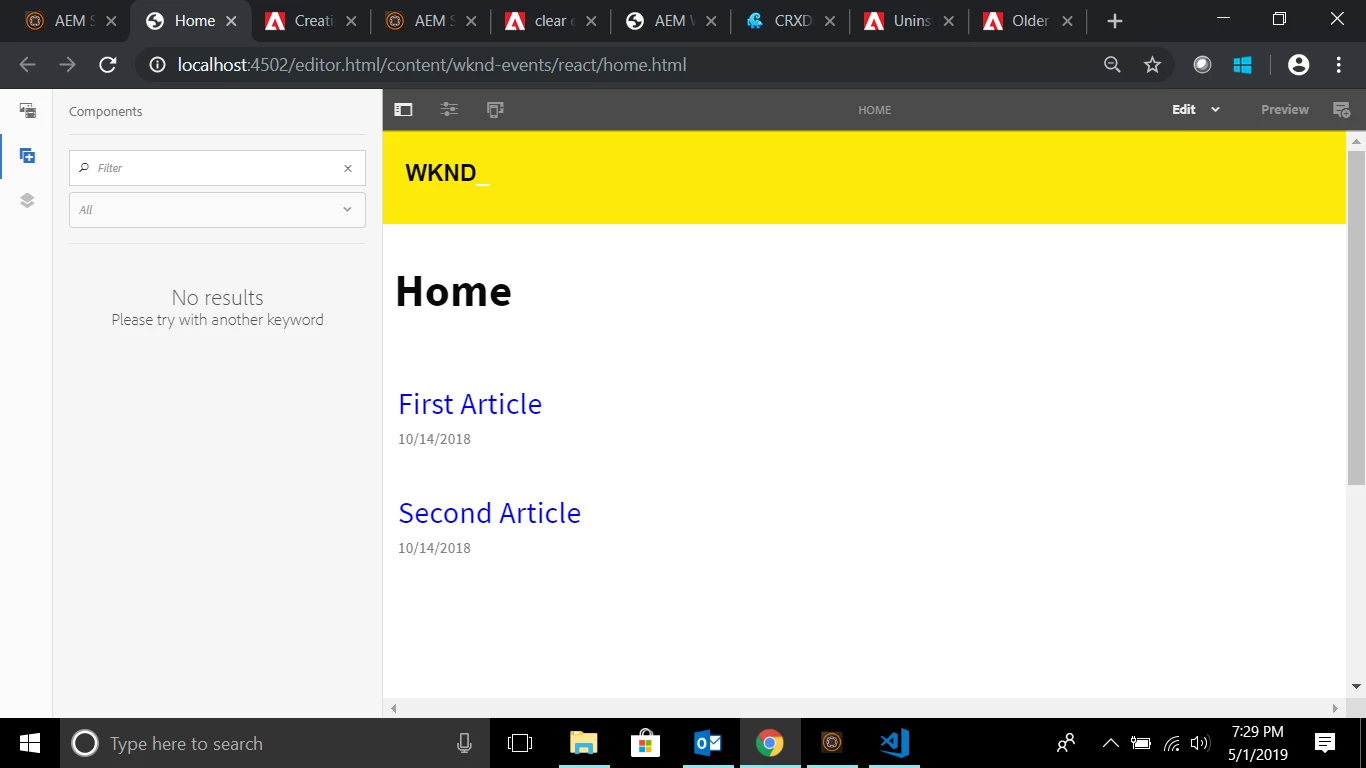
I was going through the tutorial on integrating reactjs into AEM. I have finished the tutorial but the components do not display in the side panel, nor does the parsys box show up.
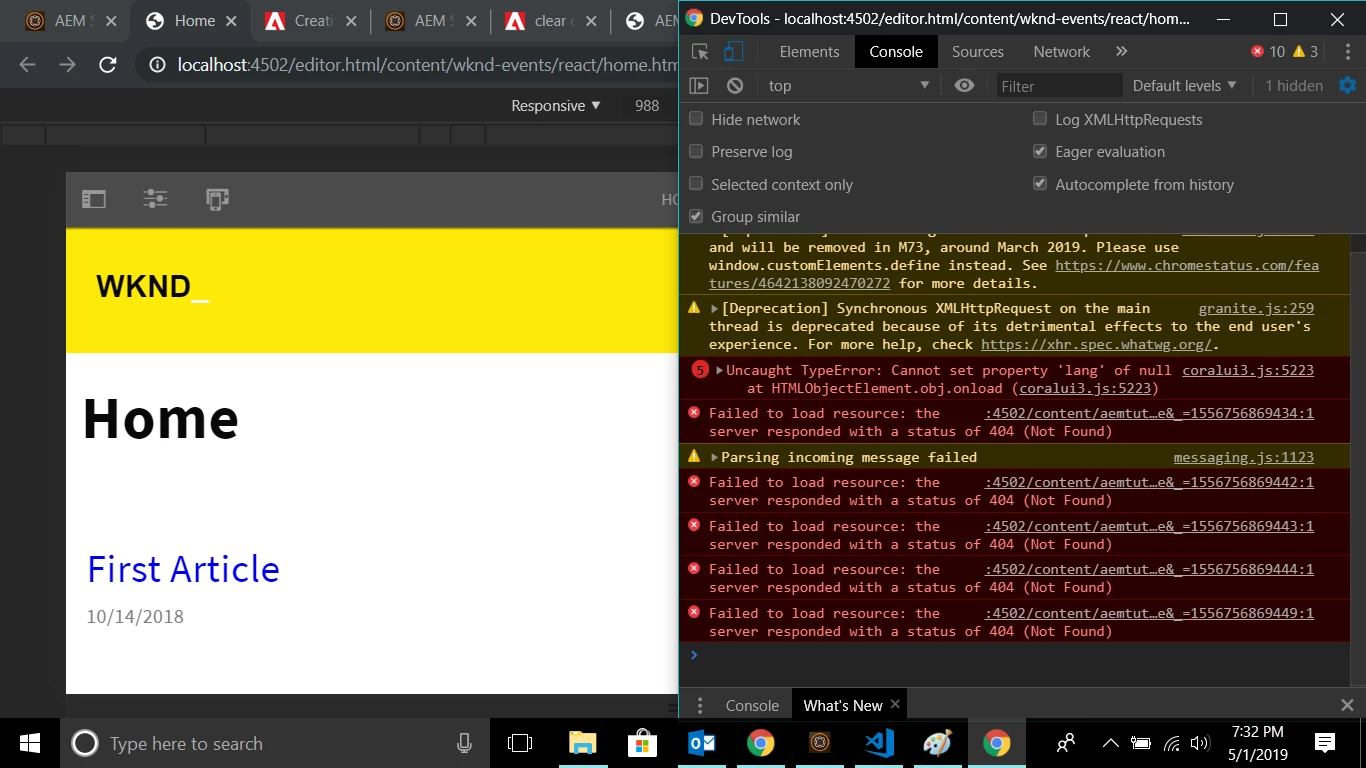
I do not know if this is related but I get these errors in the console saying that these files can not be found. I do not have these files and do not know why they show up.
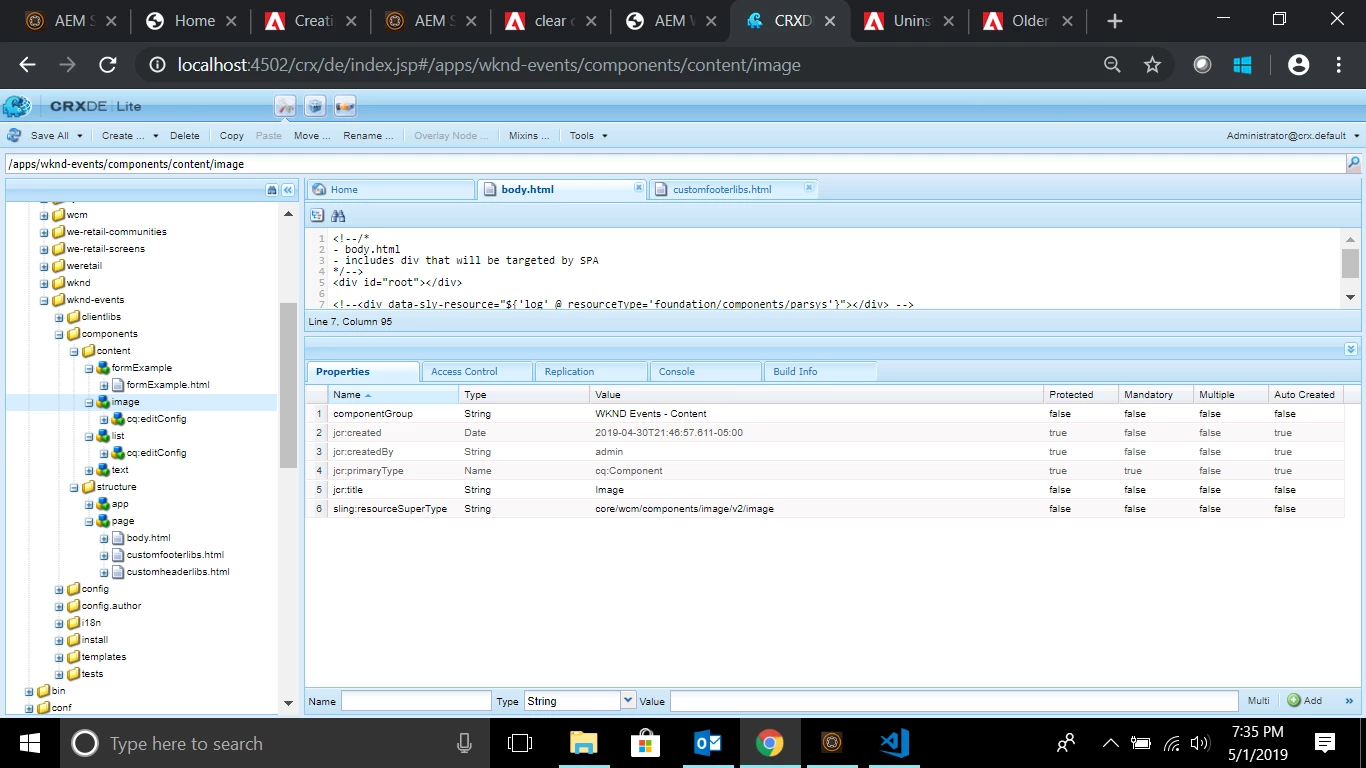
I have 3 components 2 are basic components that inherit from core components that have dialogs.
I have moved the AEM server jar file to a new folder, deleted the old folder and rebuilt the project and still get the same problem.

This post is no longer active and is closed to new replies. Need help? Start a new post to ask your question.
Best answer by reginaldr998750

I have found the solution.

The repository was corrupt.

I followed this tutorial to fix the issue:

Fix Inconsistencies in the repository when SegmentNotFound Issue is reported in AEM 6.x

2 replies

Prince_Shivhare
Community Advisor
Community Advisor
May 2, 2019

If you are using template editor, then have you added your component in template policy?

Also check if component is in page and you are not able to see it then check your code is present in DOM or not?

if you are generating the front end from react. make sure your clientlibs are loading properly.

reginaldr998750
reginaldr998750AuthorAccepted solution
May 2, 2019

I have found the solution.

The repository was corrupt.

I followed this tutorial to fix the issue:

Fix Inconsistencies in the repository when SegmentNotFound Issue is reported in AEM 6.x