WeRetail changing the hero message | Community
Skip to main content
mannys26013172
Level 2
November 7, 2018
Solved

WeRetail changing the hero message

  • November 7, 2018
  • 5 replies
  • 1669 views

Hi,

I am relatively new to AEM and have been playing around with the we-retail sample site on AEM 6.4.

I am trying to change the message for the all new winter collection on the demo site.

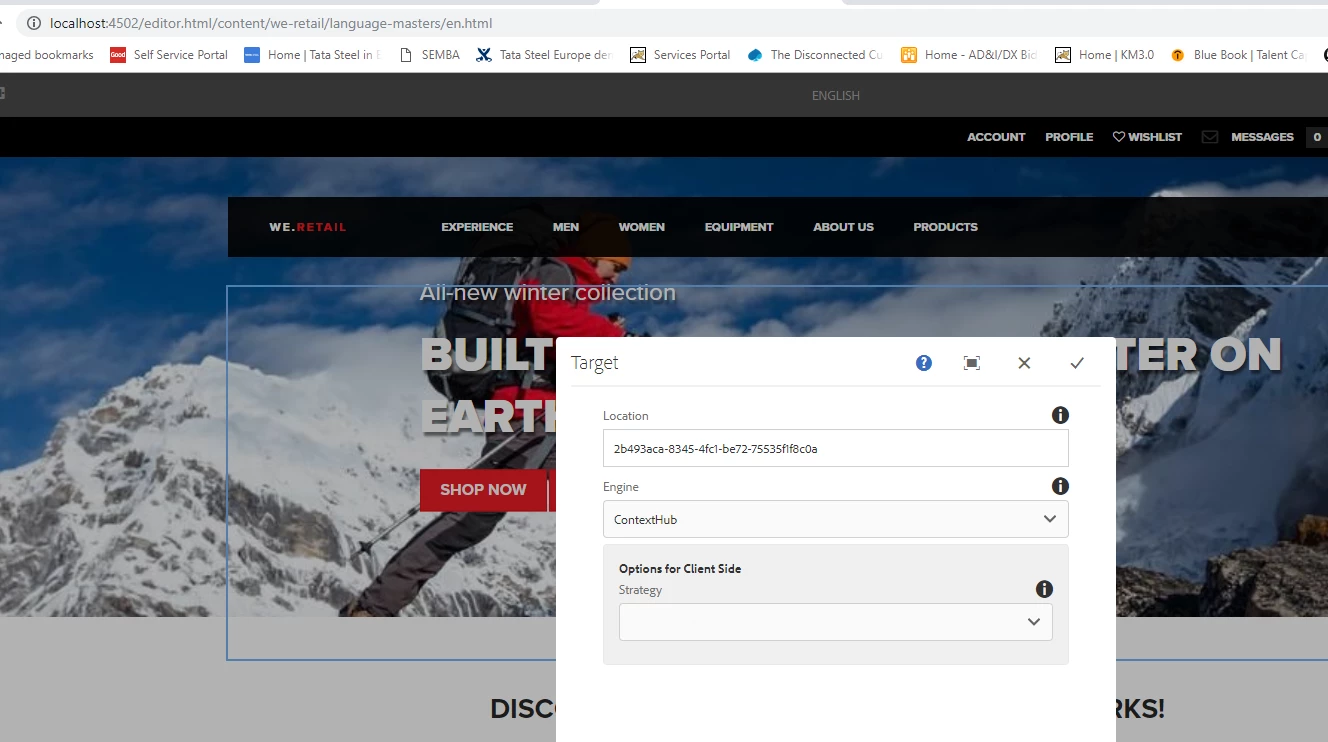
I have gone to the language master for the English page and I got the following screen when clicking the configuration.
I then found this same content source in the campaign folder and also under persnalization
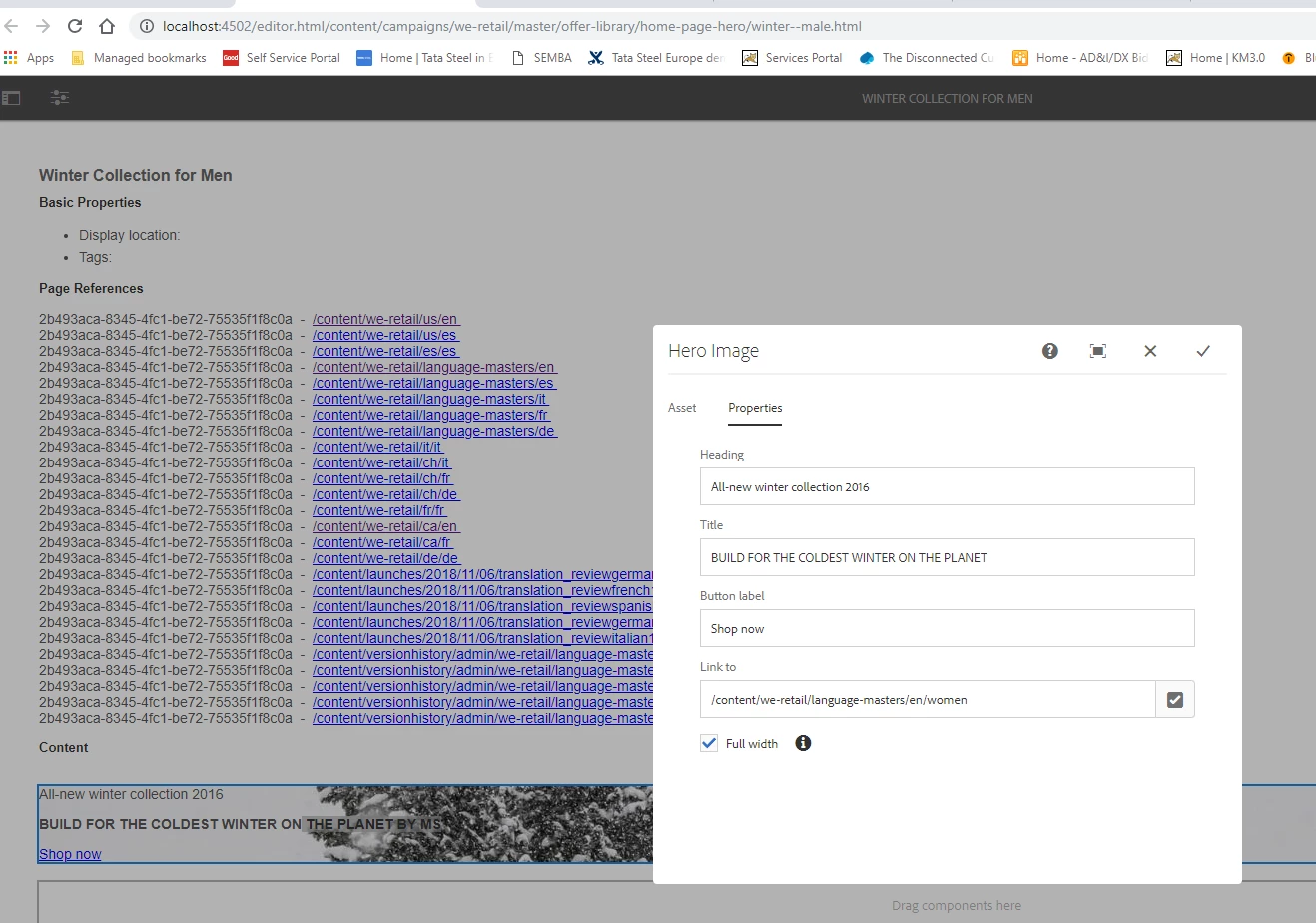
I changed the word earth to planet but my change is not being reflected back to the language master.

Any idea how I can make this change, assume it should be simple but just cant seem to figure it out.

Thanks for your help

Regards

Manoj
This post is no longer active and is closed to new replies. Need help? Start a new post to ask your question.
Best answer by mannys26013172

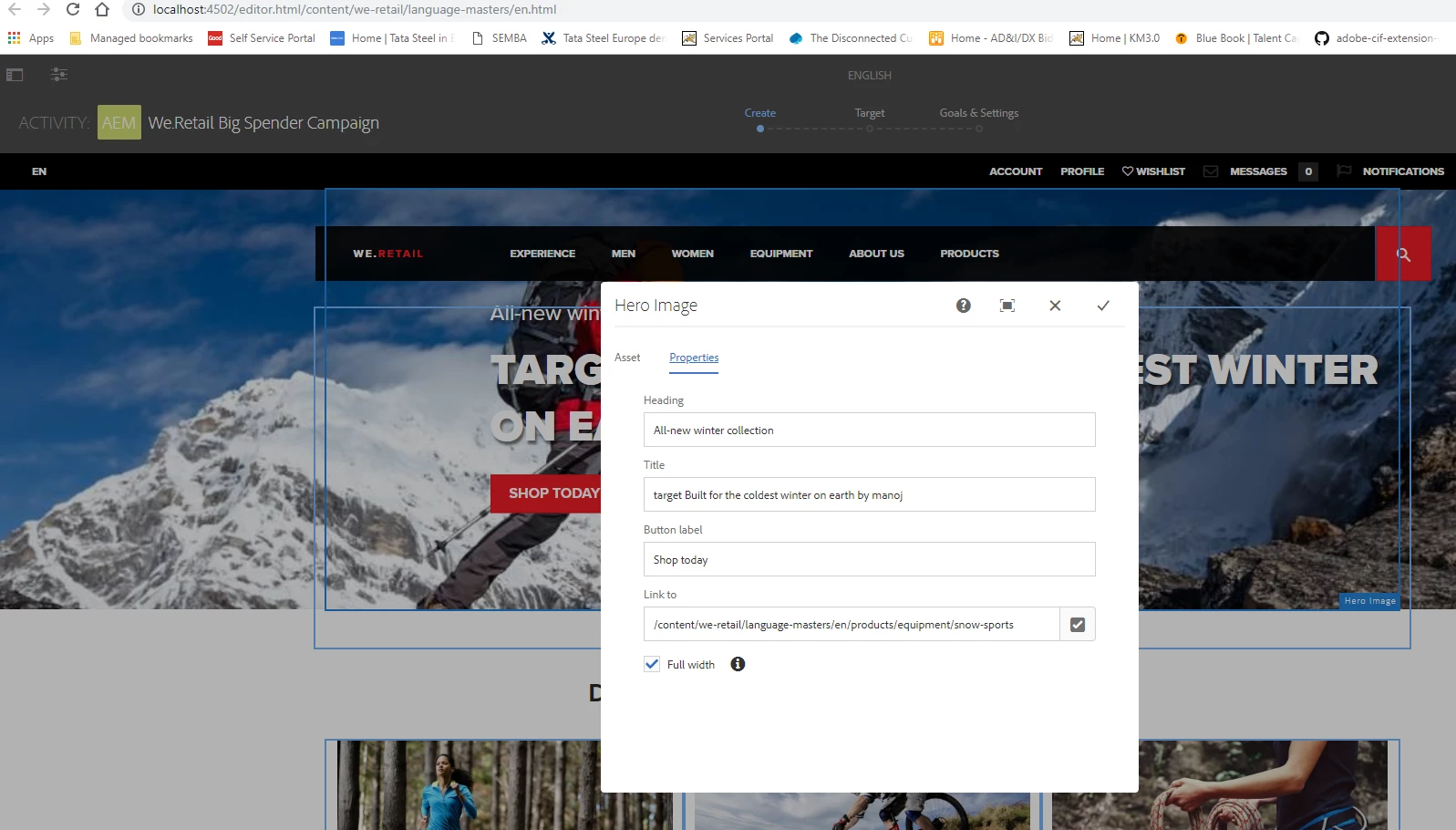
OK, I have figured this out. On the edit menu drop down select targeting, then start, you can the get to the component and configuration as per the screen below for default and can make the changes. to the text.

Hope this helps anyone else trying to get their head around the new interface.

5 replies

smacdonald2008
Level 10
November 7, 2018

For translation related questions - we just had a webinar where they held related demos. See this ATCE on this subject -- Scott's Digital Community: [Webinar |October] AtACE Session: Creating a site structure to support your global business

mannys26013172
Level 2
November 7, 2018

Just been through the webinar but it does not seem to answer my question, its not really about translation but more about content editing particularly as its showing a target icon.

smacdonald2008
Level 10
November 7, 2018

I have asked our team that works on language master to look here.

mannys26013172
mannys26013172AuthorAccepted solution
Level 2
November 8, 2018

OK, I have figured this out. On the edit menu drop down select targeting, then start, you can the get to the component and configuration as per the screen below for default and can make the changes. to the text.

Hope this helps anyone else trying to get their head around the new interface.

mannys26013172
Level 2
November 8, 2018

Also dont forget you have to roll out the changes to the US and Canada site.