User/Group Permission | Community
Skip to main content
April 6, 2020
Solved

User/Group Permission

  • April 6, 2020
  • 7 replies
  • 7164 views

Dear Team,

Step1:

I have below content tree structure:
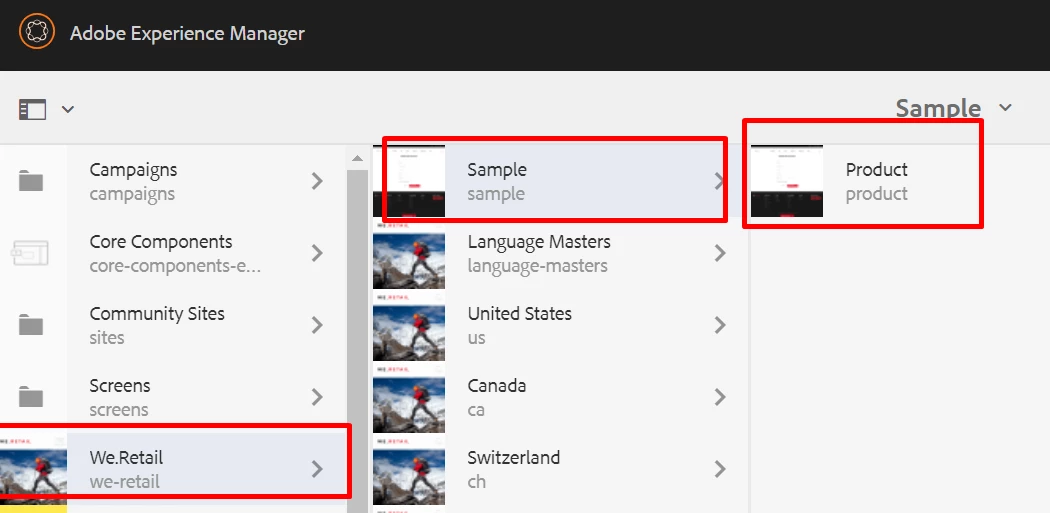
 

Step2:

and user "sample" is created with below permission:
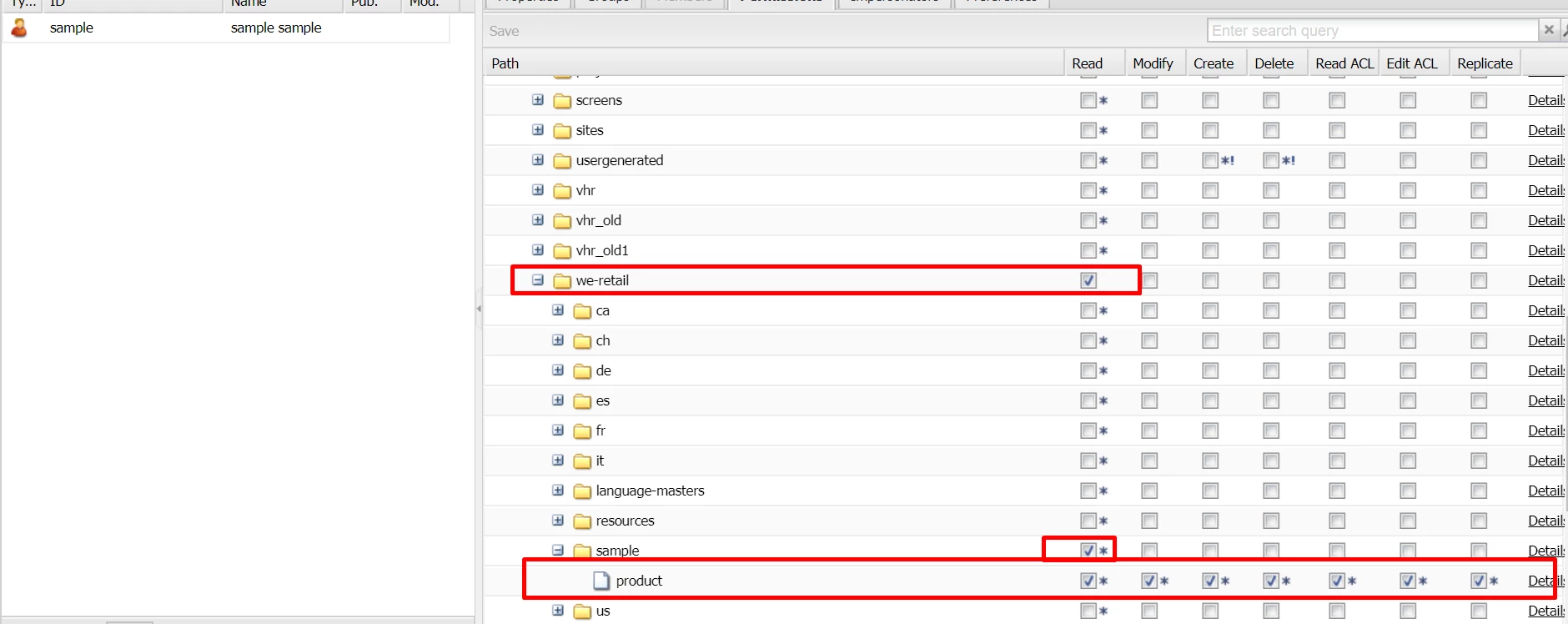
 

Step3:

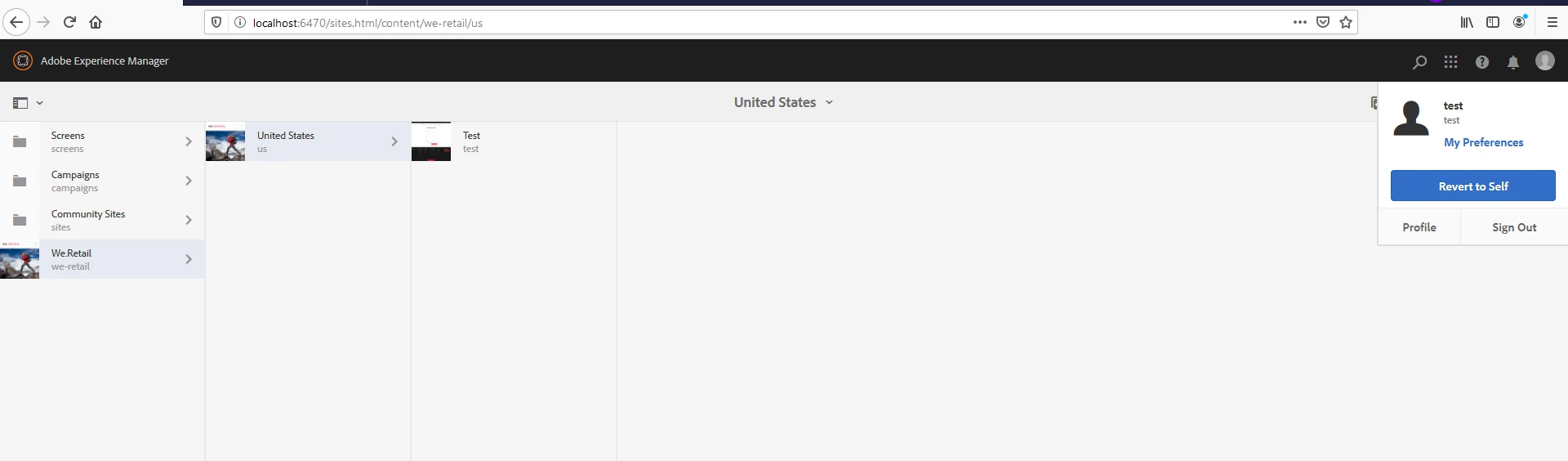
Now , When I access sites.html, I only see my "Product" site/page. Which is correct.

 

Step4:

Problem Statement:


Now admin creates a new Page/Site e.g. New Product 
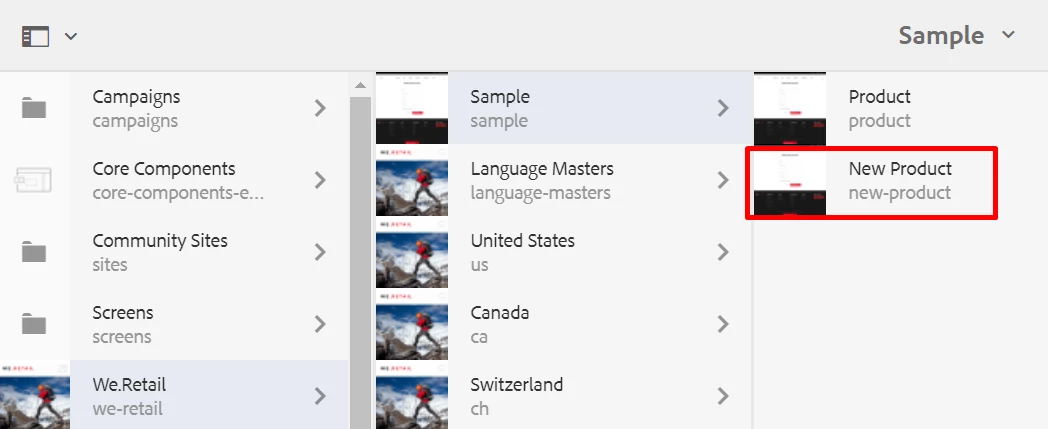
Step5:

When I again login with "sample" user , I can see this "New Product " Page . 
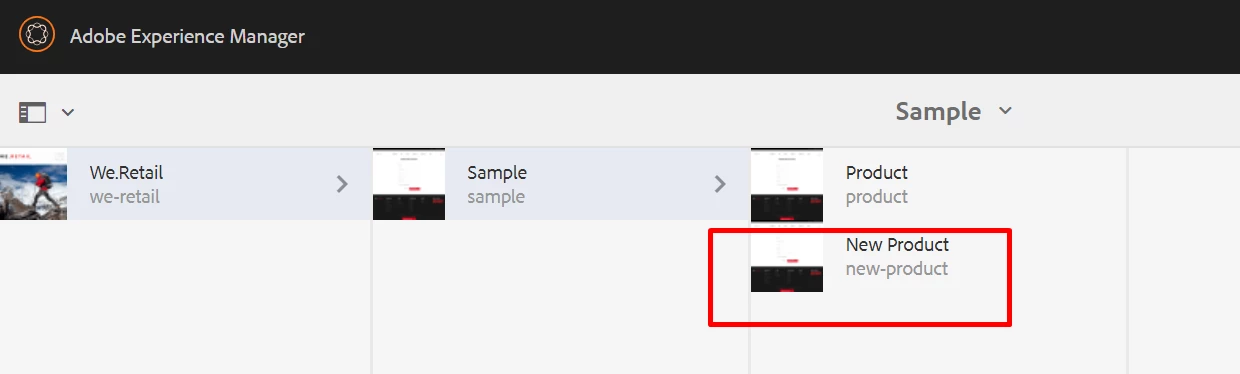


Question:

Is there any way to restrict this so that "sample" user  can only see Product websites , not any other created by Admin in future.


Thank you in advance.


This post is no longer active and is closed to new replies. Need help? Start a new post to ask your question.
Best answer by Theo_Pendle

Hi,

Here is a video I just recorded showing how you can do this quite easily using AEM 6.5's new Pricipal View for permissions.

Sorry for the poor audio quality, I don't often do this so I don't have fancy equipment 😅

https://youtu.be/Pq4kv8MxXUI 

7 replies

sunjot16
Adobe Employee
Adobe Employee
April 6, 2020

I was able to reproduce the same.

The thing is that when we you have read-only access to /content, /we-retail, /sample and product nodes, it works according to the given permissions.

However, whenever you(as an admin or something) add a new page beneath /content/we-retail/sample, as the parent(/sample) has read-only access, the user "sample" gets the read-only access to the newly created page by default.

If you go to /useradmin on your instance, after you created a new page under /sample, you can see that the user has read-only access to that page. You can remove the access from the read-only page. It works.


Permissions to user on Newly Created Page:


Remove the read-only access for sample user from the newly created page:


Newly created page no longer visible to sample user (or test user in my case):


arvind-1Author
April 6, 2020
@sunjot16 , Thank you for reply . Whatever you have mentioned , is correct and we are already managing in same way . But as I mentioned in my Question , we need a way so that whenever Admin creates new pages, Admin should not remove read access manually. Because we need to manage 300 websites for our requirement. Hope it is clear to you..
Theo_Pendle
April 6, 2020
What version of AEM are you on?
arvind-1Author
April 6, 2020
@theo_pendle , we are working on 6.5 vanilla.
Theo_Pendle
April 6, 2020
Awesome, I got a video coming your way 😛
Theo_Pendle
Theo_PendleAccepted solution
April 6, 2020

Hi,

Here is a video I just recorded showing how you can do this quite easily using AEM 6.5's new Pricipal View for permissions.

Sorry for the poor audio quality, I don't often do this so I don't have fancy equipment 😅

https://youtu.be/Pq4kv8MxXUI 

Vijayalakshmi_S
April 6, 2020

Hi,


Try to add Access Control entry from Access Control tab on the respective node from CRXDE with advanced option - rep:glob

In the example you have shared, we need to set 2 entries on /content/we-retail/sample for the respective user/group

Entry 1:

  • permission "Allow"
  • privilege being "jcr:read"

Entry 2:

  • permission "Deny
  • privilege being jcr:all and
  • restrictions- rep:glob=/* 

On Sample node, read on that node enables sample alone and everything under that path is denied (/* on rep:glob)

Product node is set with have all permissions.(read, modify, delete read/write ACLs or jcr:all)

(Explicit permissions set on this will override the deny set on the sample node or in other words, deny will not apply to this node but to rest of the other children of sample node. )


arvind-1Author
April 7, 2020

@vijayalakshmi_s,   Thank you. It works like a charm.

Theo_Pendle
April 7, 2020

Hi,

Here is a video explaining how you can do this: https://www.youtube.com/watch?v=Pq4kv8MxXUI  

PS: As discussed, my first attempt to post didn't work, so I took out the hyperlink to be safe 🤞