Upgrading to v3 of image component distorts current site images | Community
Skip to main content
JonMaguire
Level 3
May 19, 2022
Question

Upgrading to v3 of image component distorts current site images

  • May 19, 2022
  • 1 reply
  • 1339 views

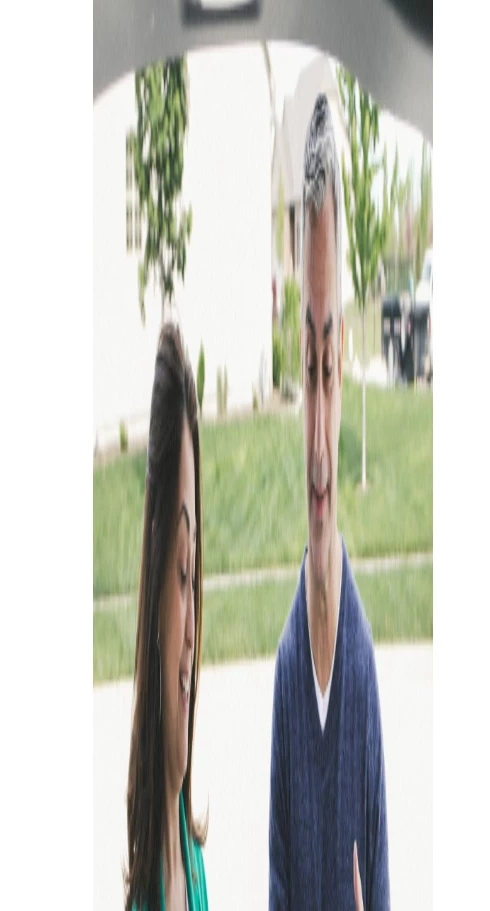
We are working on upgrading our image component from V2 to V3. I’m running into an issue with the images our on our site displaying larger in height and out of proportion. I am wondering if anyone else has experienced this and/or knows of a solution.


We do have widths set in the image component properties.
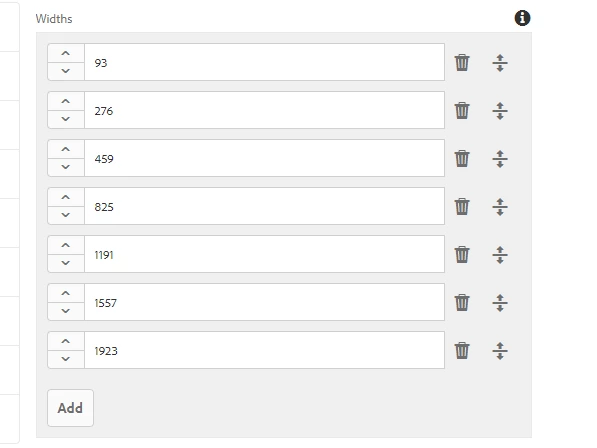


I tried also experimenting with the new width property. It helps, but some images look better than others, and the images are still not correct.




As a test, I tried updating the image component in the we.retail site and have the same issue. Is there an added config for this component I am missing for V3? We are using AEM 6.5.12 and AEM Core Components 2.19.0.

This post is no longer active and is closed to new replies. Need help? Start a new post to ask your question.

1 reply

JonMaguire
Level 3
December 1, 2022

I deferred upgrading this to work on other things but am now returning and the same issue is occurring. Hopefully this will bump the question back up in the list.

sreenu539
Level 7
June 1, 2023
JonMaguire
Level 3
June 2, 2023

Hi @sreenu539,


What worked for us were two things:

  1. We missed adding core.wcm.components.image.v3 to the embed property of clientlib.base
  2. We had to rebuild the clientlibs after deploying. Once that was done, the images rendered correctly.

Also, make sure your width and height properties are present.